Self-Improving Loops & Deterministic Gates
Let agents read their own logs, fix themselves, and pass hard gates.
What you'll learn
- Extract terminal pane text in CMUX as machine-readable context
- Build self-improvement error loops behind log-based deterministic gates
- Define natural-language contract boundaries and prune context
In a nutshell
This lesson is about turning agent failures into better tooling: capture the exact terminal state, feed it back into the agent or plugin workspace, patch for that fail case, then verify with hard evidence instead of trusting a happy-sounding completion message. John also zooms out into a boundary model: keep worker agents narrow, isolated, and tool-limited; let a context-rich orchestrator coordinate them; and aggressively reduce context for single-purpose daemon-style tasks.
Key concepts, explained
Terminal text extraction as context
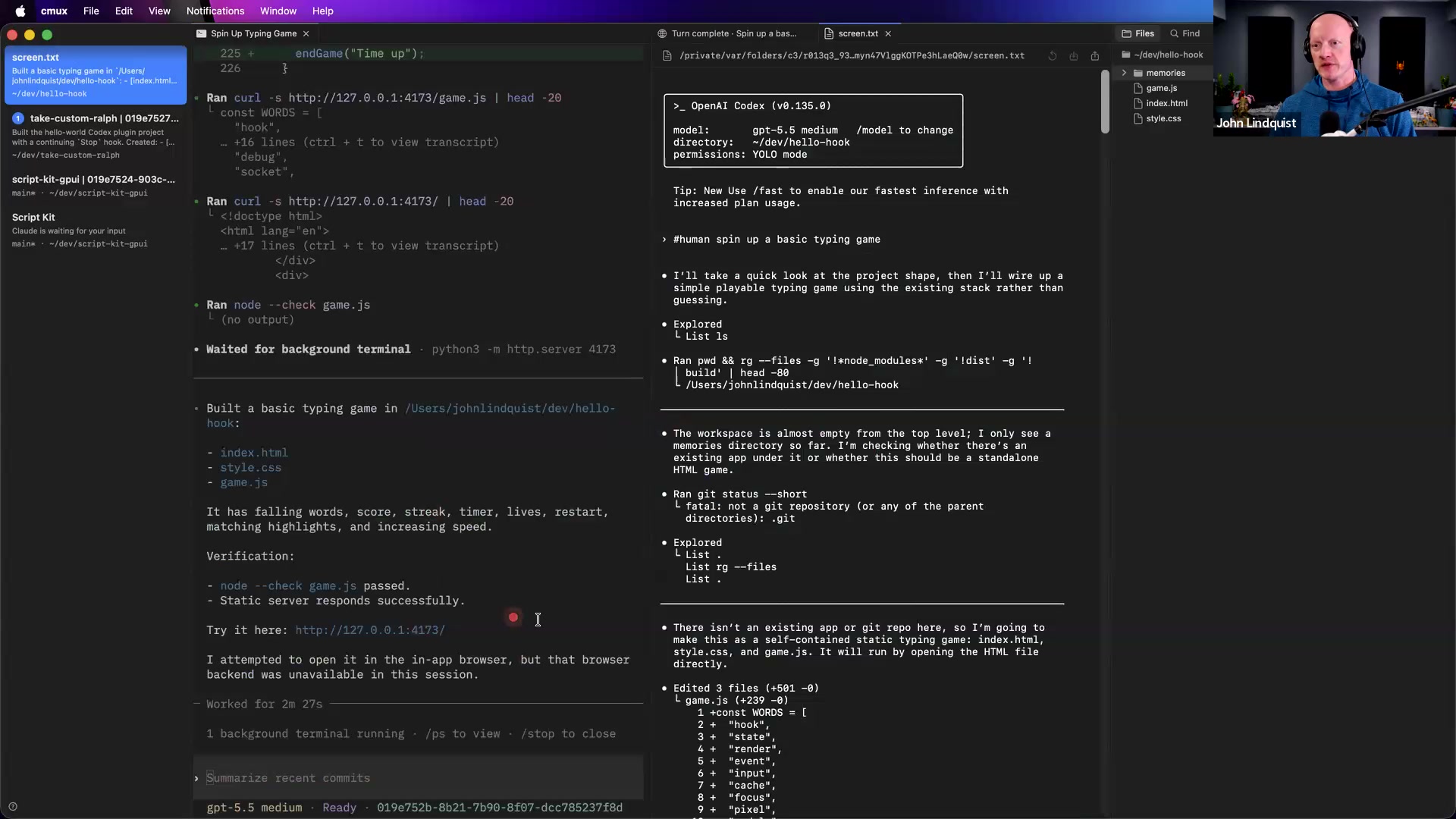
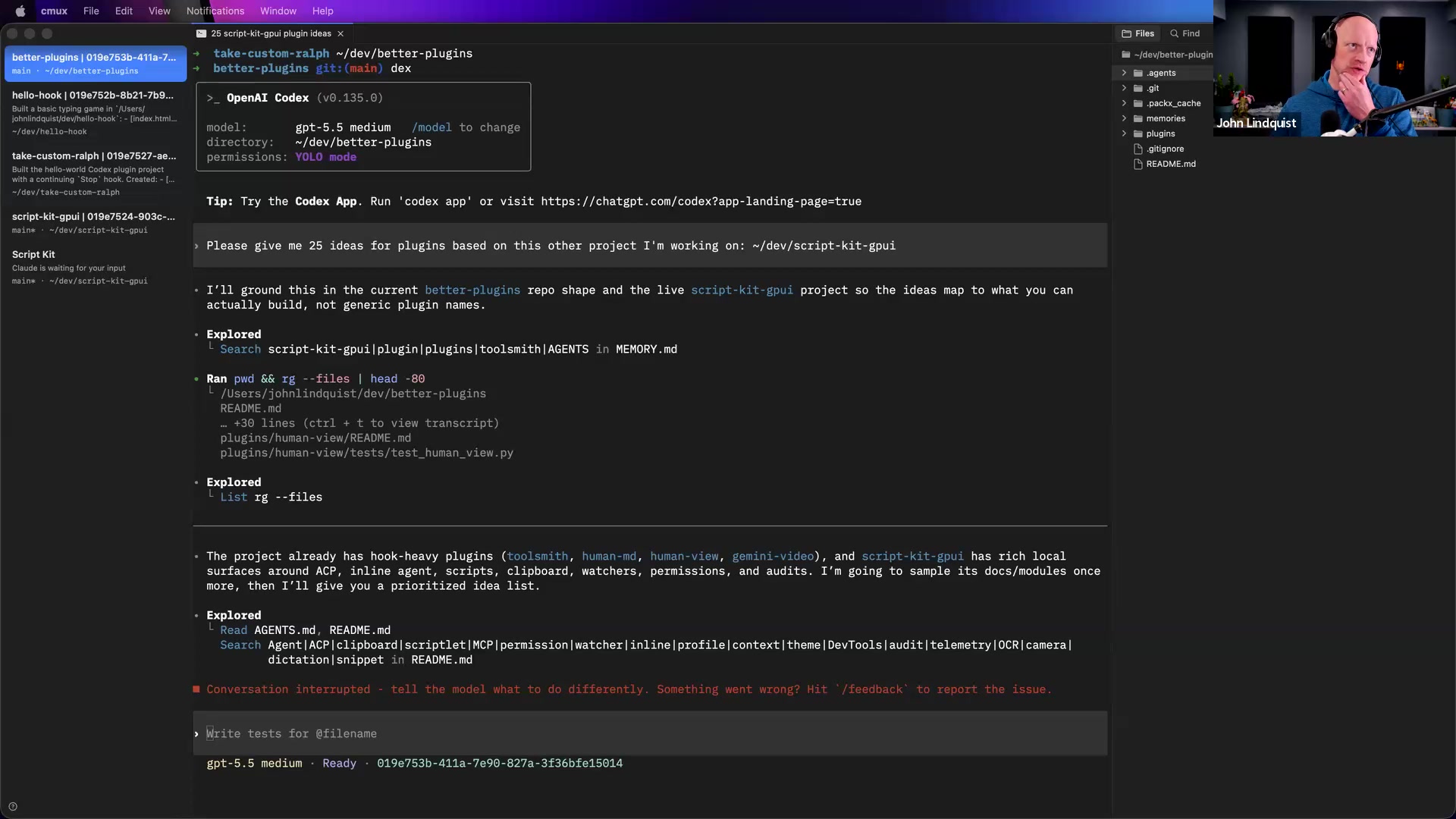
John shows a CMUX shortcut, Cmd-Opt-Shift-J in his setup, that takes the current terminal session and opens it as plain selectable text in an editor-like pane. Instead of fighting terminal scrollback, colors, and selection behavior, he copies the exact failure state and uses it as agent context.
Why it matters The fastest debugging loop starts with the real failure, not a vague summary of what you think happened.
Self-improvement error loops
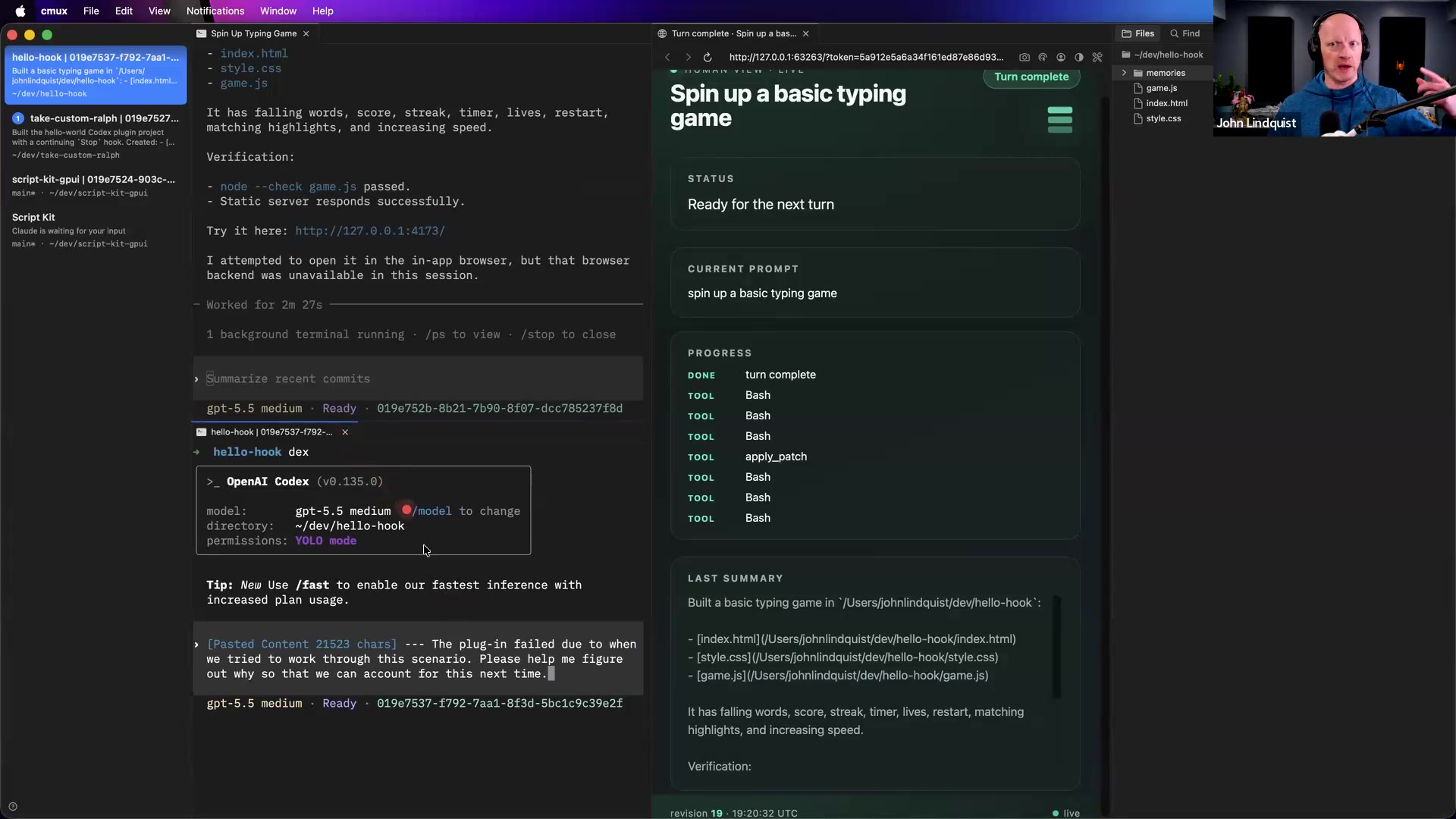
When a plugin or hook fails, John copies the failed session text and asks the agent to explain why the plugin failed in that scenario and how to account for it next time. The point is not just to fix one run, but to use the exact fail case to harden the tool or workflow.
Why it matters Tooling compounds when each failure leaves behind a stronger hook, workflow, or guardrail.
Log-based deterministic gates
John's default answer to verification is to write logs or other artifacts to files. Depending on the project, those artifacts might show that a file was created, an API call happened, an object had the expected shape, timestamps were recorded, or multiple sessions produced comparable outputs. A main agent can wait for worker sessions to finish, inspect the logs and text output, and compare them against the criteria.
Why it matters Agents are useful reviewers, but artifacts are the evidence. Logs make fix-verify loops inspectable instead of trust-based.
Natural-language contract boundaries
John frames modules, tools, and CLIs as boundaries that agents can own. A master orchestrator can hold broader project context and spin up focused agents, while each worker gets a narrow task, limited tools, and a clear English instruction payload. He compares this to API contracts, except the handoff can be natural language sent to an agent.
Why it matters Narrow agents are faster, easier to inspect, cheaper to run, and less likely to get distracted by unrelated context.
Context pruning for low-latency daemons
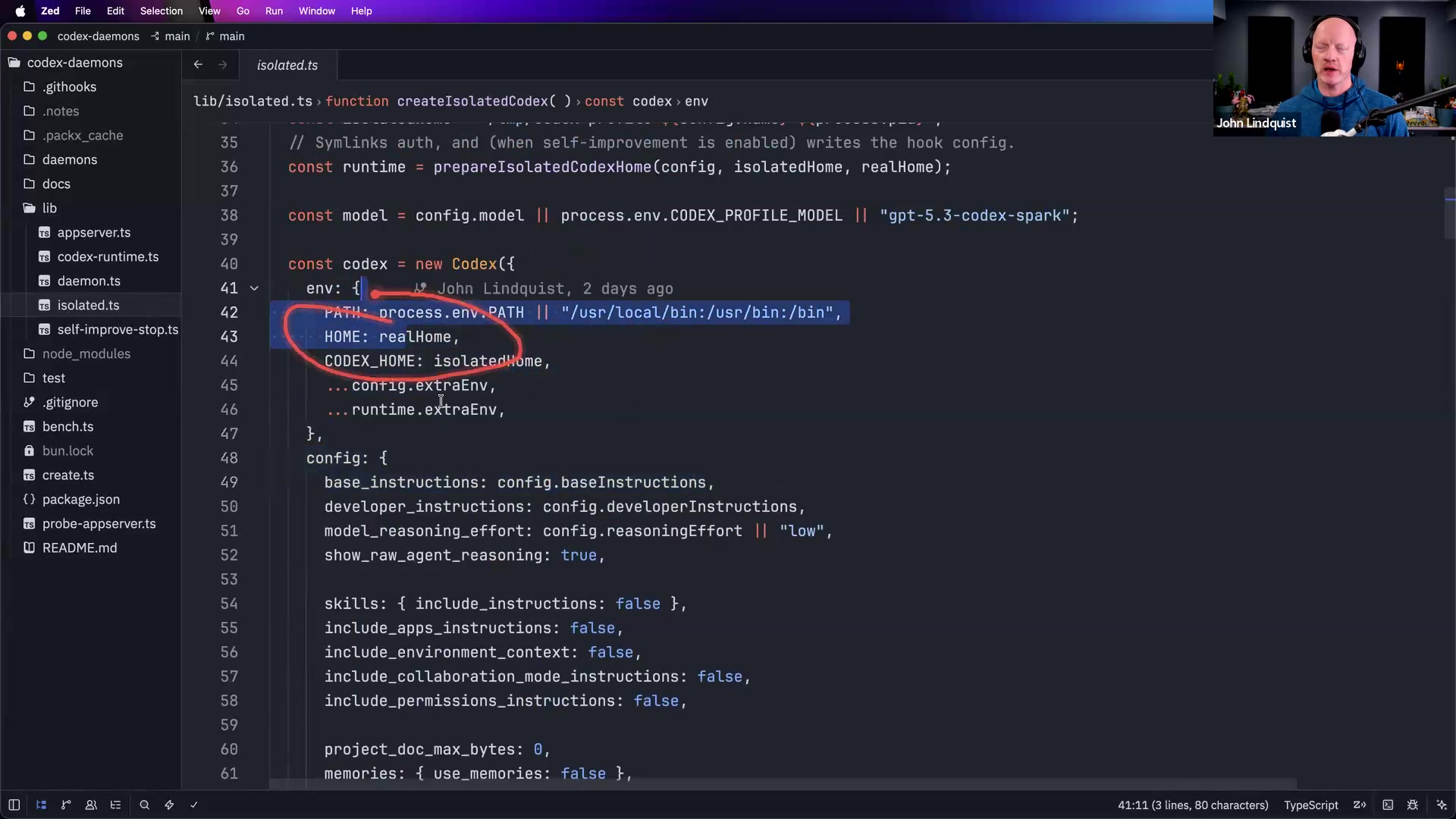
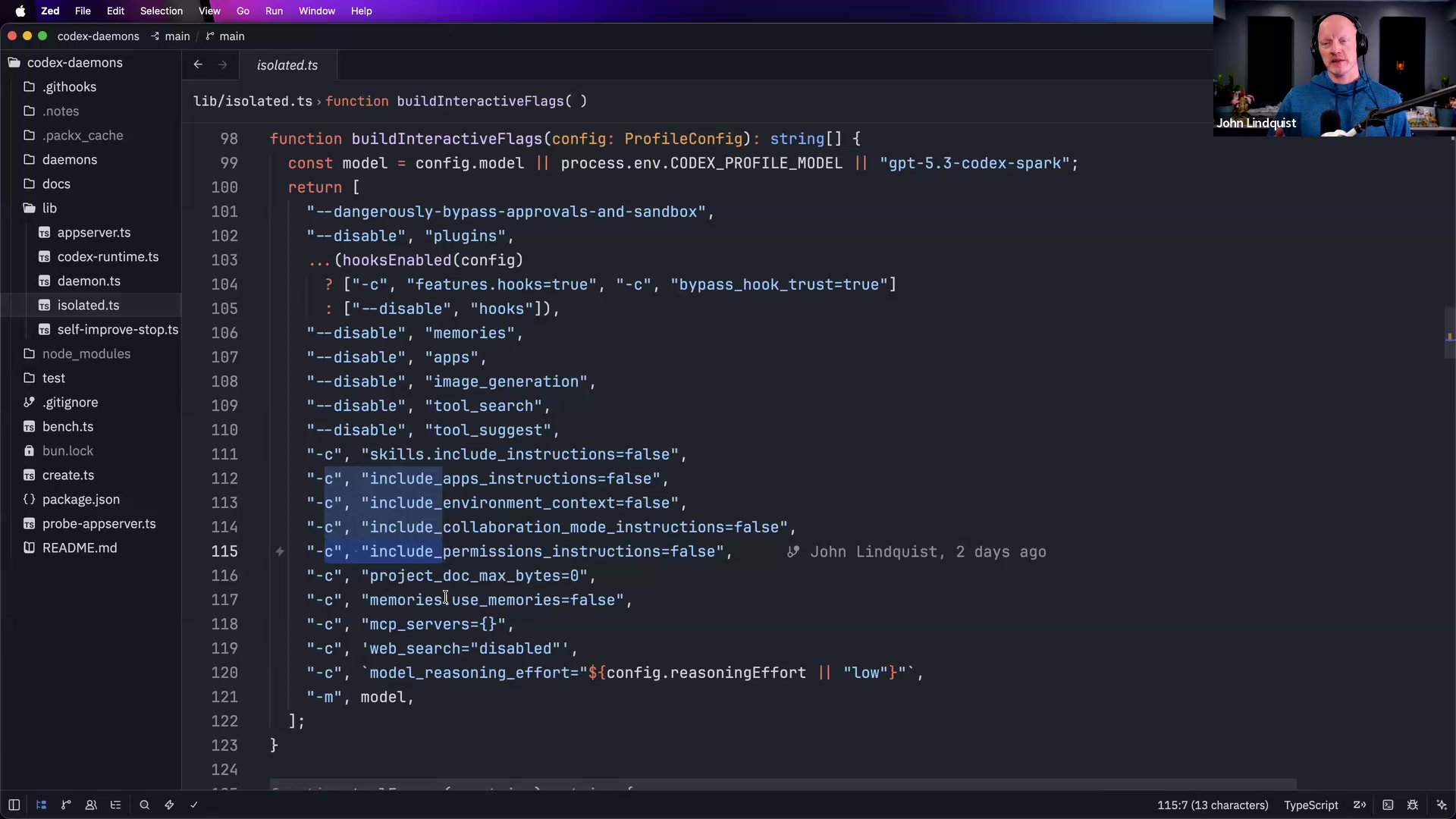
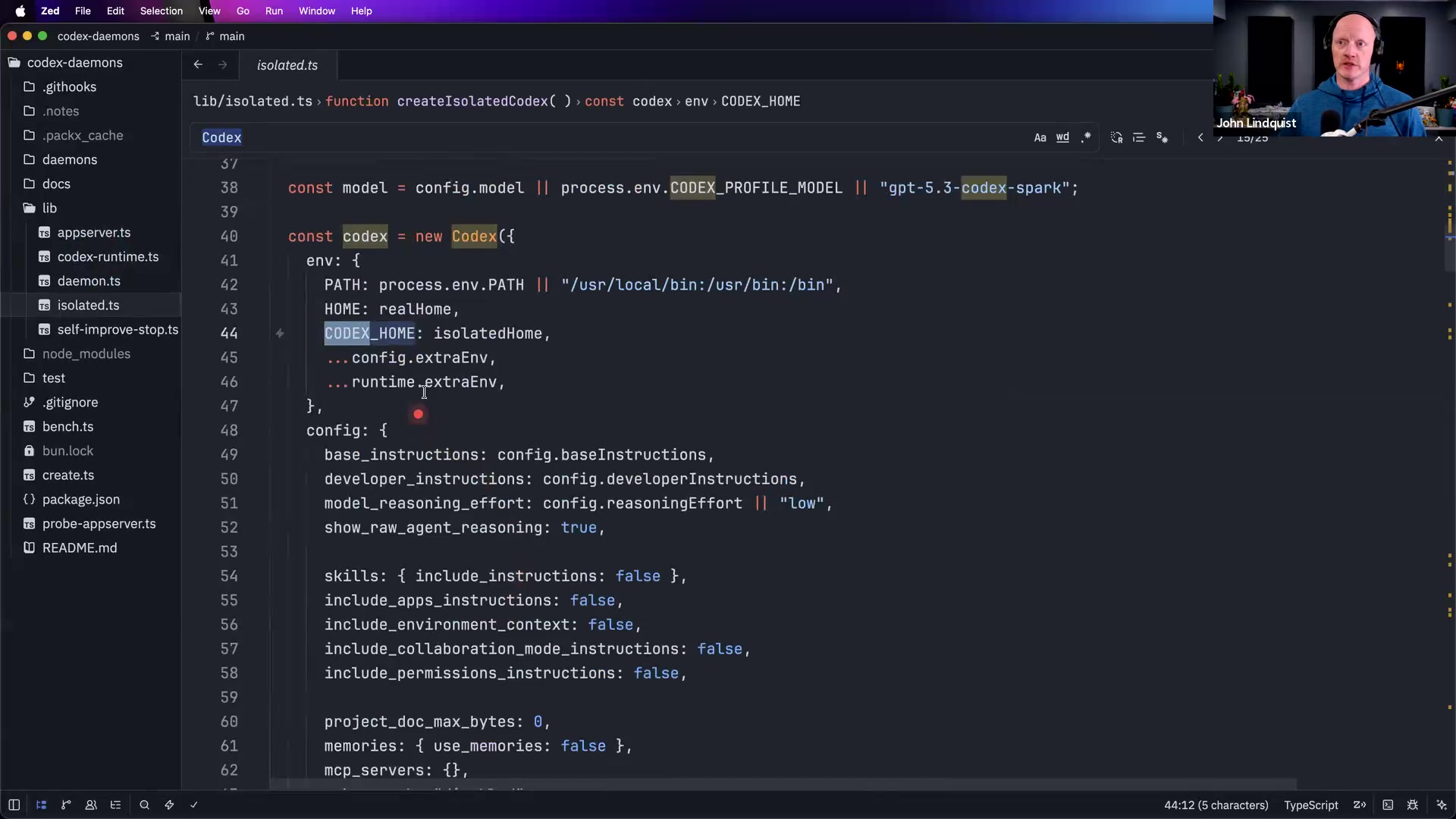
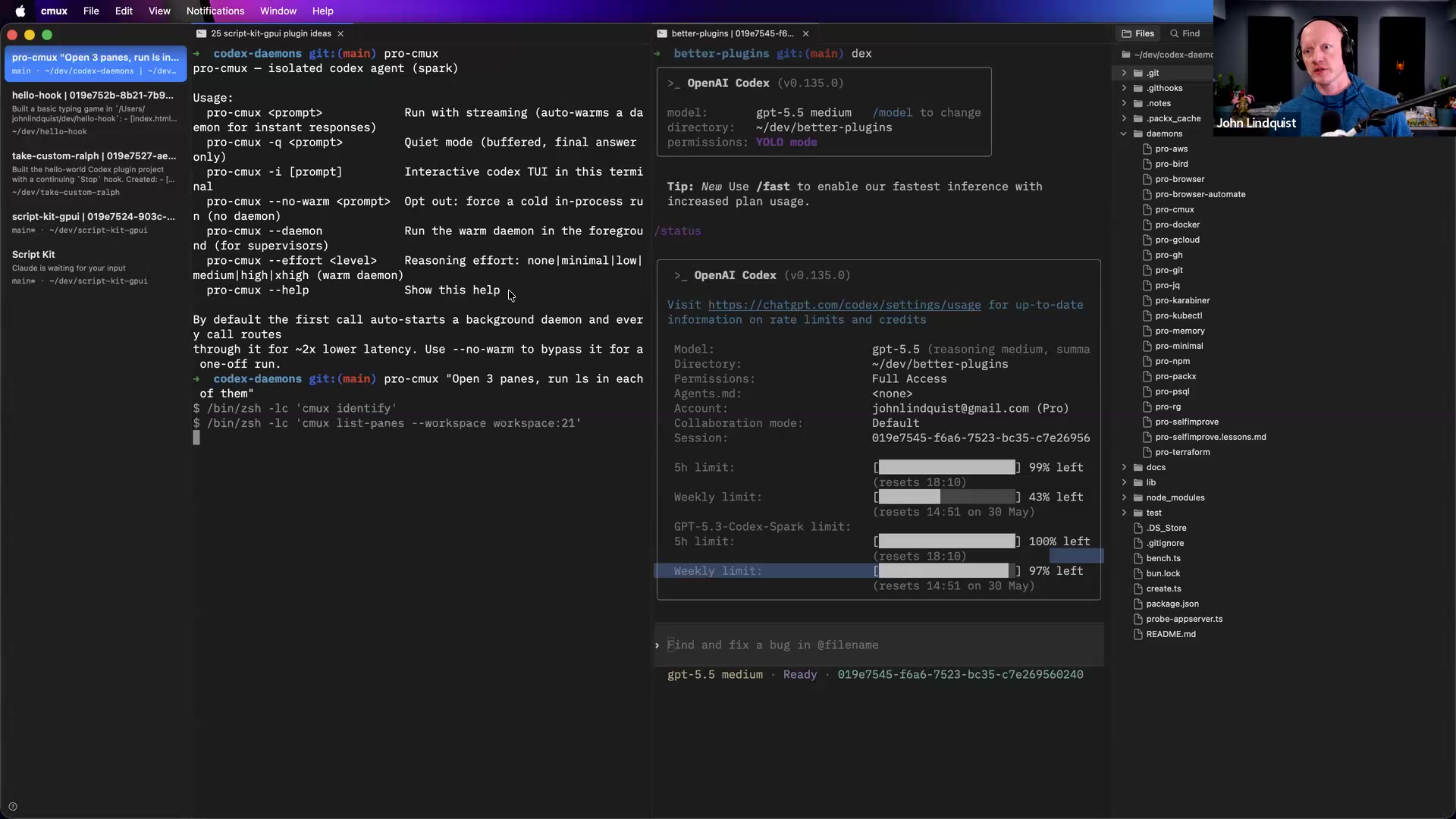
The codex-daemons demo shows an advanced experiment in stripping agent startup context. John redirects the Codex home directory, symlinks the needed auth file, disables memories, MCP servers, web search, and Agents.md/project rules, and runs hyper-specific daemon commands on Codex Spark Low by default. He also shows SDK thread warm-up so the first prompt can skip several seconds of startup work.
Why it matters For repetitive, well-scoped CLI-style tasks, less context can mean faster responses, lower quota pressure, and fewer distractions.
Curated references
codex-daemons
github.com/johnlindquist/codex-daemonsJohn's open-source project for low-context, single-purpose Codex daemon commands.
Reach for it when Reach for it when you want to study the virtual CODEX_HOME pattern, auth.json symlink approach, disabled context sources, Codex Spark Low usage, and warmed SDK thread pattern.
The terminal and agent workspace John uses to run panes, capture terminal sessions as text, and coordinate agent workflows.
Reach for it when Reach for it when you want pane-based agent workspaces, terminal text capture, or agent-driven terminal/browser automation.
GitHub CLI
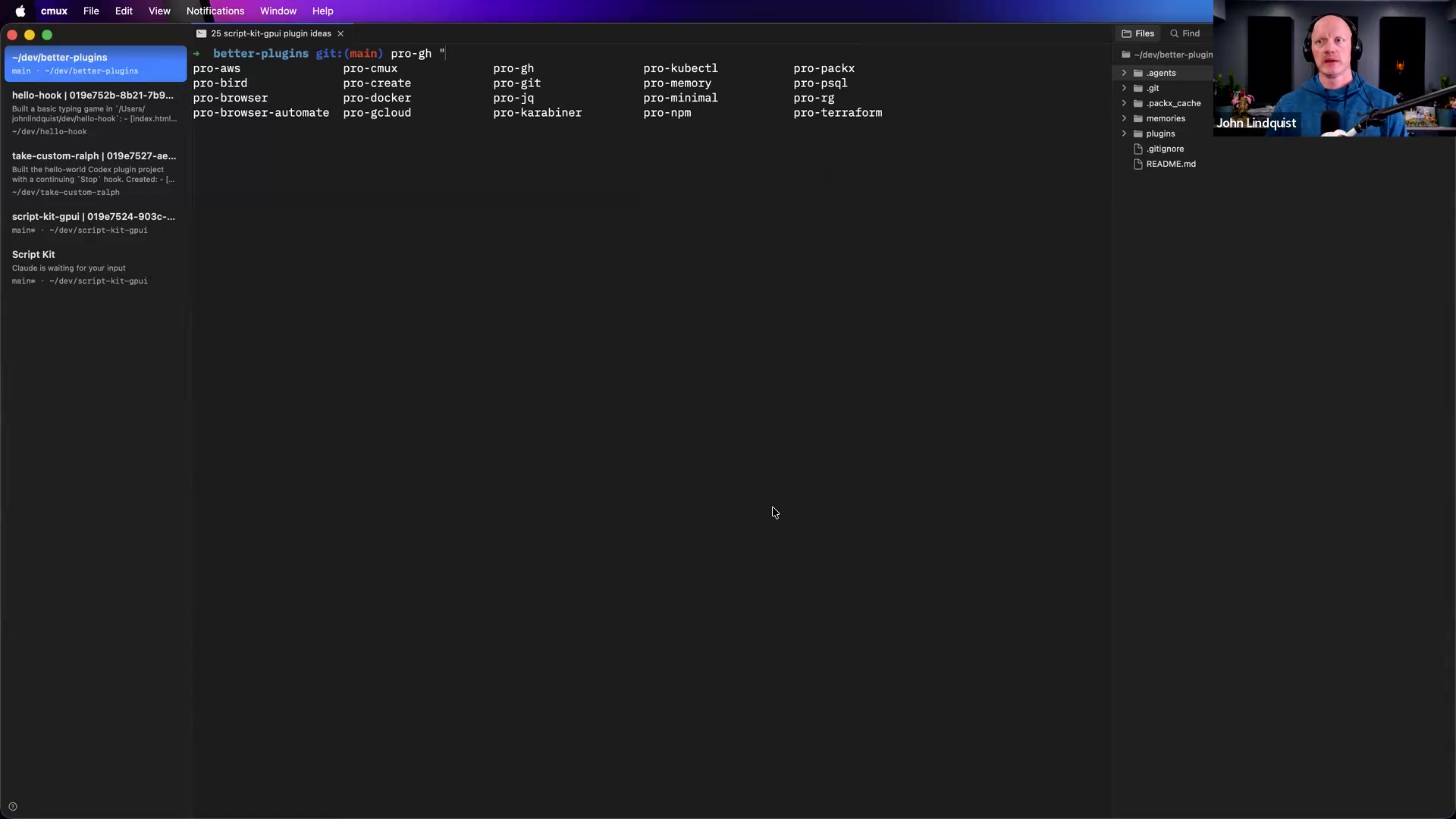
cli.github.comThe GitHub command-line tool used as the target of John's Pro GH daemon example.
Reach for it when Reach for it when a narrow daemon or agent should perform GitHub-specific tasks such as summarizing recent commits.
Better Plugins / Ralph hook example
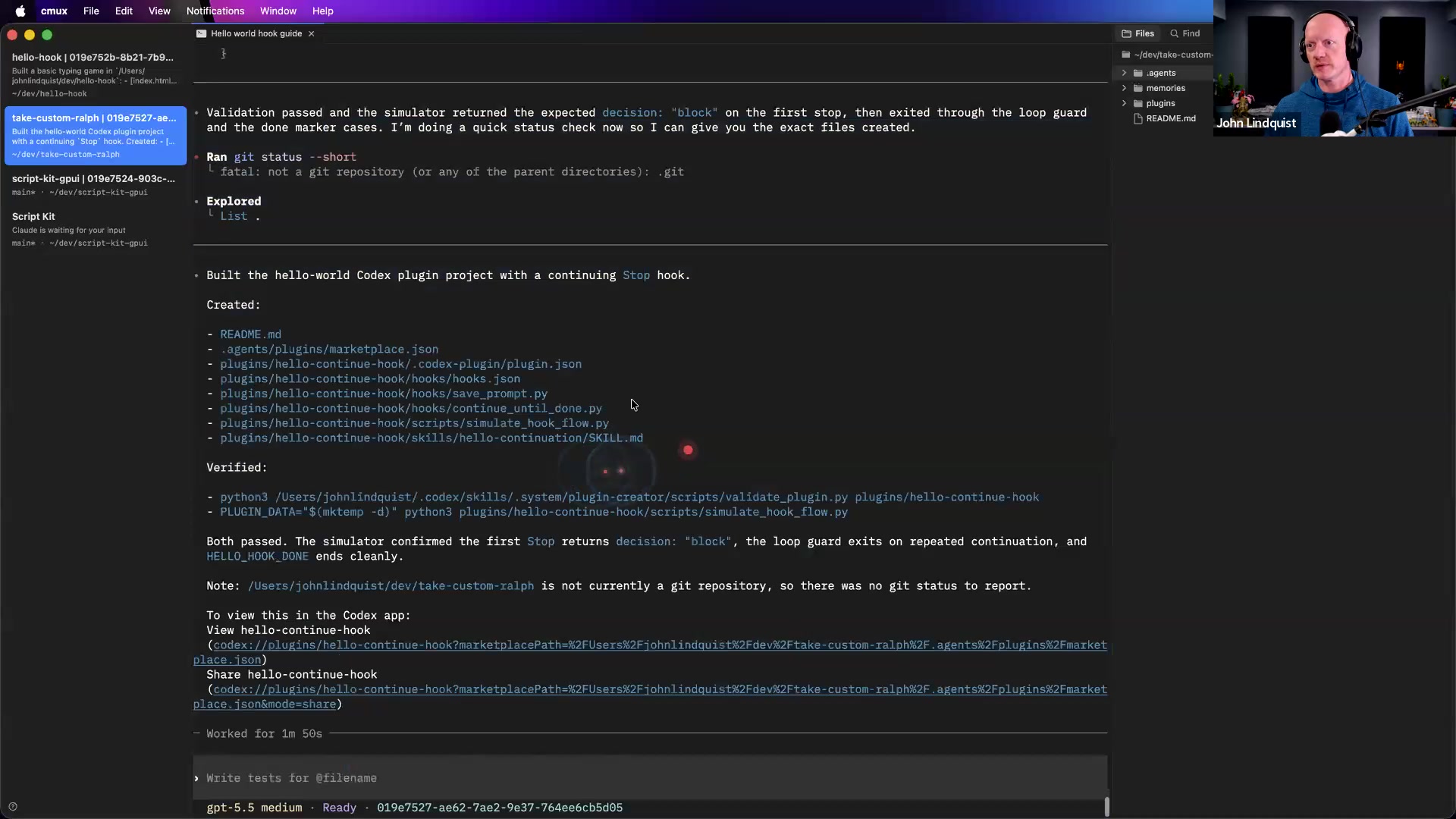
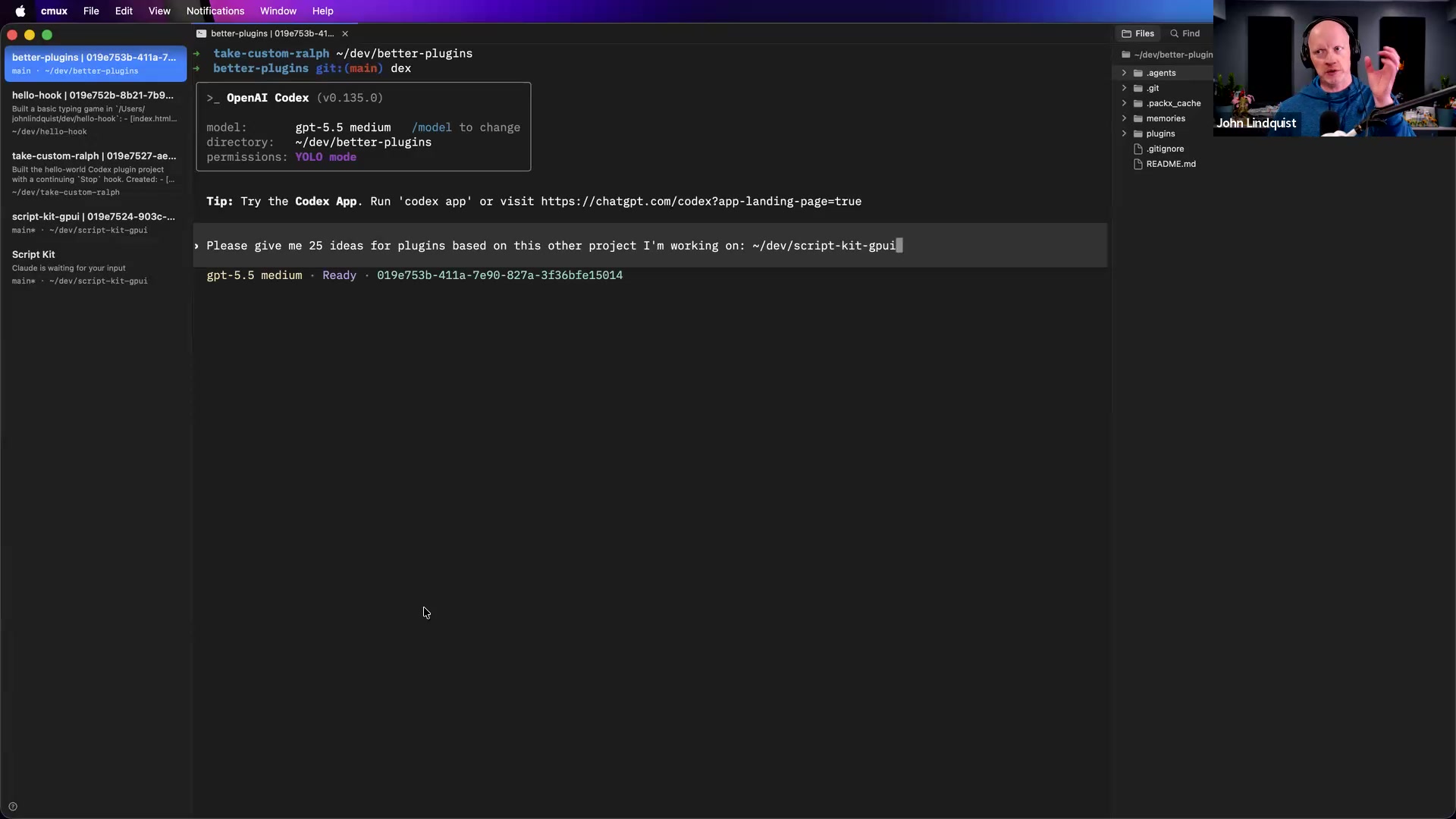
🔍 John Lindquist Better Plugins Ralph hookThe workshop plugin-hook workspace John used to show a Python Ralph hook, local validation, and agent-driven scenario testing.
Reach for it when Reach for it when you want examples of building hooks, installing them into an agent environment, and verifying them against a few scenarios.
Recommendations & best practices
- When an agent, hook, or plugin fails, capture the exact terminal output first; do not summarize from memory unless you have no other option.
- Use a repair prompt shape like: state the goal, paste the failure text after a colon, then ask the agent to explain why it failed and account for that case next time.
- Make verification concrete by writing logs or files that record what actually happened: API calls, object shapes, timestamps, terminal outputs, or whatever criteria your project requires.
- For multi-session verification, let the main agent wait for worker sessions to finish, inspect their logs and text outputs, and compare them against the criteria.
- Avoid giant all-knowing worker sessions for execution work. Keep the orchestrator context-rich, but make worker agents narrow, tool-limited, and easy to audit.
- Before fanning work out across agents, scope which tasks can be isolated, which tools each worker should use, and which boundaries define ownership.
- Treat CODEX_HOME redirection, auth.json symlinks, disabled memories/MCP/web search/Agents.md, model overrides, and warmed SDK threads as advanced experimental patterns; test what works in your own setup.
Make it stick
Practice capturing real failures, turning them into repair prompts, verifying work with artifacts, and designing narrow worker agents with clear boundaries.
🧩 Quick quiz
1. A hook fails in a CMUX terminal pane and prints a long stack trace. What should you do first if you want the fastest useful self-improvement loop?
2. What makes a log-based deterministic gate stronger than an agent's completion claim?
3. In this lesson's boundary model, what should the master orchestrator usually do?
4. Why would a Codex daemon use a redirected home directory and disable memories, MCP servers, web search, and project rules?
5. Which prompt shape best matches the lesson's repair loop?
✅ Try it yourself
🚀 Challenges
Failure Capture Drill
EasyBreak a small local script on purpose, capture the exact terminal failure as clean text, and use it to ask Codex to explain the cause and patch the code. Do not summarize the error manually.
Done when: The repaired script handles the original failure case, and your prompt includes the raw captured output rather than a vague description.
Log Comparison Gate
MediumAdd file logging to one hook or CLI workflow, then run three sessions or scenarios and save one log artifact per run. Include the facts your project needs to verify the run, such as an API call, object shape, result, error, timestamp, or terminal output.
Done when: A verifier or supervisor agent can read the log files and clearly compare each run against the expected criteria without relying on the worker agent's chat response.
Boundary Contract Map
MediumChoose a feature in one of your projects and split the work into an orchestrator plus two or three narrow worker agents. For each worker, write its natural-language contract, allowed tools, out-of-scope areas, required inputs, and required outputs.
Done when: Another developer could read the map and know which agent owns each part of the work, where handoffs happen, and what context should be pruned from each worker.
Low-Context Daemon Prototype
HardStudy or prototype a small wrapper around a CLI-style target such as GitHub CLI or CMUX. Isolate the agent context as much as your tooling allows: redirect the home/config context, symlink only the required auth/config if needed, disable extra context sources where possible, and compare behavior against your normal setup.
Done when: You can show a before-and-after comparison of startup context, speed, or focus, and you have documented which parts of the setup are experimental or hacky.
💭 Reflect
- Where in your current workflow are you still trusting an agent's claim instead of checking an artifact?
- Which agent tasks in your projects would get faster or safer if they had less context, not more?
- What log output would let an orchestrator compare multiple runs against your actual success criteria?
Go deeper
- Build a tiny local failed-session library: save terminal captures into dated files, then use them as regression prompts when improving hooks.
- Prototype a deterministic gate for one workflow: run a few sessions or scenarios, write a log artifact for each run, and compare expected criteria versus actual outputs.
- Create a natural-language contract map for your project: list each module, the agent that owns it, the tools it may use, and the inputs and outputs it should exchange.
- Experiment with a single-purpose daemon around a demonstrated CLI-style target such as GitHub CLI or CMUX, and measure whether reduced context improves speed, focus, or reliability.
- Add logs, tracing, or telemetry around boundary crossings so an agent can inspect when work reached outside its intended scope.
Moments worth pausing on
Screens captured from this part of the workshop — click any to open full size.