Design With Images & Video
Generate a look, hand it to an agent, and let video carry your intent.
What you'll learn
- Run CMUX as a primary orchestrator with token-efficient flash models
- Use image generation as a design reference and hand off image-to-design
- Prompt with video and navigate the MCP-vs-CLI boundary
In a nutshell
This lesson is about turning vague intent into useful signals your agents can actually build from: split work into focused CMUX sessions, pick models based on the shape of the task, use generated images as concrete design references, and use video when a sequence of code or UI state matters. John also draws a practical boundary between deterministic scripts or CLIs, fuzzy agent reasoning, MCP wrappers, and operational tools: do not over-abstract when a simple command would be clearer, safer, and easier to reason about.
Key concepts, explained
CMUX as a primary orchestrator
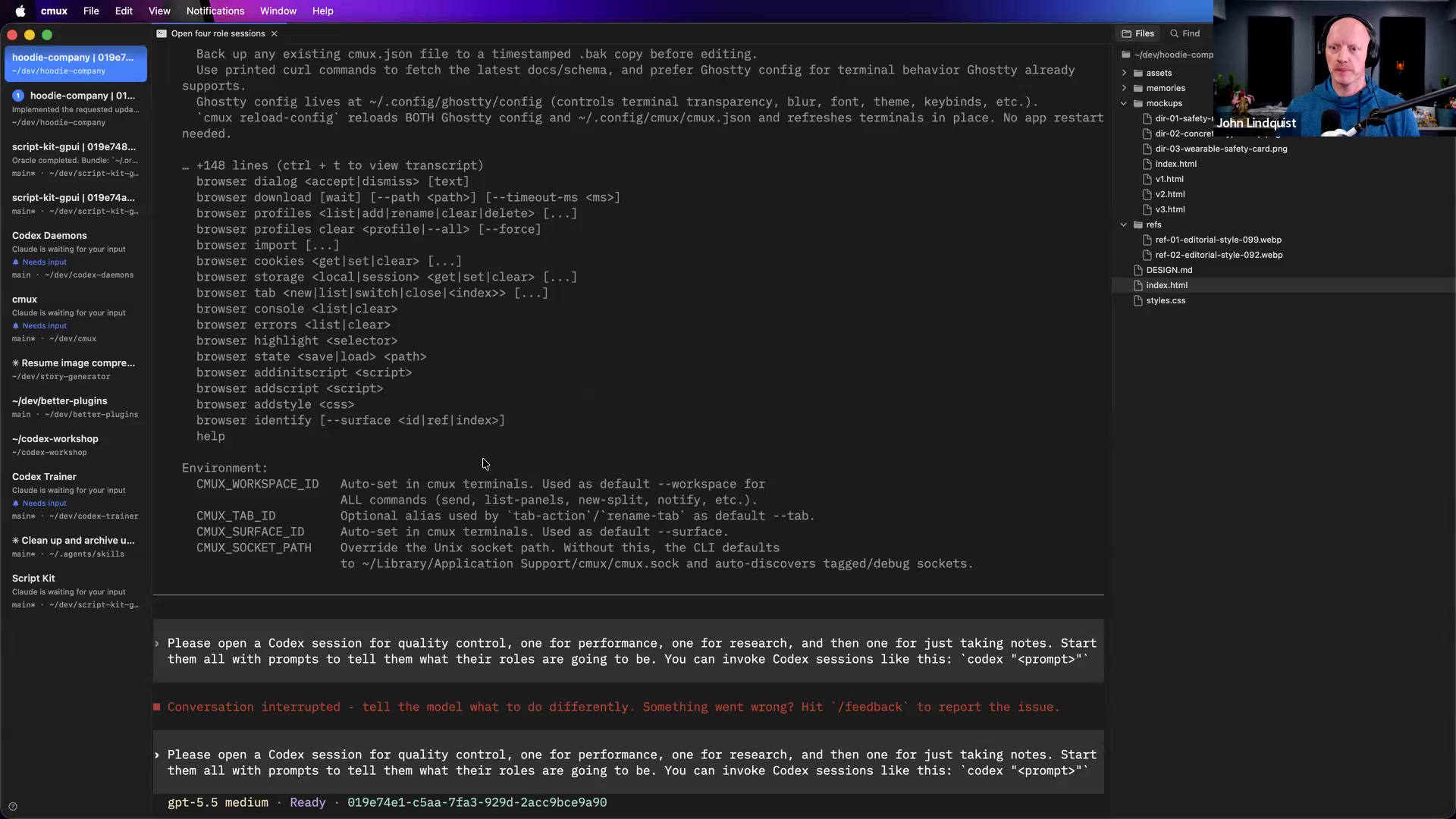
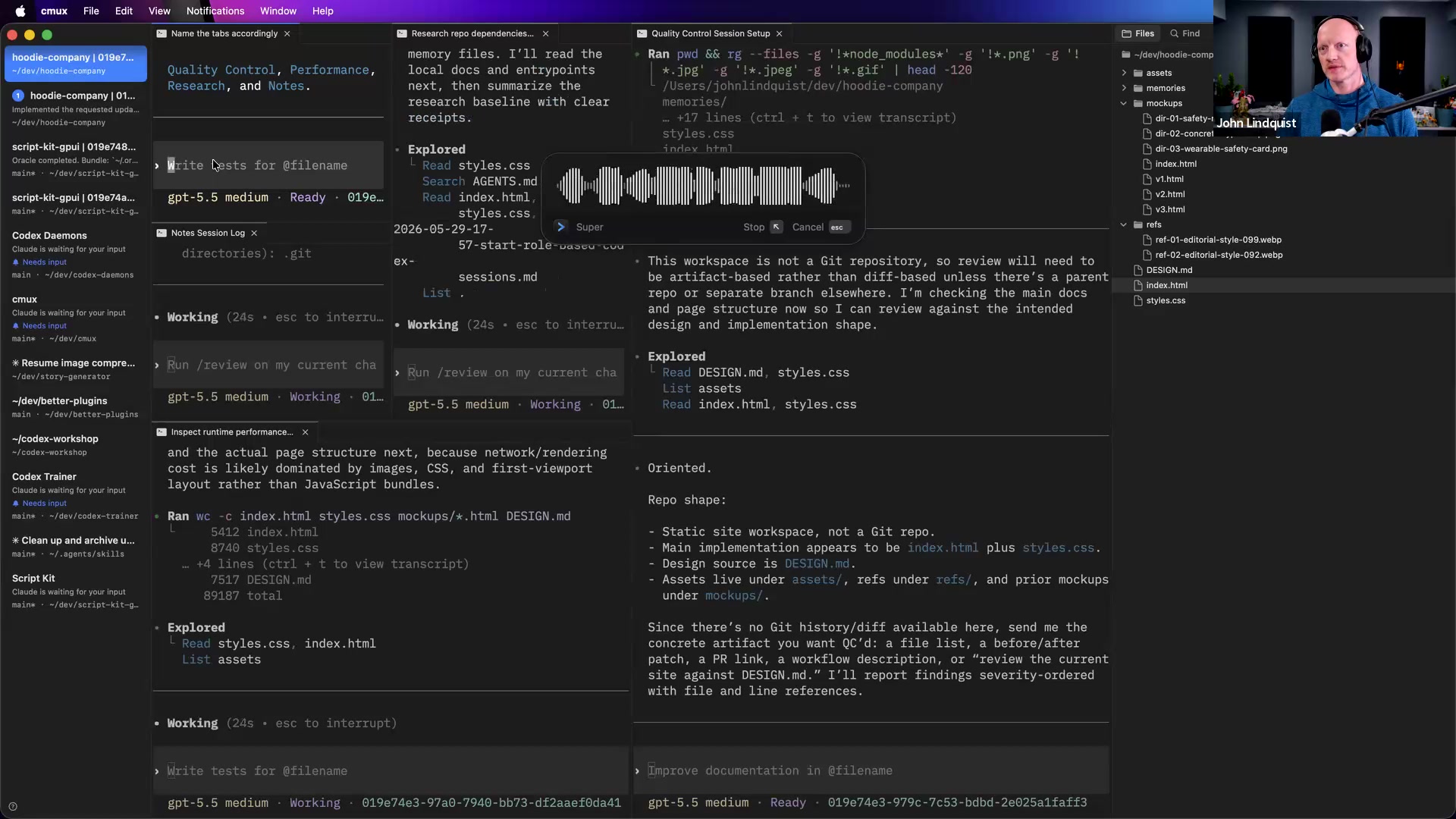
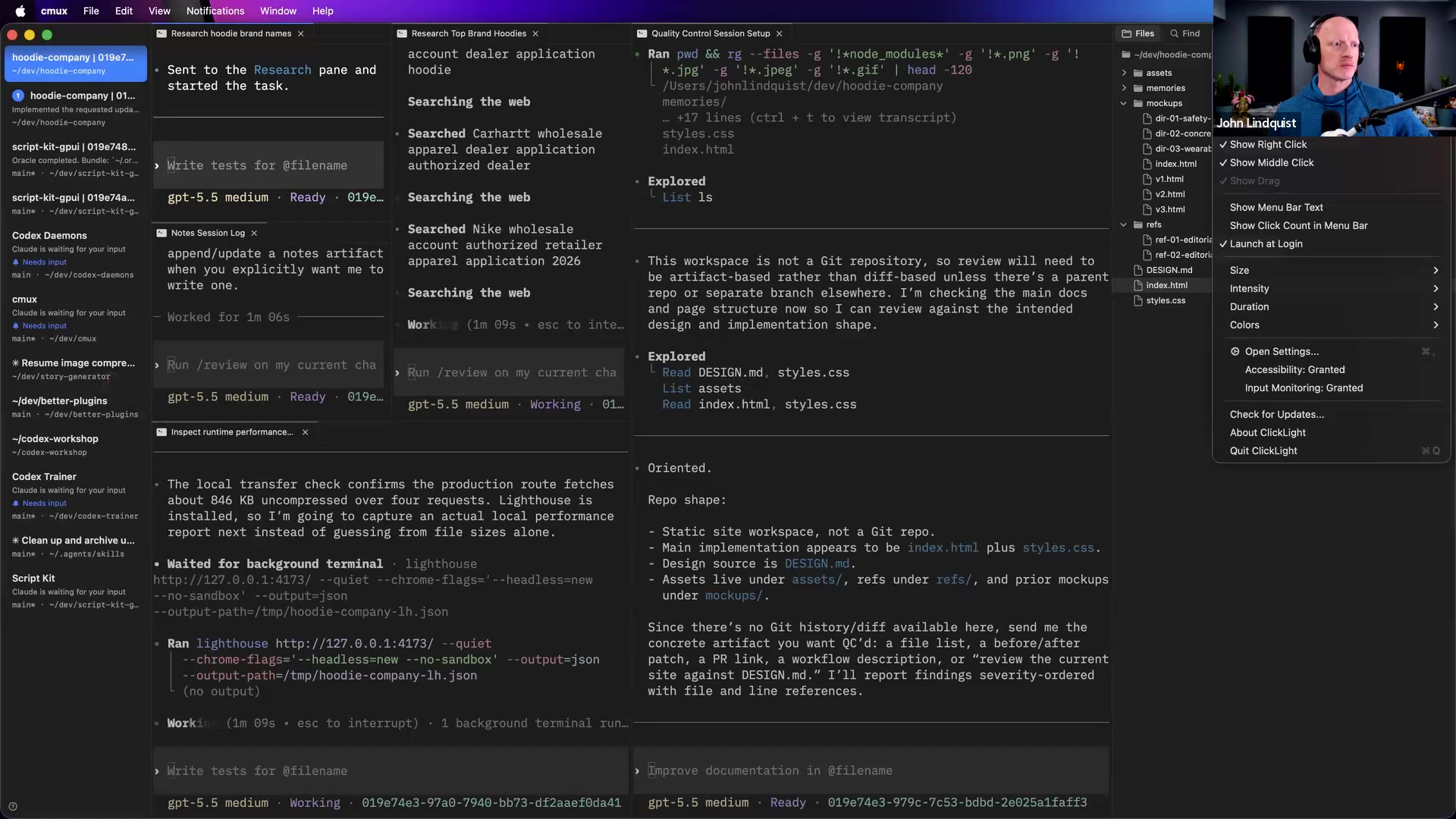
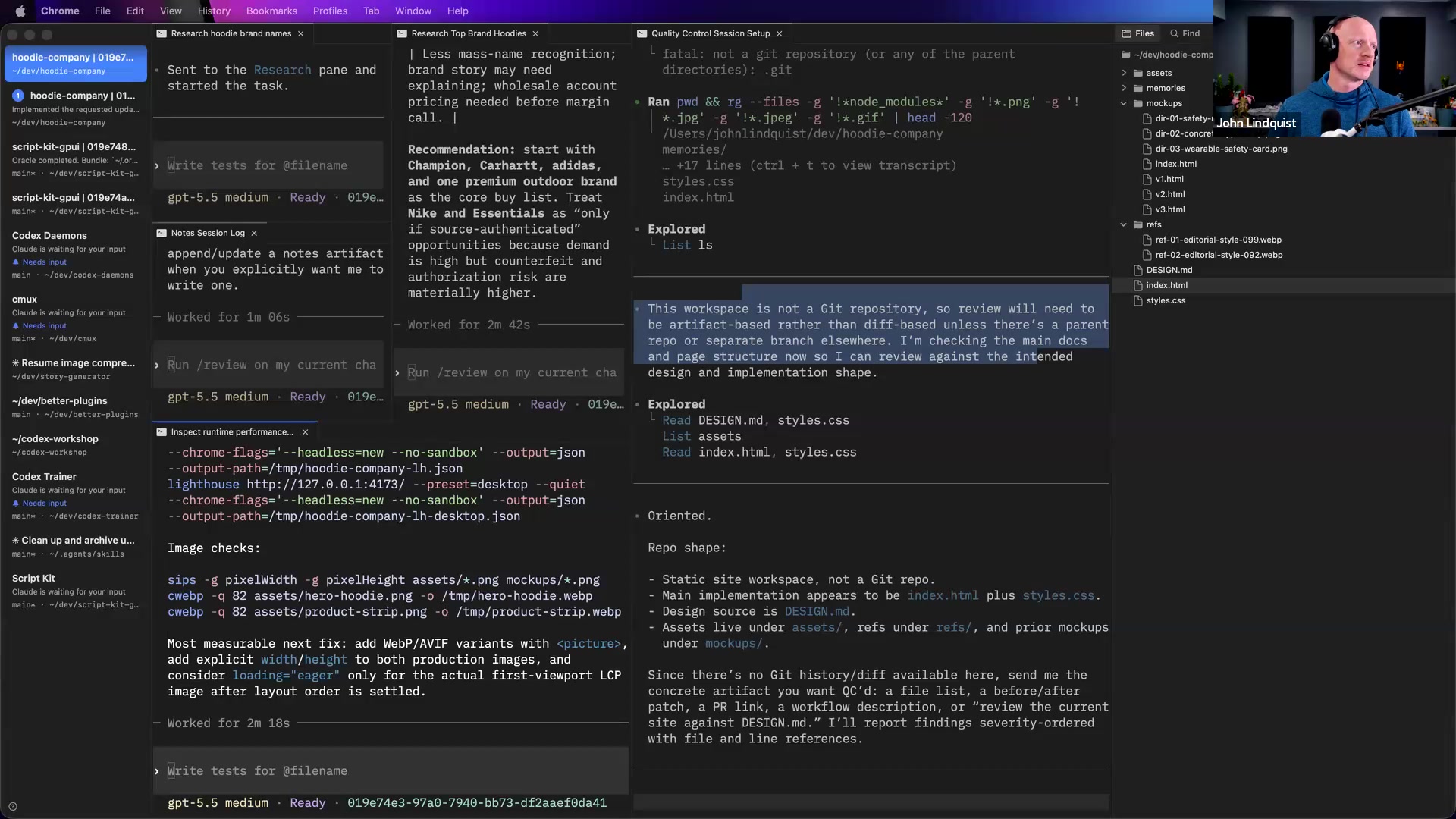
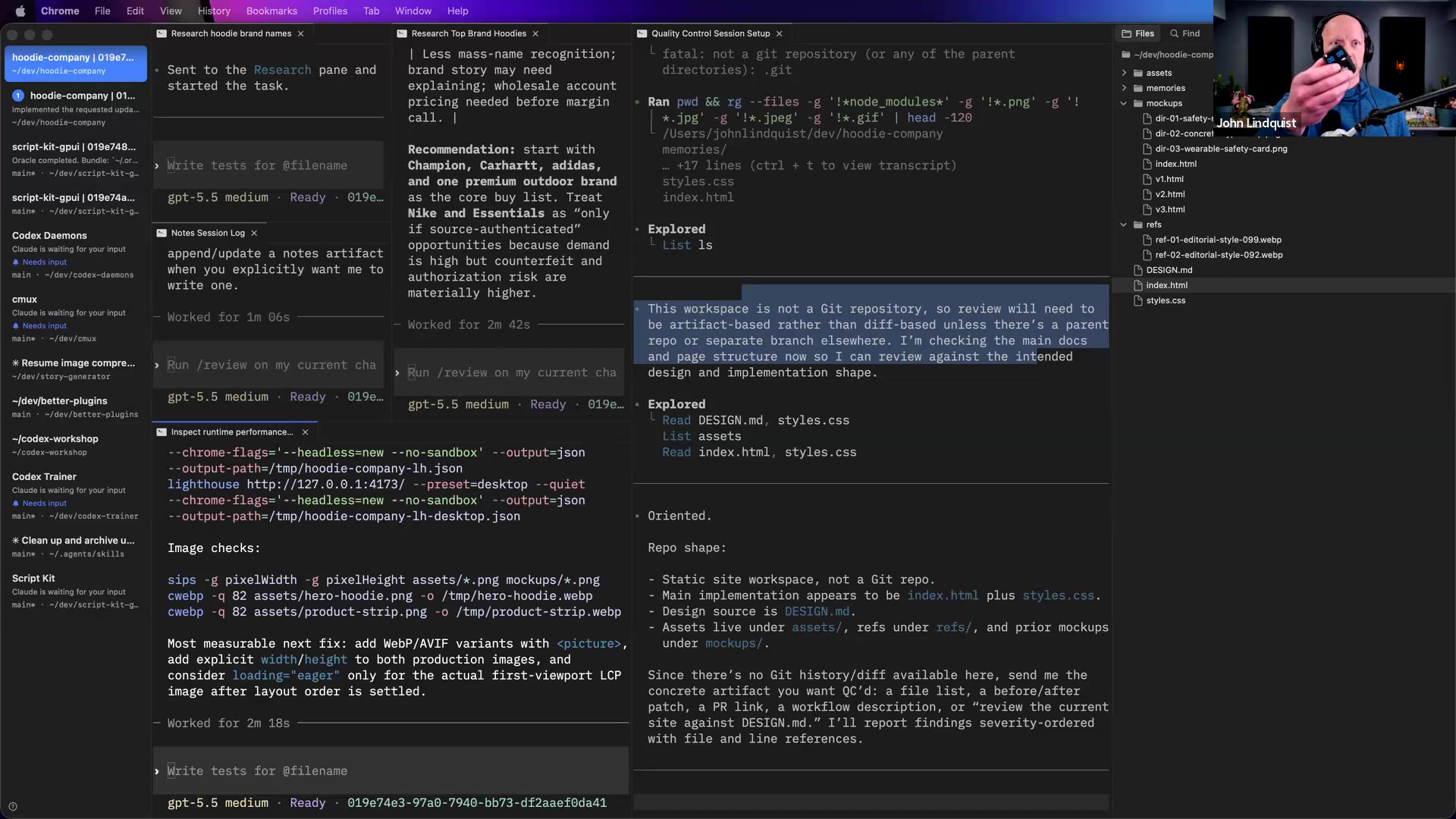
John demonstrates a main CMUX session opening specialized Codex panes for quality control, performance, research, and notes. The main pane becomes the coordinator, while each child pane has a narrow role and can work independently.
Why it matters This keeps context cleaner and makes delegation visible. It gives you a practical way to monitor several agent tracks without dumping every task into one large prompt thread.
Model choice by task shape
John frames Codex as his default coding worker, especially when goal-following and token efficiency matter. Claude can be useful as a conversational manager or design helper, while Flash-style models are best for quick, tightly scoped tasks and weaker for long chains that require self-correction.
Why it matters Good model choice is a cost and reliability decision, not a brand preference. Matching the model to the task reduces wasted tokens and lowers the odds of an agent spiraling while trying to fix its own mistake.
Image generation as design reference
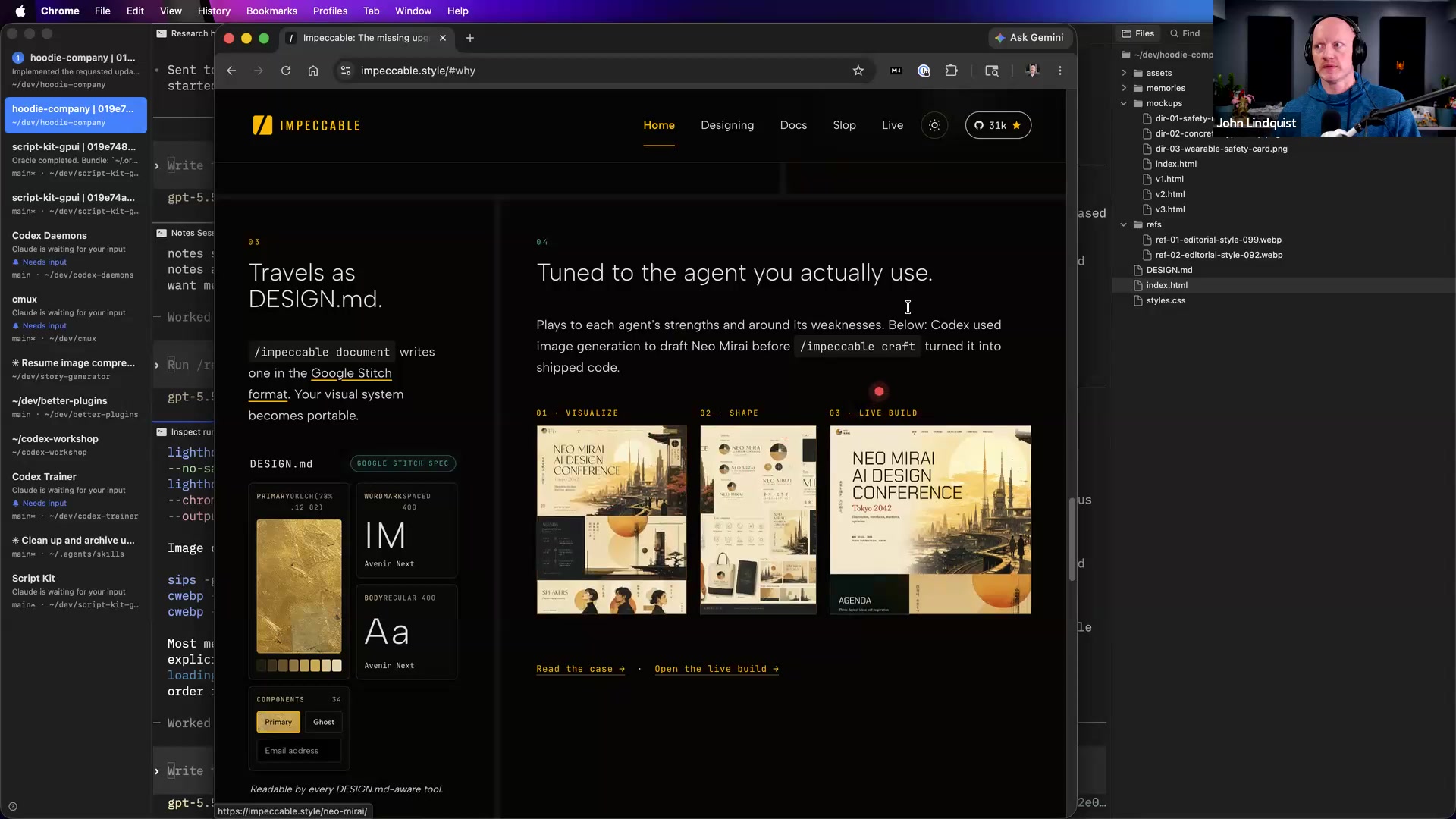
For UI work, John recommends generating sheets of visual variations before committing to a direction. For example, he describes taking a screenshot of a component and asking for many variations, then picking the favorite as the design direction.
Why it matters Images collapse ambiguity. They let non-designers express taste through selection, which is often easier than inventing exact CSS, spacing, motion, and layout language from scratch.
Video prompting for high-context intent
John describes uploading video to Gemini by hand and also using scripts that upload to Google's backend to extract code snippets, key parts, timestamps, and screenshots. Video can preserve the flow of a demo or code walkthrough better than a written description because the model sees the sequence of states.
Why it matters When the task depends on timing, UI state, or code changing over time, video can carry intent that text misses. The practical caveat he names is that scripted backend use can involve cost and auth-token setup.
MCP versus CLI boundaries
John warns that it can get weird to build a skill just to call an MCP wrapper when the skill could have called a CLI directly. His broader rule is to define boundaries around what needs tests, what needs flexibility, where memory belongs, and which agents should have access to which tools.
Why it matters Clear boundaries make agent systems easier to reason about. If a workflow is deterministic and testable, a direct CLI or script may be simpler than an unnecessary MCP layer; use agent reasoning where judgment, interpretation, or flexible planning actually adds value.
Curated references
The workspace John uses to automate terminal tabs and panes, launch Codex sessions, name them by role, and coordinate multiple focused agent tracks.
Reach for it when Reach for it when you want a visible multi-agent command center where one main session can create, name, monitor, and delegate to focused panes.
Codex CLI
🔍 OpenAI Codex CLIThe coding agent John uses as his default programming worker in the workshop, especially for goal-driven implementation tasks and token-efficient coding work.
Reach for it when Reach for it when the task is real code work that needs persistence, goal-following, and stronger follow-through than a tiny one-shot model.
Google Gemini video prompting
🔍 Google Gemini API video understandingThe multimodal workflow John describes for processing screencasts into timestamps, screenshots, code snippets, and key moments.
Reach for it when Reach for it when text alone is not enough to explain a demo, code walkthrough, or UI behavior over time.
Impeccable
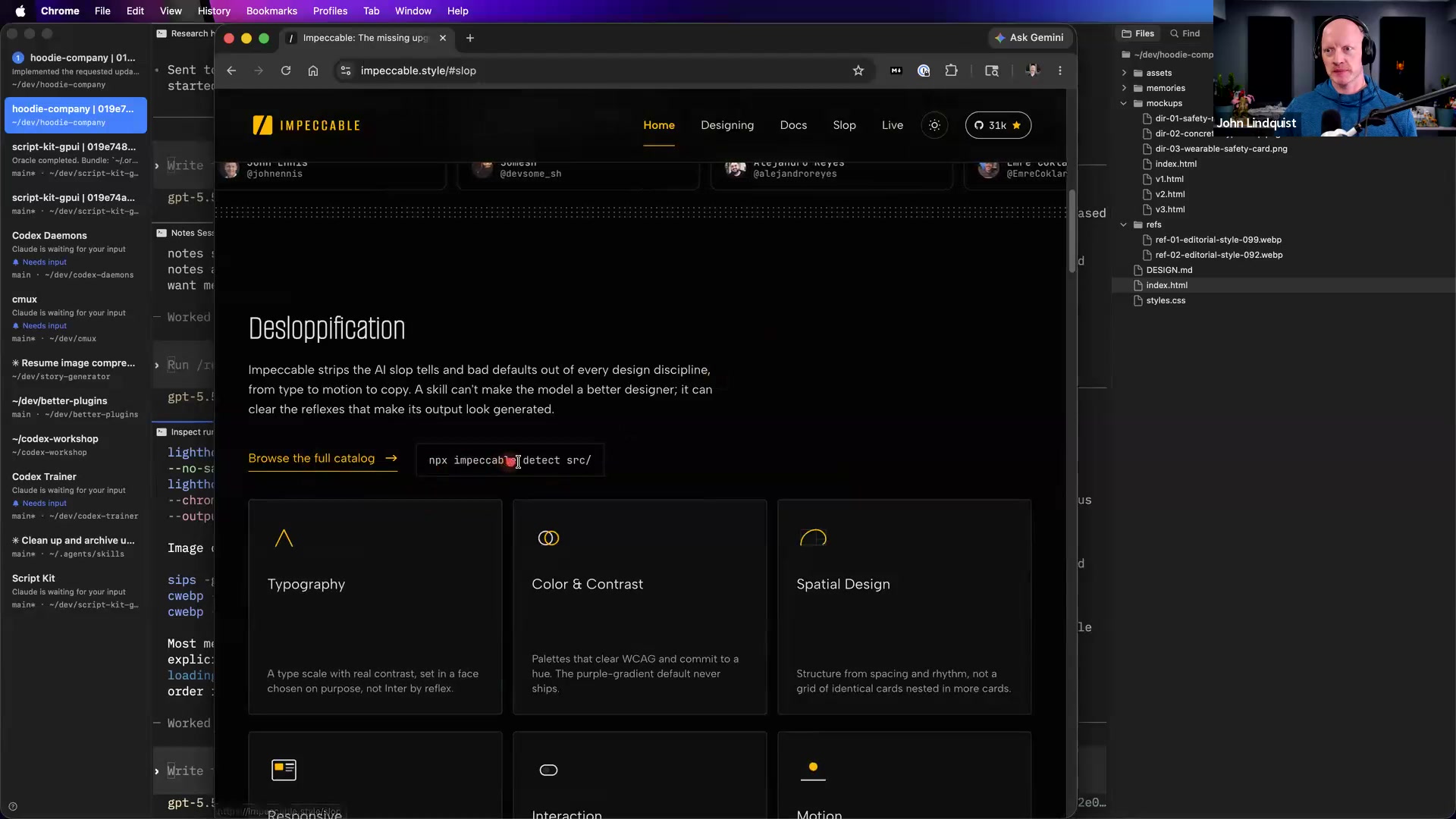
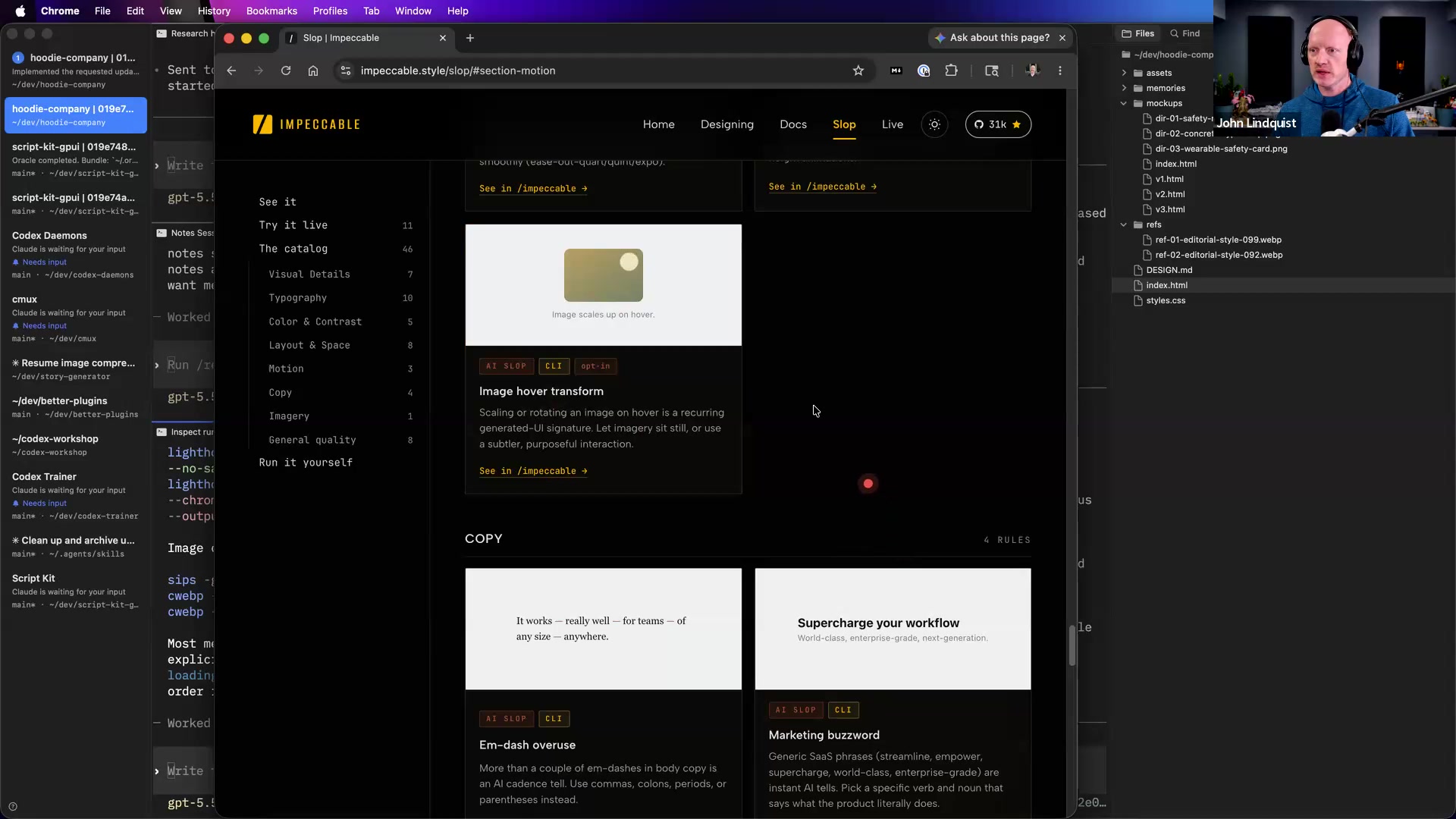
🔍 Impeccable npx impeccable CLIA visual design-to-code workflow John briefly highlights as aligned with his image-to-design approach. He notes its recent npx impeccable CLI, Design.md output, generated-image workflow, and motion/delight features, but does not walk through using it.
Reach for it when Reach for it when you want to explore turning generated design images into frontend implementation, while recognizing this section only gives a high-level overview.
A Google CLI workflow repository John shared while describing account automation across email and other Google services.
Reach for it when Reach for it when exploring operational automation around Google account data, but be careful because these workflows can read, draft, send, or otherwise act on real account information.
Recommendations & best practices
- Create a reusable CMUX setup prompt that opens four panes with explicit roles such as Research, Quality Control, Performance, and Notes, then practice delegating one real subtask to a named pane.
- Use Codex for coding work that needs goal-following and persistence. Use Claude when conversation or design help matters. Use Flash-style models for quick, tightly scoped tasks where speed matters and failure is cheap.
- Before asking an agent to build or revise a UI, generate a sheet of visual variations and pick the direction you actually like. A selected reference image beats a vague taste prompt.
- Use video when the important part is a sequence: a demo, a changing UI, a code walkthrough, or a moment where timestamps and screenshots matter.
- Expect scripted video processing through Google's backend to involve auth-token setup and cost, even if manual drag-and-drop is still useful.
- Keep deterministic automation in scripts or CLIs, and reserve agent reasoning for decisions, interpretation, and fuzzy planning. Do not wrap a CLI in MCP just because MCP is available.
- Be careful with Google CLI-style account automation. John's example was powerful precisely because it could gather information and act on real email/account workflows.
- Use a physical Pomodoro or off-keyboard reset ritual if you run many agents at once. The point is to force your brain to stop monitoring every pane continuously.
- For scheduling, monitor actual outputs such as git diffs, PRs, Slack, email, or agent progress rather than only summarizing chat logs.
Make it stick
Practice turning messy visual intent into concrete agent instructions using CMUX, generated references, video context, and clear tool boundaries.
🧩 Quick quiz
1. Why does the lesson recommend using CMUX as a primary orchestrator instead of running one huge agent thread?
2. Which task is the best fit for a fast Flash-style model in this lesson's routing approach?
3. What is the main advantage of generating image variations before asking an agent to build a UI?
4. What did John say makes video prompting valuable?
5. What is the lesson's practical rule of thumb for MCP versus CLI boundaries?
✅ Try it yourself
🚀 Challenges
Four-Pane Orchestrator Drill
EasyIn CMUX, write and run a setup prompt that creates Research, Quality Control, Performance, and Notes panes, then delegate a small codebase investigation to exactly one pane.
Done when: The named panes open with distinct roles, the delegated pane produces a useful result, and the main pane can summarize progress without copying every child conversation.
Reference-First Component Direction
MediumChoose a real component from a local project, generate a sheet of visual alternatives, select one direction, and hand that image plus a focused implementation request to Codex or your preferred coding agent.
Done when: The implementation request points to one selected visual direction, and the resulting diff is focused on the intended component or files.
Video Extraction Brief
MediumRecord a short screencast of a code or UI walkthrough, process it with a video-capable model, and turn the output into a brief with timestamps, screenshots, code snippets, and key moments.
Done when: Someone who has not watched the full video can understand the important moments and where to look in the code or UI.
Boundary Audit and Refactor
HardTake one workflow that currently uses an agent for everything and redesign it so deterministic steps run through scripts or CLIs, fuzzy decisions stay with agents, and tool access boundaries are explicit.
Done when: The final workflow has a clear boundary map, at least one testable CLI or script step, and a written explanation of what needs tests versus what needs flexibility.
💭 Reflect
- Where in your current workflow are you using a vague prompt when a generated image, screenshot, or video would give the agent a better signal?
- Which tasks in your stack deserve Codex-level persistence, which can go to a fast small model, and which should be handled by deterministic scripts or CLIs?
- What is one MCP wrapper or agent tool in your setup that might be simpler, safer, and easier to test as a direct CLI call?
Go deeper
- Write a one-page agent routing guide for your own stack: which model handles coding, design conversation, quick one-off tasks, video analysis, and deterministic CLI work.
- Build a small image-to-design exercise: screenshot one component, generate a sheet of design variations, pick one, then ask an agent to implement only that chosen direction.
- Record a short screencast of a code or UI walkthrough and test whether a video-capable model can extract timestamps, screenshots, code snippets, and key moments.
- Audit one workflow you currently automate and label each step as deterministic script or CLI, agent inference, MCP/tool access, or monitoring.
- Experiment with a CMUX monitoring routine that summarizes git diffs hourly, rather than summarizing chat logs, so you track actual code progress instead of agent chatter.
Moments worth pausing on
Screens captured from this part of the workshop — click any to open full size.