Escape the Token Ceiling
Offload heavy thinking to a browser so you never burn your Codex quota again.
What you'll learn
- Route huge, read-heavy codebase questions to a browser ChatGPT session instead of burning Codex quota
- Bundle dense repo context with PackX and hand it off via Oracle + an MCP/browser automation bridge
- Drive a plan → implement → verify loop with Oracle on a separate high-context session
In a nutshell
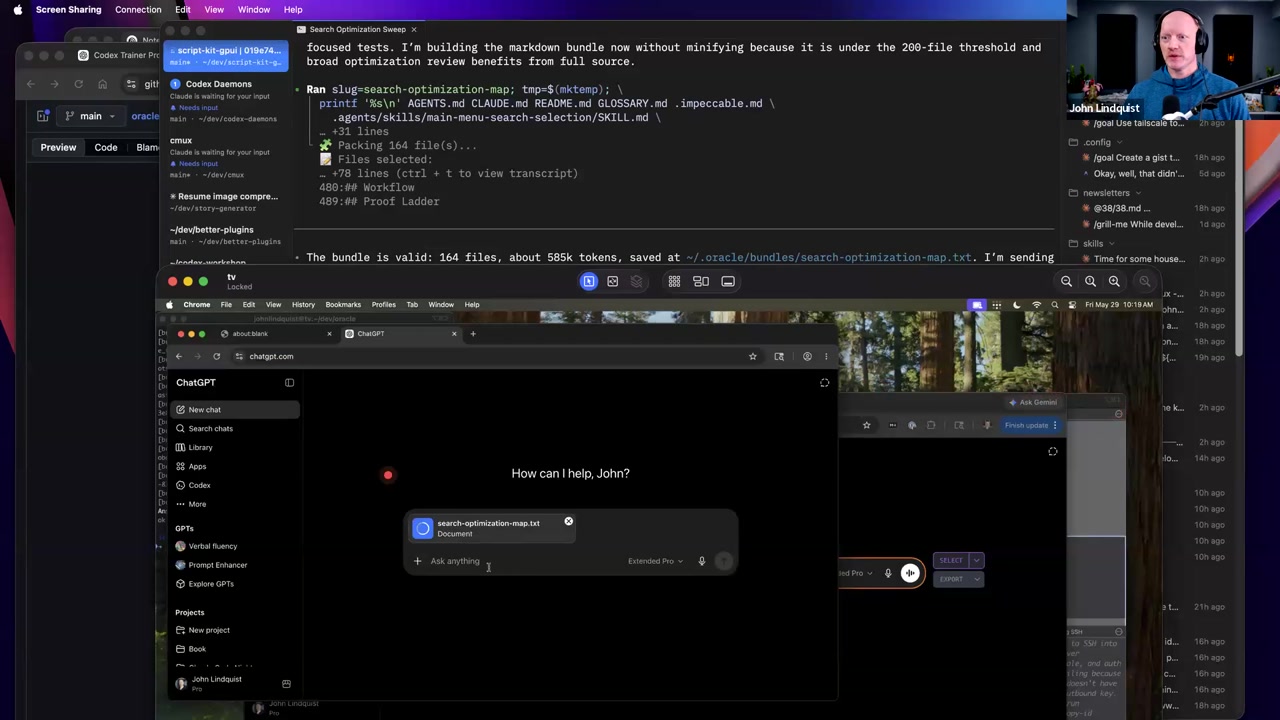
This lesson is about escaping Codex token and rate-limit pressure by separating huge read-only analysis from the interactive coding session. John shows that his ChatGPT Pro Extended browser session can accept far larger context than older sessions and, in his setup, does not consume the same Codex token budget; then he demonstrates Oracle plus PackX plus MCP/browser automation sending roughly 585,000 tokens from a codebase into ChatGPT on a separate Mac mini and bringing the result back into the workflow.
Key concepts, explained
Codex-to-browser quota offloading
John explains that dense, high-context questions can be sent to ChatGPT Pro Extended in the browser instead of spending Codex's interactive token and rate-limit budget. He describes this as useful for complicated questions where you want a large amount of packed context.
Why it matters Large repo-reading prompts can burn through Codex limits quickly. Routing the heavyweight analysis to the browser keeps Codex available for the parts of the workflow that need an agent to continue acting.
ChatGPT Pro Extended context window
John says his $200-plan browser session exposes ChatGPT 5.5 Pro / Pro Extended with much longer context than before: he contrasts older ~50,000-token sessions with newer sessions that can take around a million tokens and often return in 10–15 minutes.
Why it matters The exact limits may change, but the taught idea is to notice that different surfaces have different context limits and to route work accordingly.
Oracle browser handoff
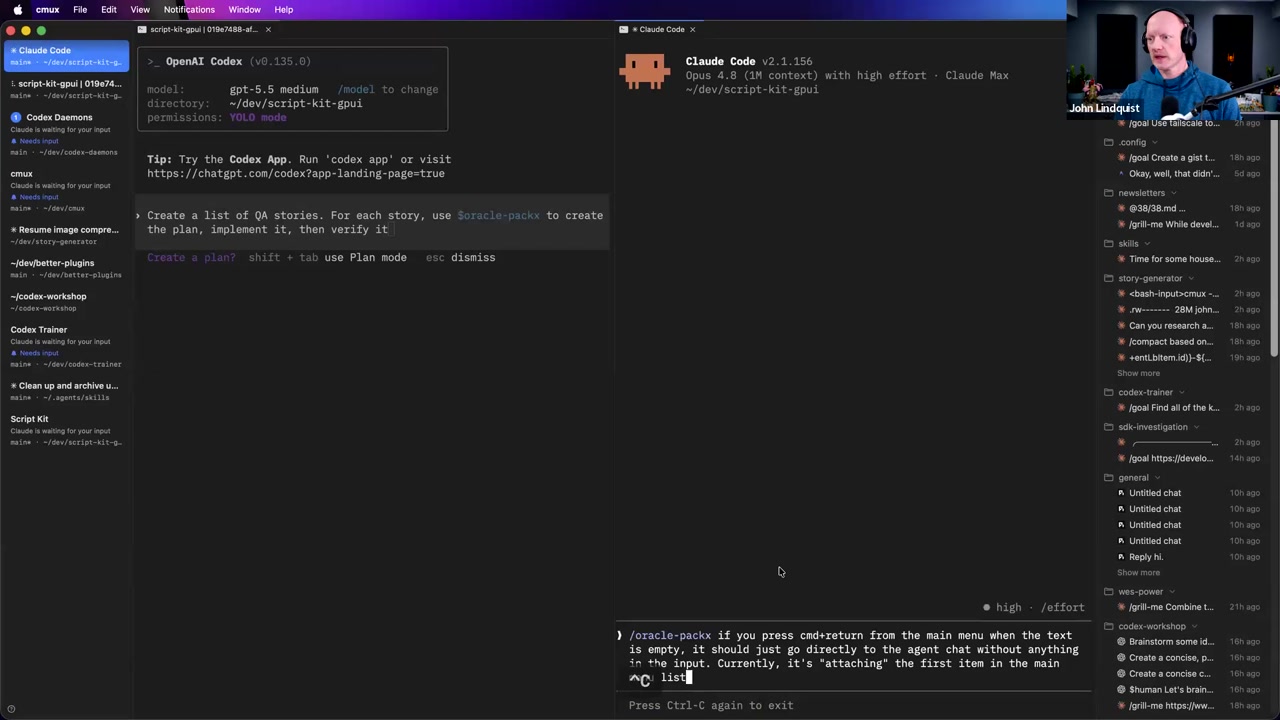
Oracle lets a current Codex session ask a browser session to do the heavy analysis: it packs things up, sends them to the browser, waits for the browser model to work, and then brings the result back into the coding session.
Why it matters This creates a handoff between a local agent workflow and a logged-in browser model without manually copying a massive prompt every time.
PackX context bundling
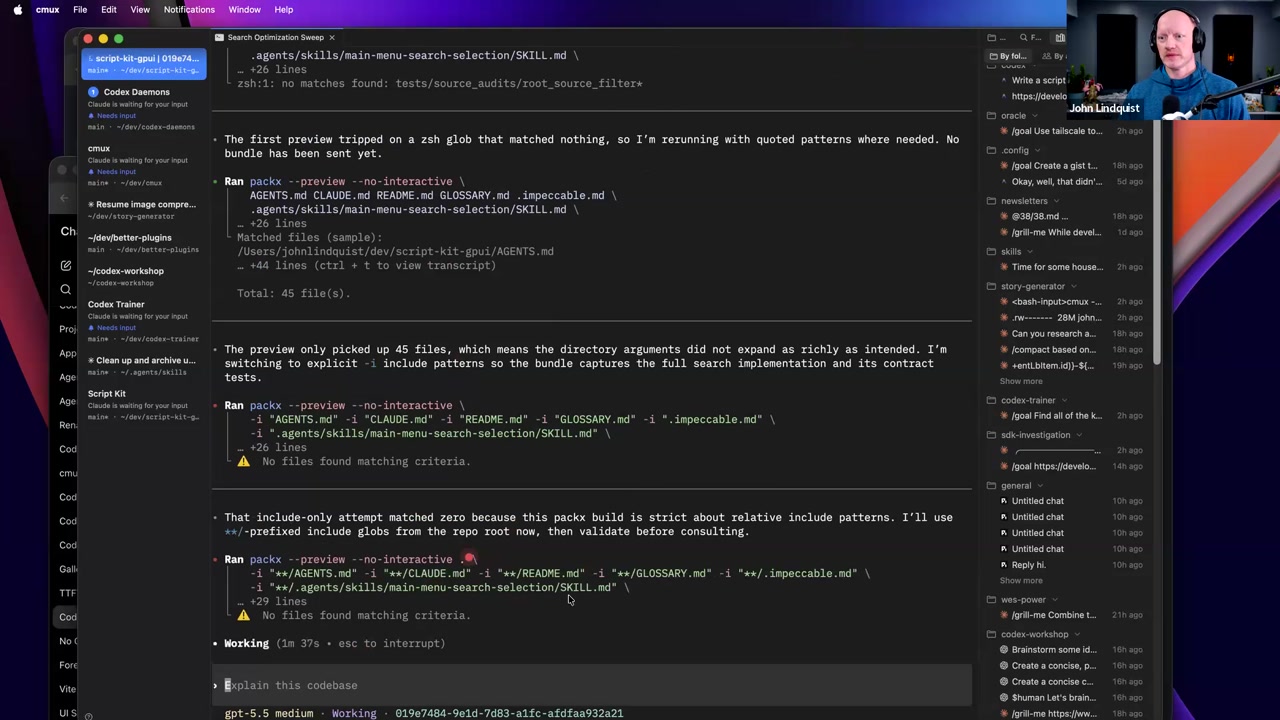
In the demo, John's Oracle PackX skill uses a pack tool to gather files related to a query. The run shown packs 45 files and reports roughly 585,000 tokens before sending the bundle to Oracle.
Why it matters PackX is the part of the workflow that turns scattered repo files into one large model-readable payload for the browser analysis pass.
MCP/browser automation bridge
After the context is packed, the workflow makes an MCP call that reaches over to a browser on John's Mac mini, opens the ChatGPT session, inserts the prompt, and submits it.
Why it matters The MCP step is the bridge that lets the current agent trigger the outside browser workflow instead of requiring John to manually paste the packed prompt.
Plan, implement, verify loop
John shows the broader pattern he uses: create a list of QA stories or goals, use Oracle to create a plan for each one, then implement it and verify it.
Why it matters The value is not just a one-off giant prompt; it is turning high-context planning into a repeatable loop that feeds back into actual code work.
Curated references
askoracle.sh
askoracle.sh/Public Oracle landing page shared in the workshop chat.
Reach for it when Use it to understand the baseline Oracle concept before comparing it with John's workshop-specific fork.
John Lindquist's Oracle fork
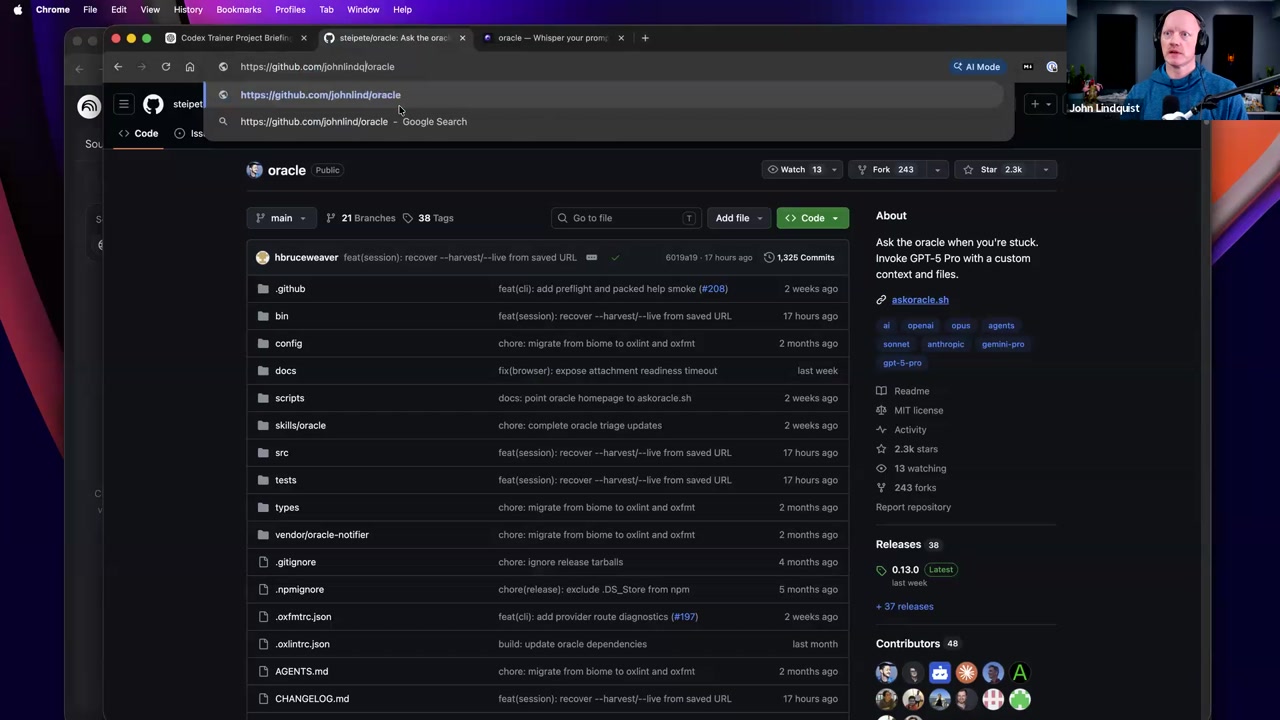
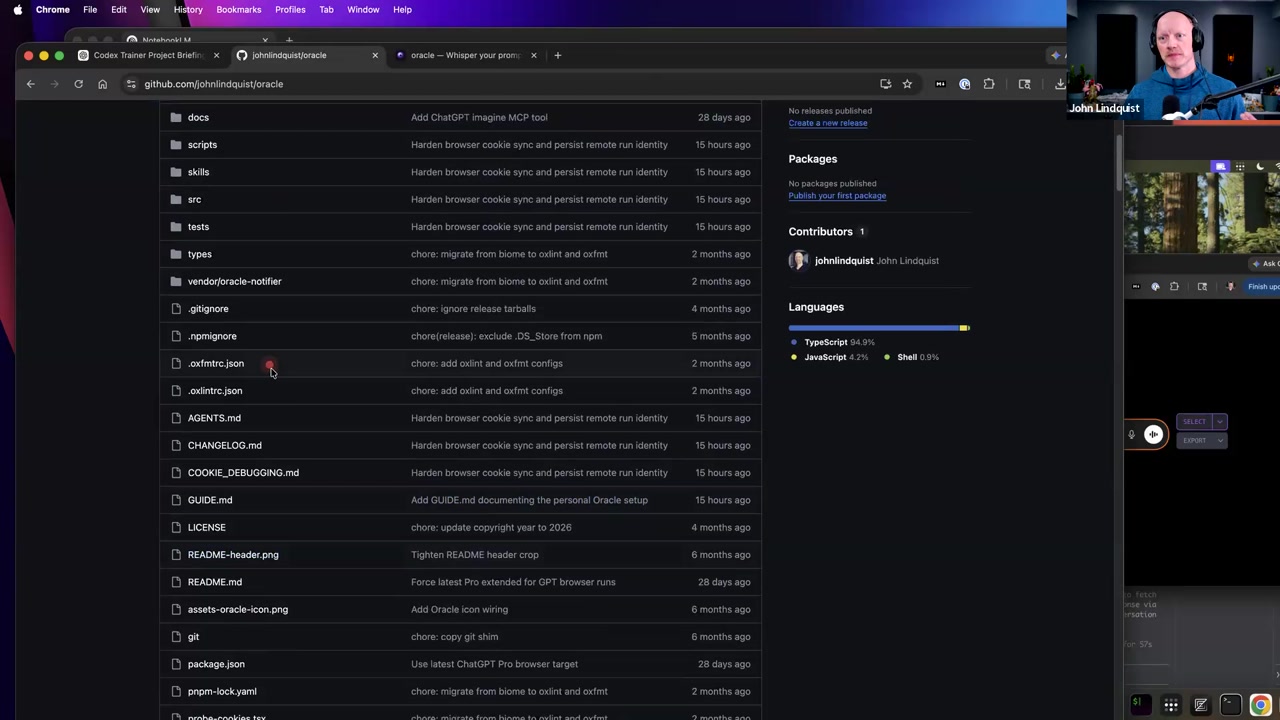
github.com/johnlindquist/oracleThe fork John points students to for his specific setup, including browser mode, cookie debugging guidance, agents setup help, and the Oracle PackX skill.
Reach for it when Use it when trying to study or reproduce the exact workflow John demonstrated.
PackX / pack tool
github.com/johnlindquist/oracleThe context-packing layer used by John's Oracle PackX skill to gather relevant files and produce the large token bundle shown in the demo.
Reach for it when Use it when you need Oracle to send a bundled codebase context prompt into the browser model.
Model Context Protocol
modelcontextprotocol.io/The tool-bridge mechanism John names when the packed request is handed off from the current agent workflow to the browser automation path.
Reach for it when Use it as background for understanding the MCP call in the Oracle demo, not as a separate MCP configuration lesson from this section.
Recommendations & best practices
- Use browser-side ChatGPT Pro Extended for huge, read-heavy codebase questions that would otherwise burn Codex context, but treat John's quota observations as his workshop setup rather than a permanent pricing or limit promise.
- Use Oracle and PackX only when the request really needs a large repo bundle: PackX gathers the files, Oracle sends the bundle to the browser through MCP, and the answer comes back into the coding workflow.
- Follow the fork's README, cookie-debugging, and agent setup guidance before trying to reproduce the browser workflow, because John says the setup is system-specific and may take effort.
- Keep concurrency low. John says he would not run more than two or three browser requests at a time and has seen temporary pause popups after too many requests.
- Shape repeat work as a loop: list the stories or goals, use Oracle to create a plan for each one, then implement and verify the result.
Make it stick
Practice routing huge code-reading questions through an Oracle/PackX browser pass while keeping Codex focused on orchestration, implementation, and verification.
🧩 Quick quiz
1. What problem is John mainly trying to solve with the Oracle + ChatGPT browser workflow?
2. What does Oracle primarily do in the demonstrated workflow?
3. In the Oracle + PackX + MCP pattern shown in the demo, what does PackX primarily contribute?
4. What is the safest way to understand the workshop's claim about ChatGPT Pro Extended versus Codex token mechanics?
5. What practical limit did John mention for running these browser-based requests?
✅ Try it yourself
🚀 Challenges
Design a Codex-vs-Oracle Routing Table
MediumFor one repo you actively use, list ten realistic AI requests and route each one to either the Codex session or an Oracle/browser analysis pass. Include a one-line reason for each route.
Done when: Your table keeps local implementation and verification in the Codex workflow while moving huge read-only analysis to the Oracle/browser lane.
Recreate a Small Oracle Pass
HardUsing a small, non-critical repo, follow the Oracle fork guidance to send one topic-focused codebase question through the PackX → Oracle → MCP/browser path.
Done when: You can point to the packed bundle/token count, the browser-submitted question, and the returned answer that came back into the workflow.
Build a Plan-Implement-Verify Loop
HardCreate three QA stories or goals for a repo. For each one, use Oracle to create the plan, then have the coding session implement the chosen change and verify it.
Done when: Each story has an Oracle-generated plan, an implementation step, and a verification result.
💭 Reflect
- Which of your current Codex requests are really huge-context reading or planning tasks?
- Where would an Oracle browser pass be useful in your workflow, and where would it be overkill?
- What concurrency limit would you set so browser automation remains monitorable and does not trigger the pause behavior John described?
- Would a separate machine, browser profile, or dedicated screen make this workflow less disruptive for you, the way John's Mac mini did for him?
Go deeper
- Read askoracle.sh to understand the general Oracle idea before studying John's fork.
- Review John's Oracle fork with attention to the README, cookie-debugging instructions, agents file, and Oracle PackX skill.
- Recreate the demonstrated flow on a small, non-critical repo: ask for files related to one topic, let PackX build the bundle, send it through Oracle, and compare the returned plan with what Codex can implement.
- Test your own account behavior cautiously with one browser request first, then increase only if you can monitor it and avoid the pause behavior John described.
Moments worth pausing on
Screens captured from this part of the workshop — click any to open full size.