Source of Truth Over Stale Memory
Trust the code, snapshot a million tokens, and capture design in design.md.
What you'll learn
- Tell the difference between basic memory and dangerous stale memory
- Treat code as the source of truth with million-token snapshot contexts
- Capture a design.md standard and generate multi-route structural variants
In a nutshell
This lesson is about grounding AI coding workflows in the live project instead of trusting stale memory. John recommends keeping memory simple with Markdown and straightforward retrieval, treating the code as the source of truth, using generated visual inspiration to produce a durable design.md, and creating disposable UI variants directly in the app so you can compare directions quickly and delete the losers.
Key concepts, explained
Code as the Source of Truth
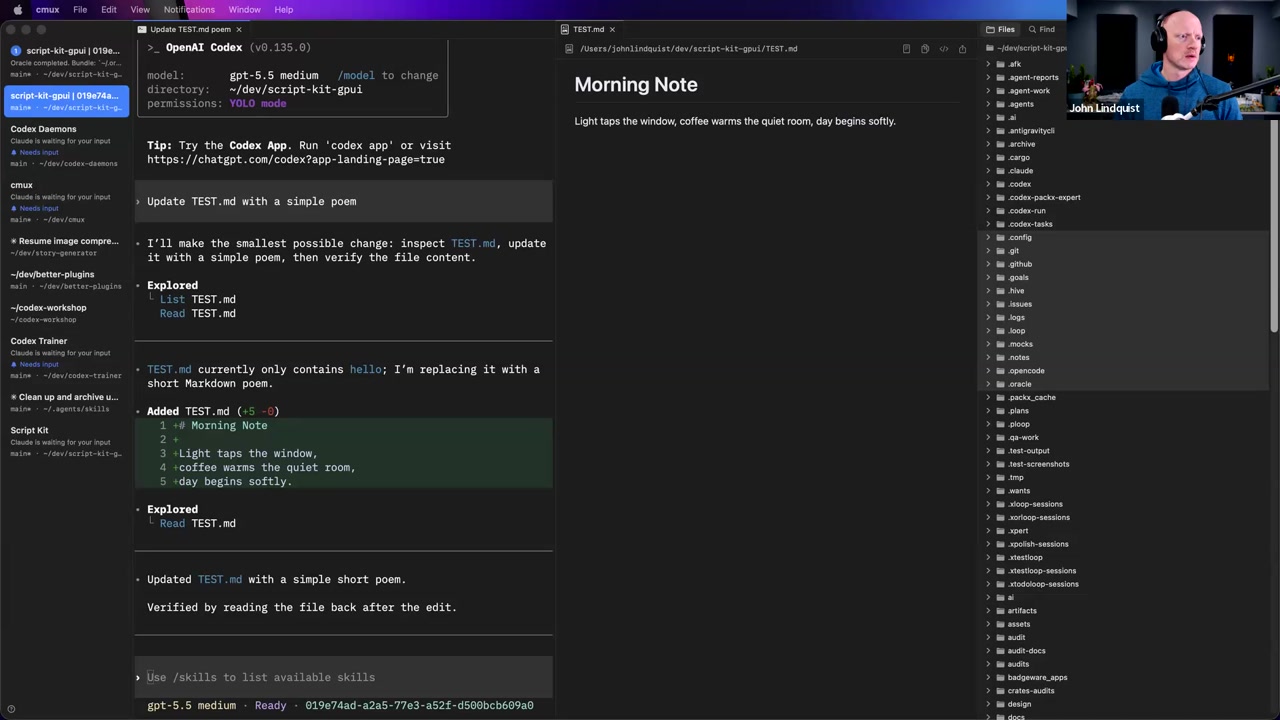
Project memory can be useful, but it drifts as the code changes. John’s main point is that trying to update memory on every commit can turn into a parallel maintenance problem, so the safest default is to make the agent look at the current code when implementation details matter.
Why it matters It keeps agents from confidently acting on outdated assumptions and keeps the workflow tied to what actually exists in the repo.
Lightweight Markdown Memory
John still sees value in basic memory when it stays simple: Markdown files, simple RAG, and human-readable notes. The danger starts when memory becomes a second system that has to be kept in sync with a fast-moving codebase.
Why it matters Good memory reduces repeated explanation; bad memory becomes stale documentation that misleads both humans and agents.
Large-Context Snapshots as a Possible Escape Hatch
John briefly floated million-token context windows as a possible way to take useful snapshots of codebases, but he explicitly framed it as something he had not really tried yet. In this lesson, it is a possible direction, not a proven replacement for memory.
Why it matters The useful idea is that current code text is more trustworthy than detached summaries, but this section does not teach a full large-context snapshot workflow.
Design.md from Generated Inspiration
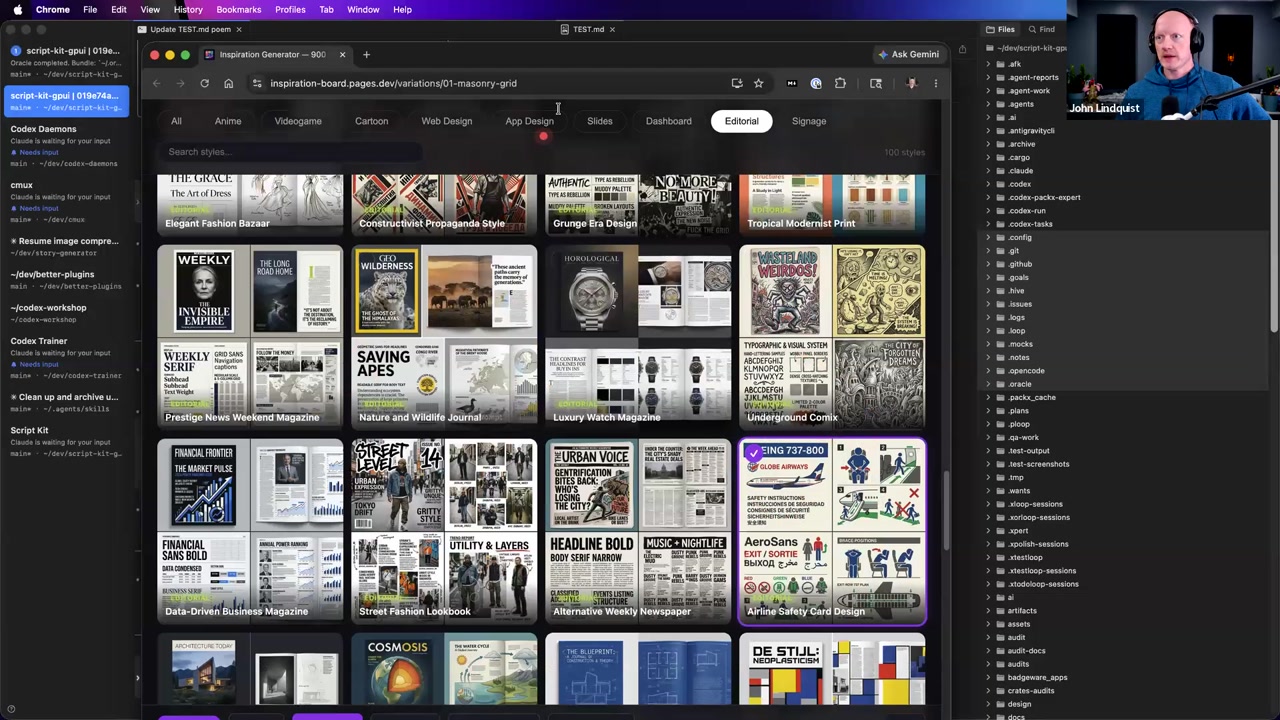
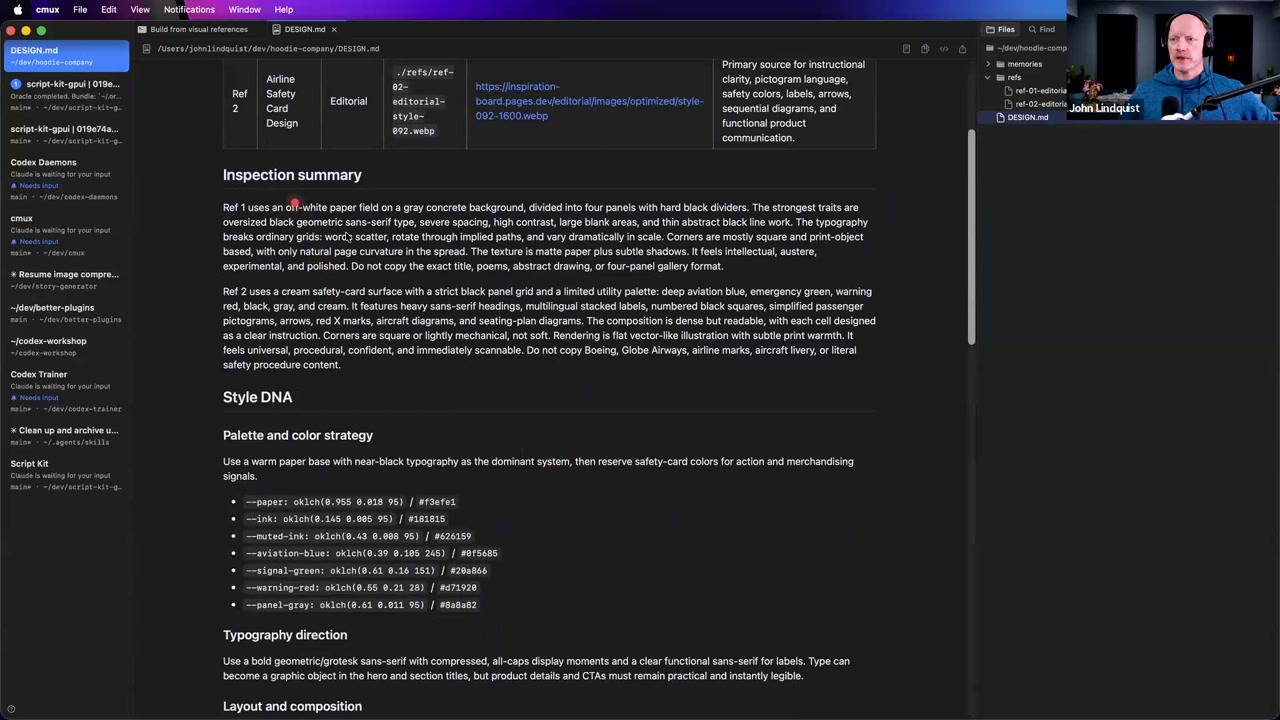
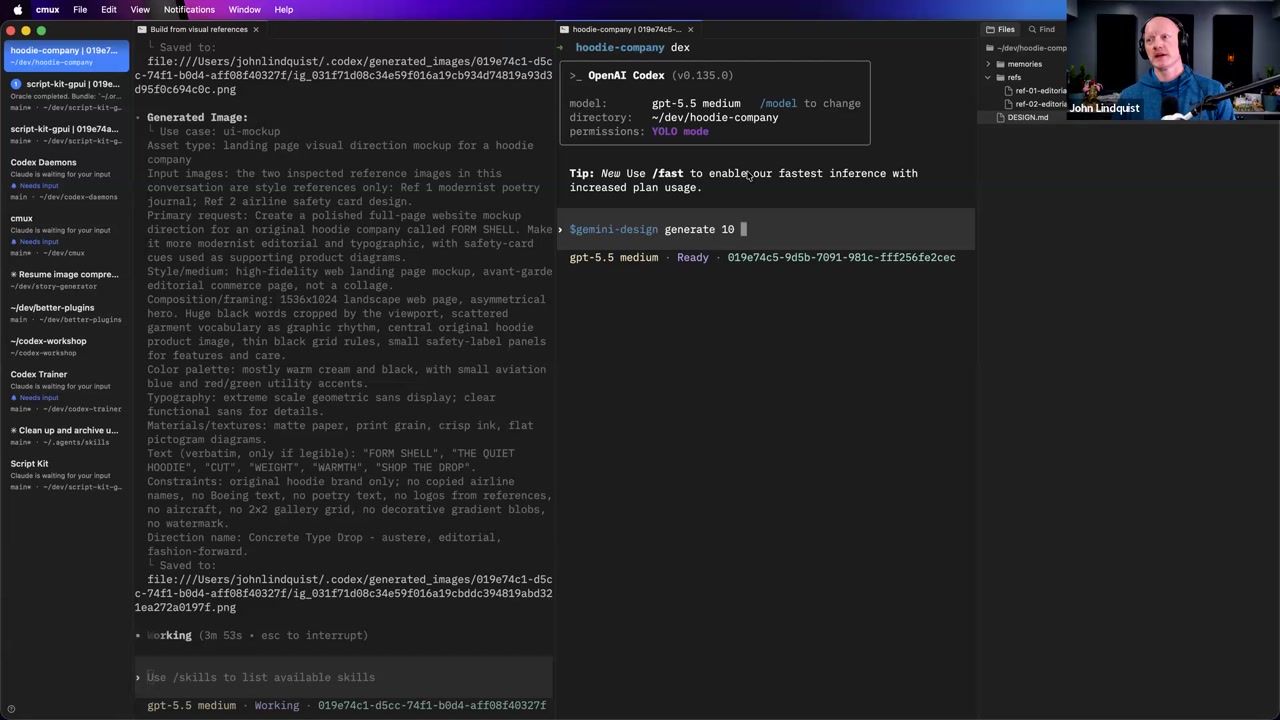
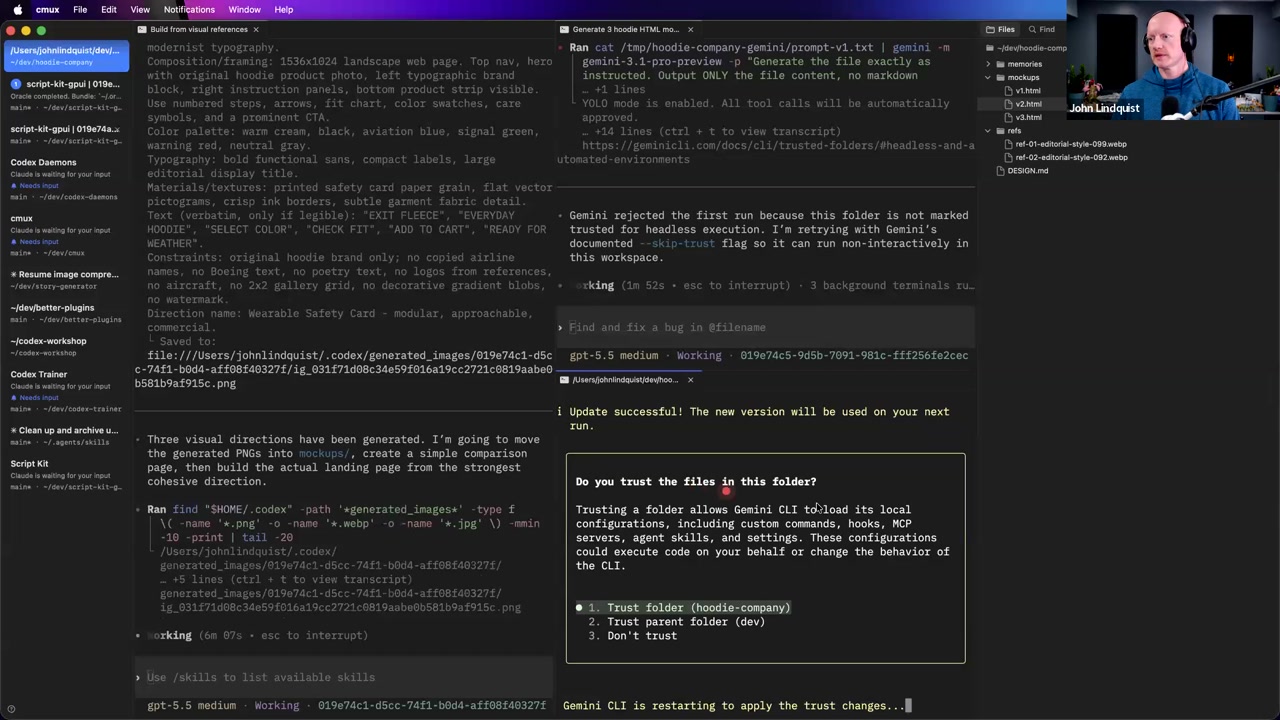
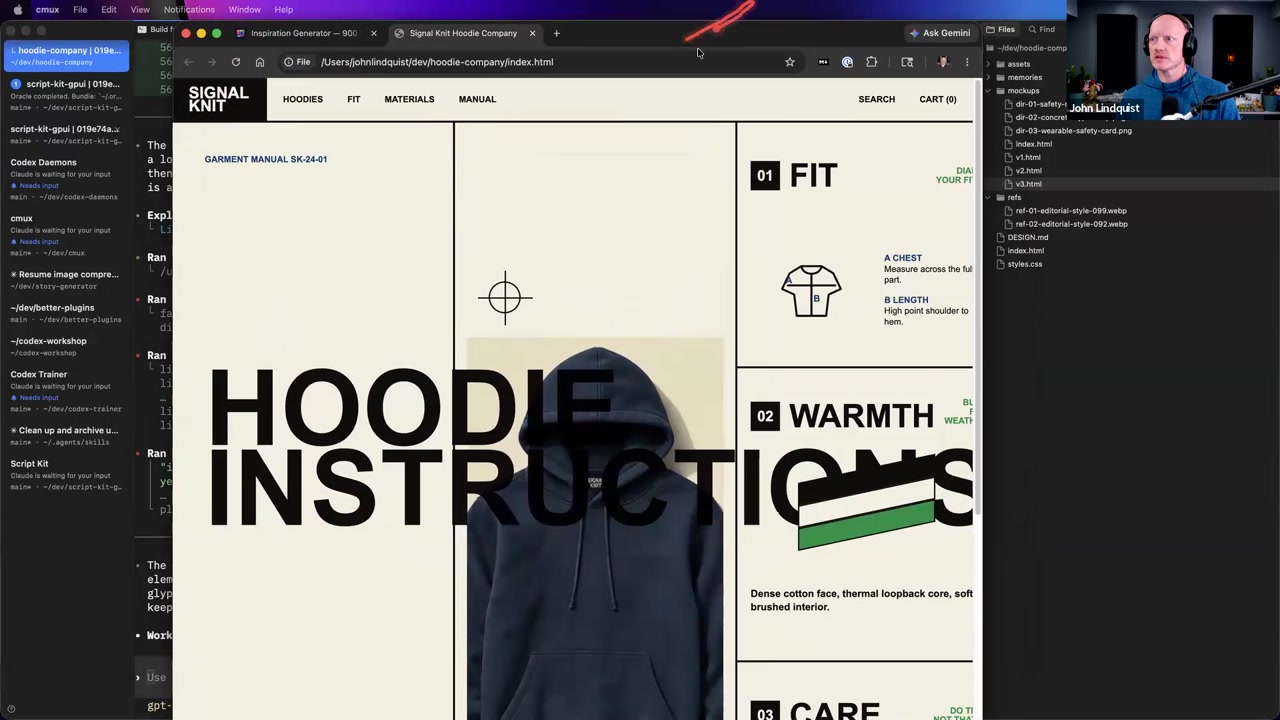
John demonstrated starting design work from an inspiration board made of generated images, not scraped sites. He selected visual directions, copied them into an AI prompt, asked Codex to create a hoodie company landing page, and showed the generated design.md with references, style DNA, colors, typography, layout, composition, shape, and motion.
Why it matters It turns vague taste into a concrete design artifact that the agent can use to generate UI that follows a direction instead of producing a generic layout.
Throwaway Route Variants
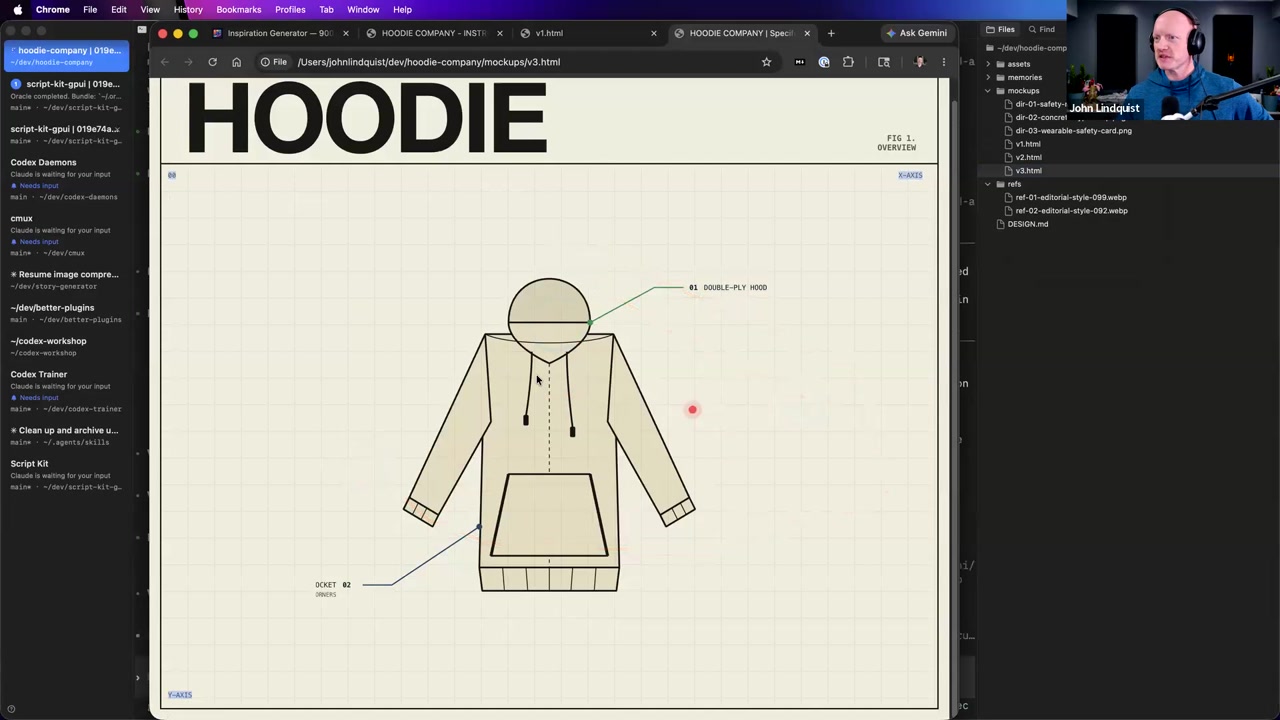
Instead of building a heavy Storybook setup for every experiment, John often asks agents to generate multiple temporary routes or page copies using the same components with different styles. He compares them in the app with simple navigation, picks the best direction, and deletes the rest.
Why it matters It supports fast visual exploration without creating another maintenance surface that has to be kept up to date.
Curated references
Inspiration Board
inspiration-board.pages.dev/The generated visual inspiration board John used to select design directions and copy a structured prompt into AI tools.
Reach for it when Use it when you do not know what a UI should feel like yet and need generated visual references to guide a design.md.
Codex CLI
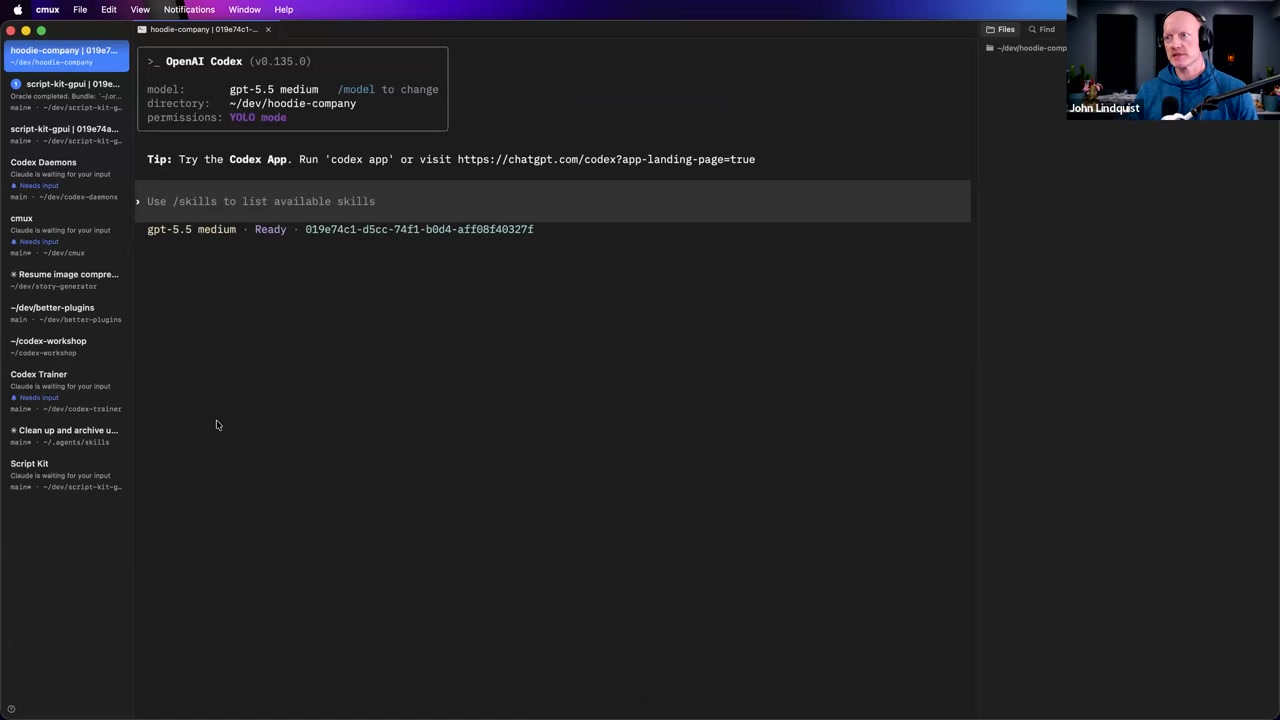
github.com/openai/codexThe local coding agent environment John used in the demo to create the hoodie company project, generate a design.md, and build the landing page.
Reach for it when Use it when you want an agent working directly against a local project for repo-aware coding and prototyping.
Recommendations & best practices
- Keep memory files light, boring, and close to the repo; avoid building a second knowledge system that must be updated every time the code changes.
- When implementation details matter, have the agent inspect the current code instead of trusting memory.
- Treat large-context repo snapshots as an experiment John mentioned, not as a proven workflow from this lesson.
- Start AI design work from concrete visual inspiration, then turn that inspiration into a design.md before asking the agent to build UI.
- Use generated inspiration images as design references rather than scraping or copying existing websites.
- Generate temporary route or page variants when exploring visual direction, compare them in the app, pick one, and delete the rest.
Make it stick
Practice treating the live repo as the source of truth, then turn generated visual inspiration into a design.md and fast, disposable UI variants.
🧩 Quick quiz
1. Your coding agent confidently says a project still uses an old routing structure, but you know the app has changed recently. What should you do first?
2. When is lightweight Markdown memory most useful in this workflow?
3. Why did John emphasize that the inspiration board images were generated rather than scraped?
4. What job does design.md perform in this lesson's AI design workflow?
5. Why generate throwaway route-level variants instead of immediately building a full Storybook-style setup?
✅ Try it yourself
🚀 Challenges
Stale Memory Audit
EasyFind one existing project note, README section, or memory file that might be outdated. Ask the agent to compare it against the current code and produce a small patch that either fixes, shrinks, or deletes the stale guidance.
Done when: The repo has less misleading documentation, and the agent's recommendation is based on current files rather than remembered assumptions.
Design.md Landing Page Contract
MediumCreate a design.md for a fictional product landing page using concrete rules for references, style DNA, typography, color, layout, composition, shape, and motion. Then ask the agent to build one route from that contract.
Done when: The generated page visibly follows the design.md instead of feeling like a generic template.
Anti-Storybook Variant Sprint
HardGenerate 5 disposable route-level variants of the same page from your design.md, add left and right arrow navigation, review them in the browser, promote the strongest version, and delete the other four.
Done when: Only the chosen implementation remains in the app, the rejected variants are removed, and the final route still follows the design contract.
💭 Reflect
- Where does your current workflow still ask agents to trust memory when they should inspect the live code instead?
- What project knowledge is stable enough to live in Markdown, and what knowledge changes too often to be trusted outside the code?
- What visual references and style details would make your design.md specific enough for an agent to build from?
Go deeper
- Create a small design.md template with sections for references, style DNA, colors, typography, layout, composition, shape, and motion.
- Run the anti-Storybook exercise: generate several landing page routes, add left/right arrow navigation, pick one, and remove the rest.
- Try a small current-code snapshot experiment: give the agent the relevant current files for one task and compare the result to an answer based only on an old memory note.
- Write a reusable prompt that asks the agent to inspect the current code first, summarize the source-of-truth evidence, and only then propose or implement a change.
Moments worth pausing on
Screens captured from this part of the workshop — click any to open full size.