Hooks, Skills & the Ralph Loop
Intercept the agent's lifecycle and encode reusable expertise.
What you'll learn
- Manage context with compaction and conversation forking
- Wire user-prompt, tool-use, and stop hooks into your workflow
- Choose between skills and plugins and run a Ralph loop
In a nutshell
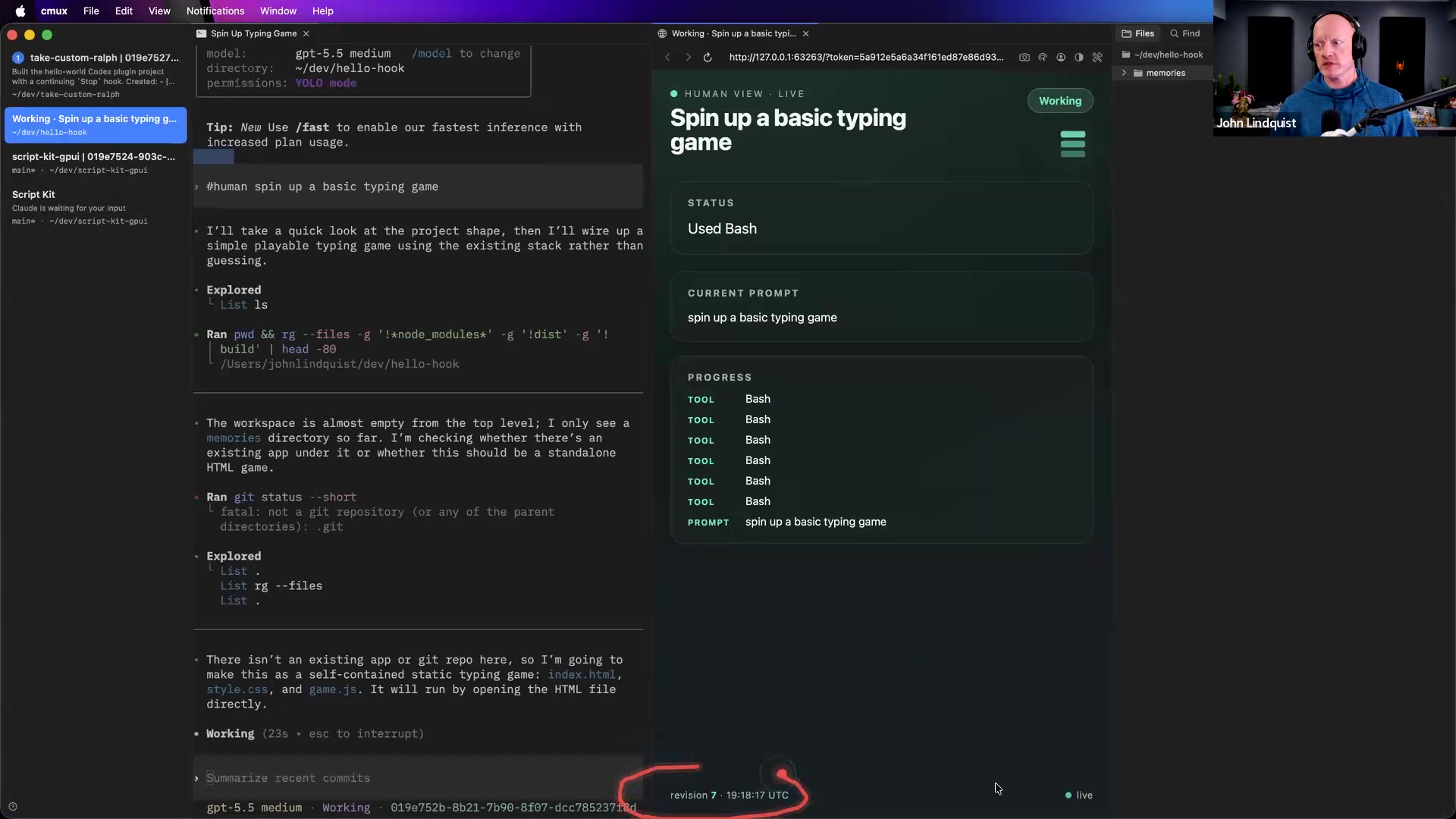
This lesson starts with context hygiene: compacting or forking long conversations so the next branch focuses only on what matters, such as a specific test file or active goal. John then teaches the three core hook moments in an agent loop: User Prompt, Tool Use, and Stop. From there, he explains the Ralph Loop, demonstrates a #human User Prompt hook that opens a live progress dashboard, and argues that plugins are the better tool when you want deterministic control instead of relying on a skill description being inferred correctly.
Key concepts, explained
Compaction and conversation forking
Compaction is the move of shrinking a long conversation down to the pieces that still matter. John framed it as useful when you fork a conversation and want the new branch to focus on one topic, like a specific test file, instead of carrying unrelated history forward. The practical benefits he called out were fewer tokens, faster runs, lower budget/quota pressure, and a clearer sense of what the agent is working on.
Why it matters Long conversations can carry a lot of irrelevant context. Forking plus focused compaction gives the next session a cleaner starting point.
The big three hooks
John breaks the agent loop into three core events: User Prompt, Tool Use, and Stop. User Prompt fires when you type something and submit it, Tool Use fires when a tool runs, and Stop fires when the conversation would normally end and wait for you. These are the main places where a hook can do something with the session.
Why it matters Once you understand these three events, plugins stop feeling mysterious. They become small programs attached to predictable moments in the agent lifecycle.
The Ralph Loop
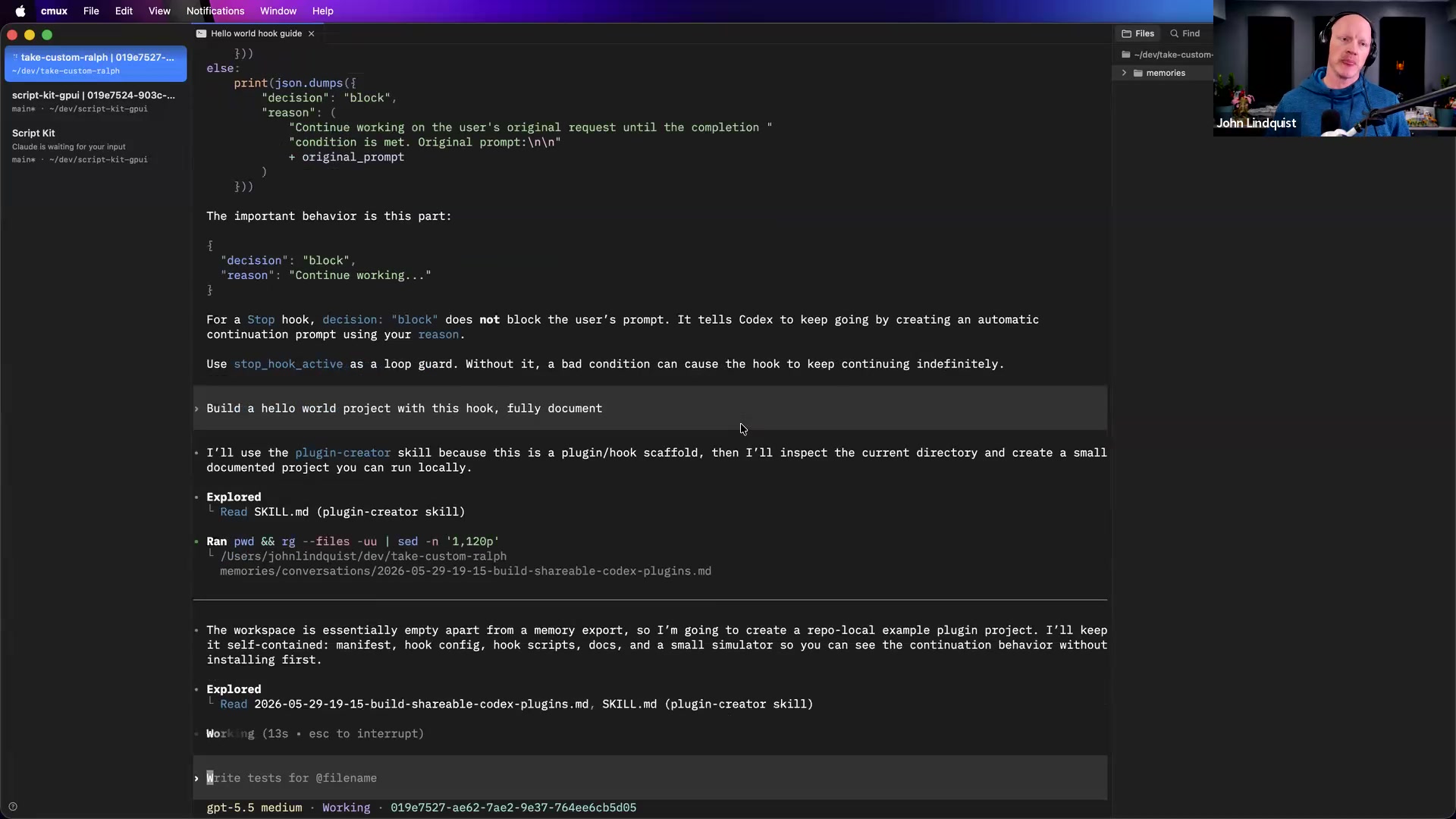
The Ralph Loop is John's shorthand for a Stop-hook-driven loop. When the agent tries to stop, the hook can tell the harness not to stop yet, look back at what the user originally asked for, and keep working until a condition is met. John described this as the basic idea behind goal-style sessions.
Why it matters This matters when you want an agent to keep working on a goal instead of handing control back after one assistant turn.
Skills versus plugins
John contrasts skills with plugins as a difference between context-based guidance and deterministic control. Skills put descriptions into the model's context so the agent can infer when and how to use them. Plugins can hook into events and enforce behavior, including starting or stopping things, allowing or disallowing actions, or calling specific tools.
Why it matters For workflows you want to enforce, John recommends reaching for a plugin with hooks instead of trying to make skill instructions clearer and clearer.
Custom grammar triggers
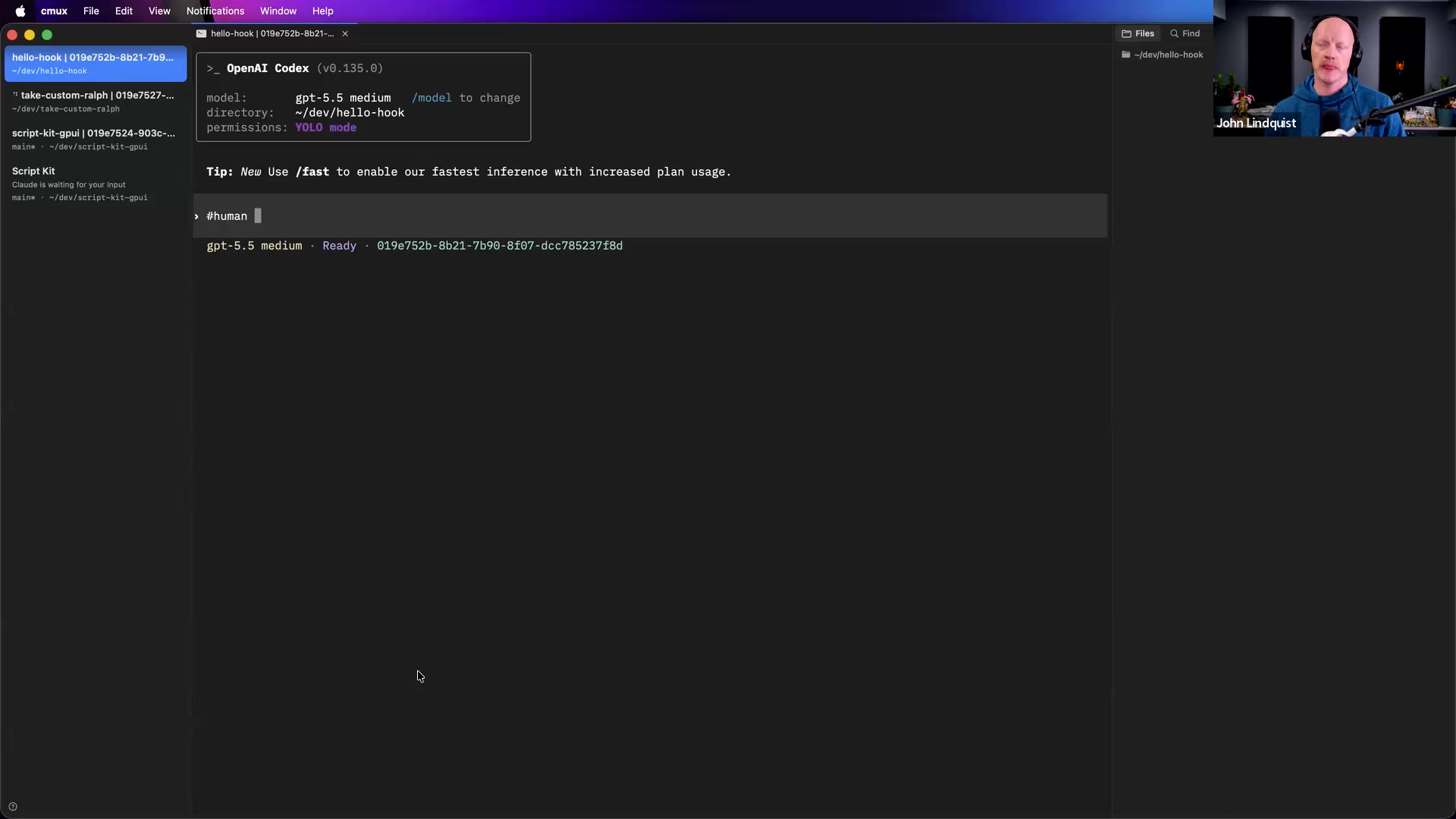
A custom grammar trigger is a small token like #human, #toolsmith, #memory, or #search that a User Prompt hook can detect before the agent proceeds. John likes this because it keeps Codex vanilla by default and only loads the specific system, plugin, skill, or context bundle when he explicitly asks for it.
Why it matters This gives you a clean way to personalize sessions without polluting every conversation with skills or context the task does not need.
Curated references
Codex Plugins documentation
developers.openai.com/codex/pluginsThe main OpenAI developer documentation John opened for Codex plugins.
Reach for it when Use it when you want to understand how plugins package and install things like hooks and skills.
Codex Build Plugins guide
developers.openai.com/codex/plugins/buildThe OpenAI guide John showed as a starting point for creating plugin projects.
Reach for it when Use it as source material when asking an agent to generate a documented starter plugin or hook example.
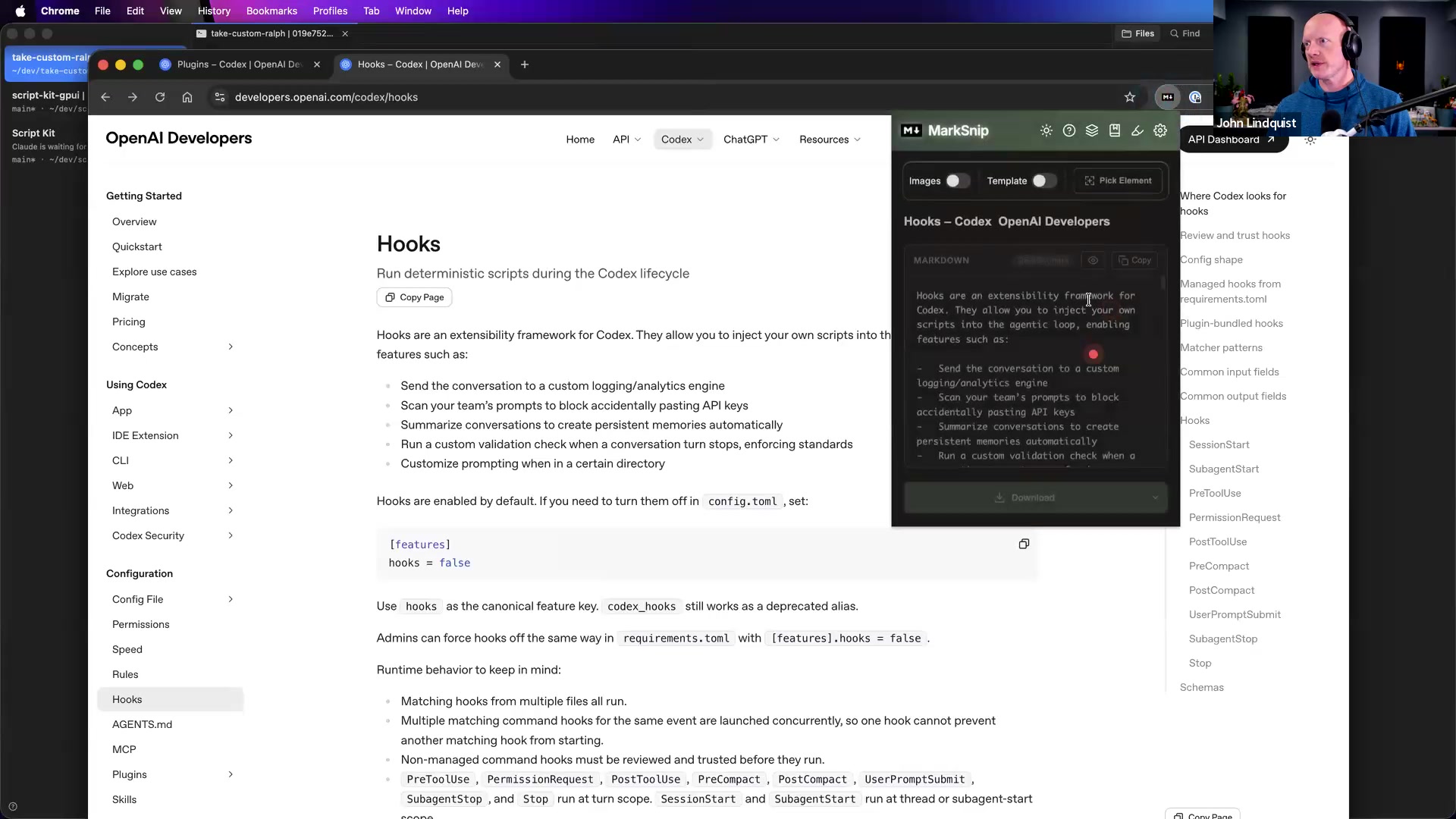
Codex Hooks documentation
developers.openai.com/codex/hooksThe OpenAI reference John opened for hook behavior.
Reach for it when Use it when learning what User Prompt, Tool Use, and Stop hooks can do, or when feeding hook docs to an agent so it can build an example.
Better Plugins repository
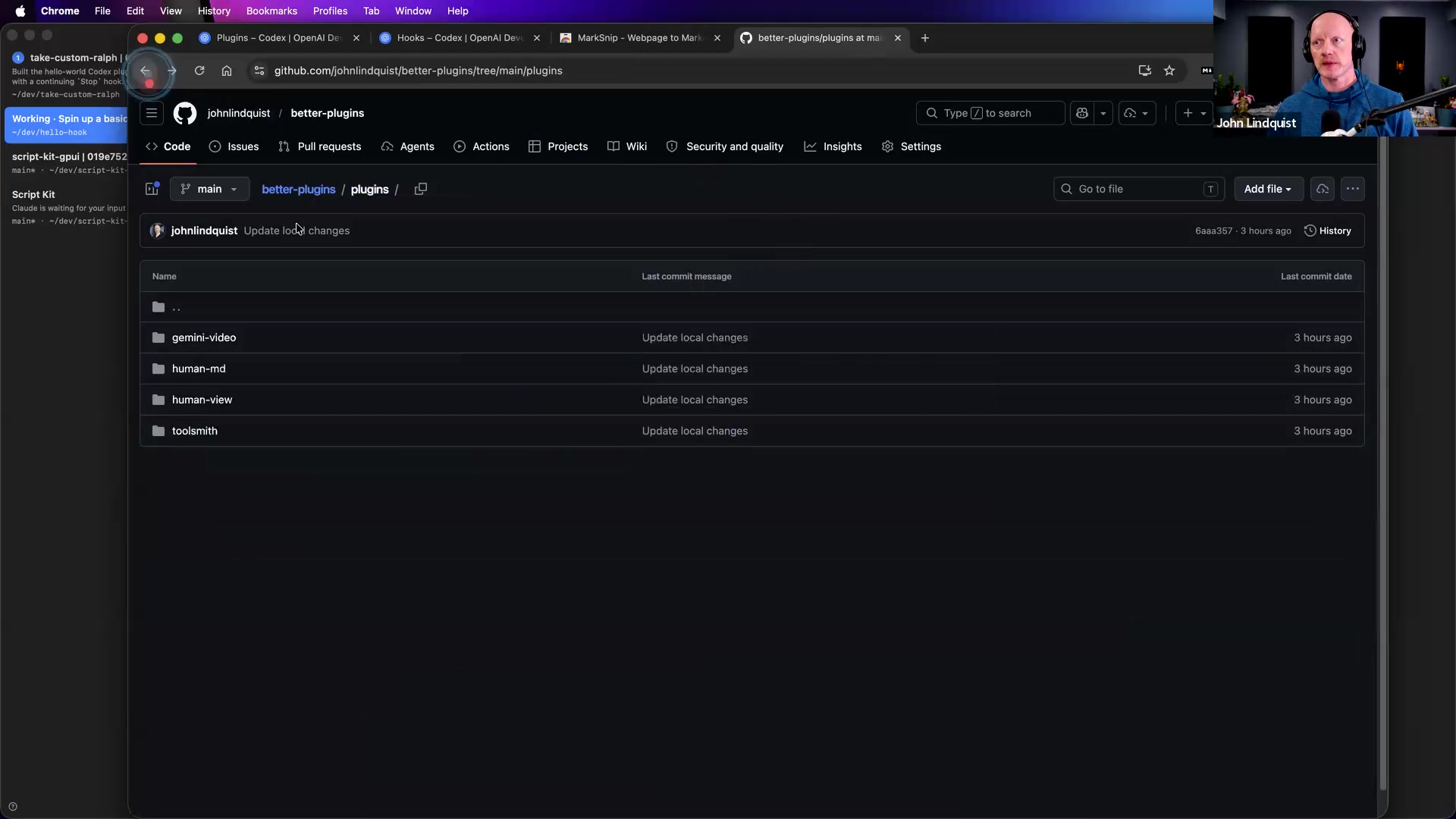
github.com/johnlindquist/better-plugins/tree/main/pluginsJohn Lindquist's prototype repository containing examples such as human-view, Gemini Video, and Toolsmith.
Reach for it when Use it as a reference repo for real plugin patterns, while remembering that John described this work as prototype-stage and personally configured.
human-view plugin
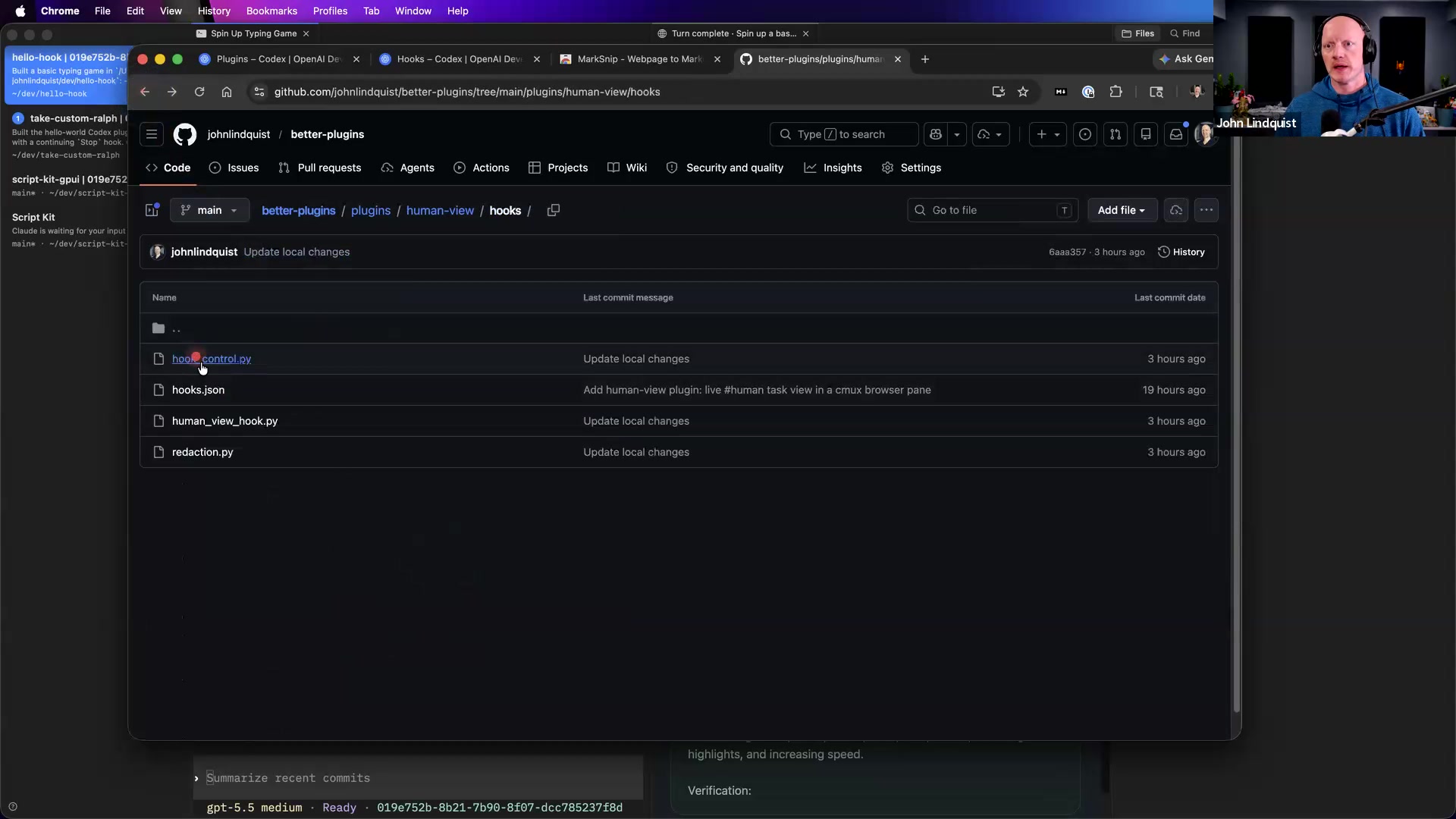
github.com/johnlindquist/better-plugins/tree/main/plugins/human-viewA Better Plugins example that activates with #human and opens a live browser dashboard showing task progress and tool-call activity.
Reach for it when Reach for this when you want to study the #human pattern John demonstrated: a User Prompt hook that starts a live progress view for a session.
A Better Plugins example John described as recording tool calls and conversation activity so you can query the log for workflow improvements.
Reach for it when Reach for this when you want to study how recorded tool use could reveal missing scripts, missing tools, or repeatable workflow improvements.
gemini-video plugin
github.com/johnlindquist/better-plugins/tree/main/plugins/gemini-videoA Better Plugins example John described as detecting a dragged-in .mp4 file path and sending it through Gemini scripts so the video can be parsed into the conversation.
Reach for it when Use it as an example of a plugin that reacts to a file path, but expect to adapt it because John said it was configured for his own setup.
MarkSnip Chrome extension
chromewebstore.google.com/detail/marksnip-webpage-to-markd/kcbaglhfgbkjdnpeokaamjjkddempipmA browser extension John used to copy documentation pages into Markdown.
Reach for it when Use it when you want to paste documentation into an agent directly instead of spending an extra tool call having the agent scrape the page.
Recommendations & best practices
- When a session gets long, fork it and compact around the specific thing you want next, such as the test file or active goal, instead of continuing with unrelated history.
- Use User Prompt, Tool Use, and Stop as your basic mental model for plugin design: decide which lifecycle moment actually needs intervention.
- Use the Codex plugin and hook docs as source material, then ask an agent to build a fully documented example and review or test what it creates.
- Use a Stop hook for Ralph Loop-style continuation when you can define the condition the agent should keep working toward.
- Prefer a plugin over a skill when the workflow must be enforced, such as starting or stopping something, allowing or disallowing actions, or calling a specific tool.
- Keep default sessions as vanilla as possible, then use explicit triggers like #human, #toolsmith, #memory, or #search to opt into extra behavior only when the task needs it.
- Treat John's Better Plugins repo as prototype reference material, not as polished drop-in infrastructure for every machine.
Make it stick
Practice trimming noisy context, recognizing the main hook events, and choosing plugins when you need deterministic workflows instead of fuzzy skill behavior.
🧩 Quick quiz
1. A Codex session has grown long and now contains several unrelated debugging trails. What is the best next move before asking the agent to focus on one failing test file?
2. Which lifecycle hook is the natural place to detect a custom trigger like #human or #toolsmith before the agent starts working?
3. You want every tool call in a session to be recorded so you can later ask what scripts, tools, or workflow improvements might be missing. Should this be a skill or a plugin?
4. What makes the Ralph Loop different from simply prompting the model to 'keep going until done'?
5. Why does John like using custom # triggers instead of loading every repeatable workflow as a default skill?
✅ Try it yourself
🚀 Challenges
Compact-and-Fork Drill
EasyTake a messy or long Codex conversation, fork it, then write a compact handoff that keeps only the active goal, relevant files, failing test, and next action.
Done when: A new session can understand the focused task without needing unrelated earlier discussion.
Custom Trigger Plugin
MediumBuild or ask an agent to build a small plugin that watches for #myflow in the User Prompt hook and conditionally loads a short workflow instruction or helper behavior.
Done when: Prompts with #myflow activate the behavior, while normal prompts run without the extra context or behavior.
Toolsmith-Style Review
MediumPrototype or adapt a workflow that records tool calls, then review or query those records for one repeated pattern worth turning into a script, tool, or plugin.
Done when: You can point to one workflow improvement based on actual repeated agent behavior.
Ralph Loop Prototype
HardAsk an agent to help create a Stop-hook plugin for a toy task that tells the agent to continue working until a specific condition is met.
Done when: The agent continues past an attempted stop, works toward the original task, and exits once the condition is satisfied.
💭 Reflect
- Which workflows are you currently handling as skills or long prompts but actually need deterministic plugin control?
- Where are you loading skills or context by default that could instead be loaded only through a # trigger?
- What is one task where a Ralph Loop would help, and what exact condition would tell it to stop?
Go deeper
- Ask an agent to build a fully documented Hello World plugin or hook example from the Codex plugin and hook docs, then read through the result and ask follow-up questions.
- Convert one recurring skill-like workflow into a #your-trigger plugin that conditionally loads the behavior only when the trigger appears.
- Study the human-view pattern as a concrete example of #human activating a live dashboard that tracks progress and tool-call activity.
- Study the Toolsmith pattern as an example of recording tool calls and querying that record for workflow improvements.
- Study the Gemini Video pattern as an example of detecting an .mp4 file path and routing it through a video-processing script, while expecting to adapt it for your own setup.
Moments worth pausing on
Screens captured from this part of the workshop — click any to open full size.