The 100 Monkeys & Perspective Prompting
Throw many cheap attempts at a problem and inspect them like a pro.
What you'll learn
- Use perspective-based prompting and discardable QA files for non-obvious user paths
- Apply the 100 Monkeys technique and use CMUX state for context-aware shortcuts
- Extract implementation intent from narrated screen recordings into Gemini
In a nutshell
This lesson is about using agents as perspective-driven explorers instead of asking one generic agent to test or research everything. John shows how lenses like expert, new user, grandma, and power user can shape research and QA, how discardable QA files can push agents through non-obvious app paths, and how rough narrated screen recordings can become implementation instructions. He also explains how CMUX state can power context-aware shortcuts, why he often avoids worktree overhead, and where rigorous tests still belong: stable business logic rather than fast-changing UI experiments.
Key concepts, explained
Perspective-based prompting
Instead of asking one generic agent to research or test your app, assign it a lens: expert, new user, grandma, power user, or another real audience. That lens changes what the agent notices and which assumptions it challenges.
Why it matters It helps you escape creator bias and shape the output around the actual demographics or user types your application needs to support.
Discardable QA files
A QA file is a temporary assignment document for an agent: a numbered list of things to try, paths to walk, buttons to find, and a perspective to act from. John treats these as created in the moment, not as permanent test infrastructure.
Why it matters They let you test the current shape of a fast-changing product without locking every changing UI decision into a brittle long-term test suite.
The 100 Monkeys technique
The goal is to have agents use the app in non-obvious ways: find buttons, click around, try shortcuts, press back after reaching a page, and look for modes or state that stay open unexpectedly.
Why it matters This catches UX and state issues that a normal verification prompt may miss because the model tends to follow the same visible patterns the developer already expects.
CMUX state for context-aware shortcuts
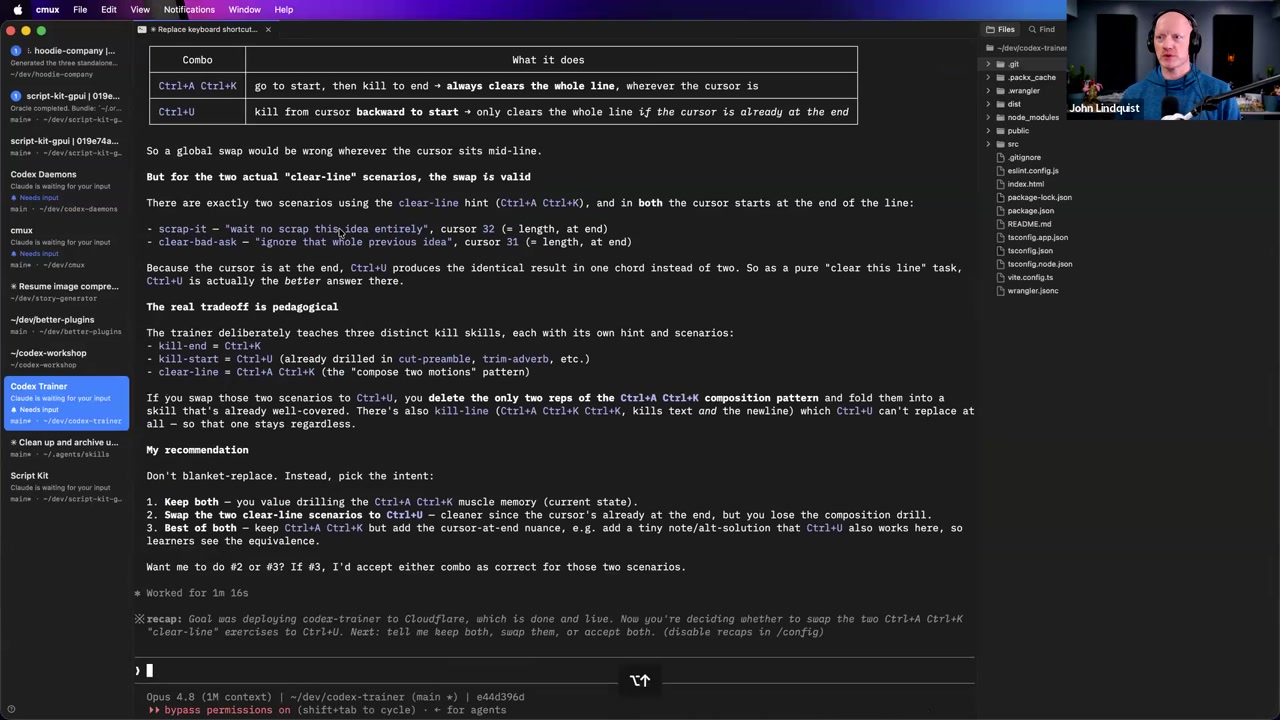
John describes a CMUX inspect-style command that exposes the multiplexer state as an object, including the focused pane and that pane’s current working directory. He uses that context with a Karabiner shortcut to open tools over the terminal he is already focused on.
Why it matters It turns the terminal layout into an automation surface: a shortcut can open an editor, run Git commands, start debugging, or trigger other tools in the project you are currently looking at.
Video-driven intent extraction
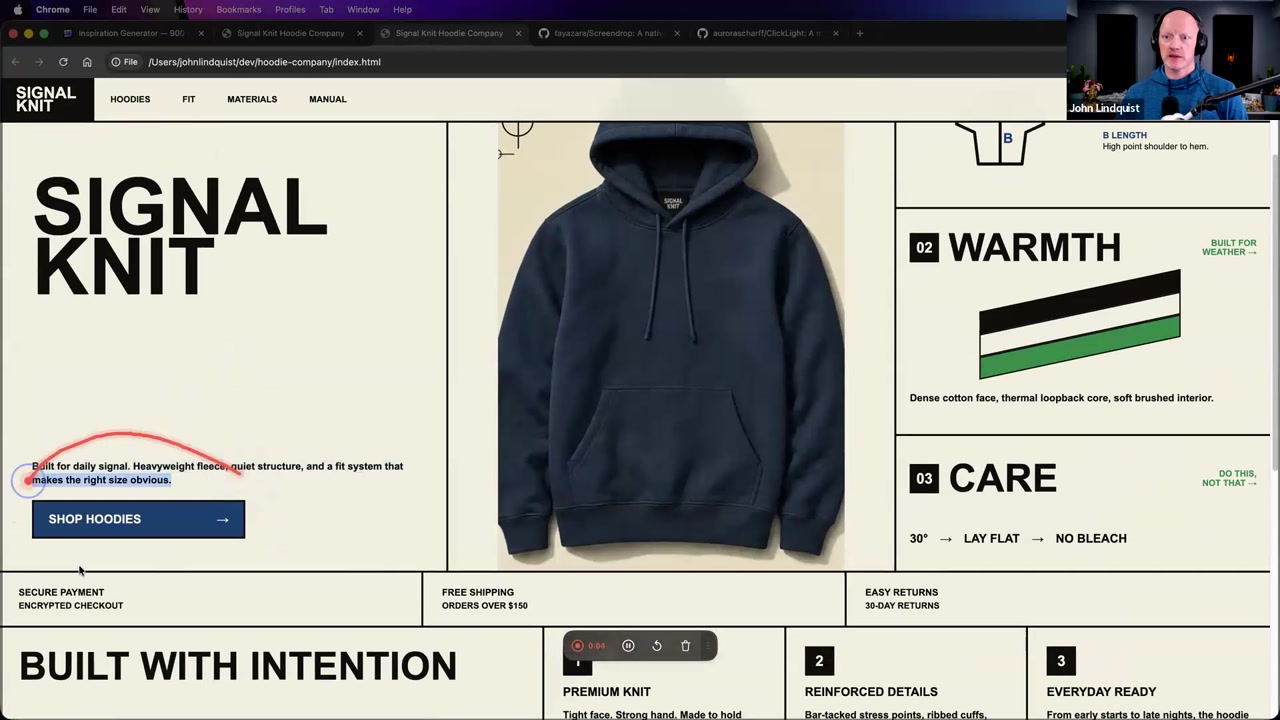
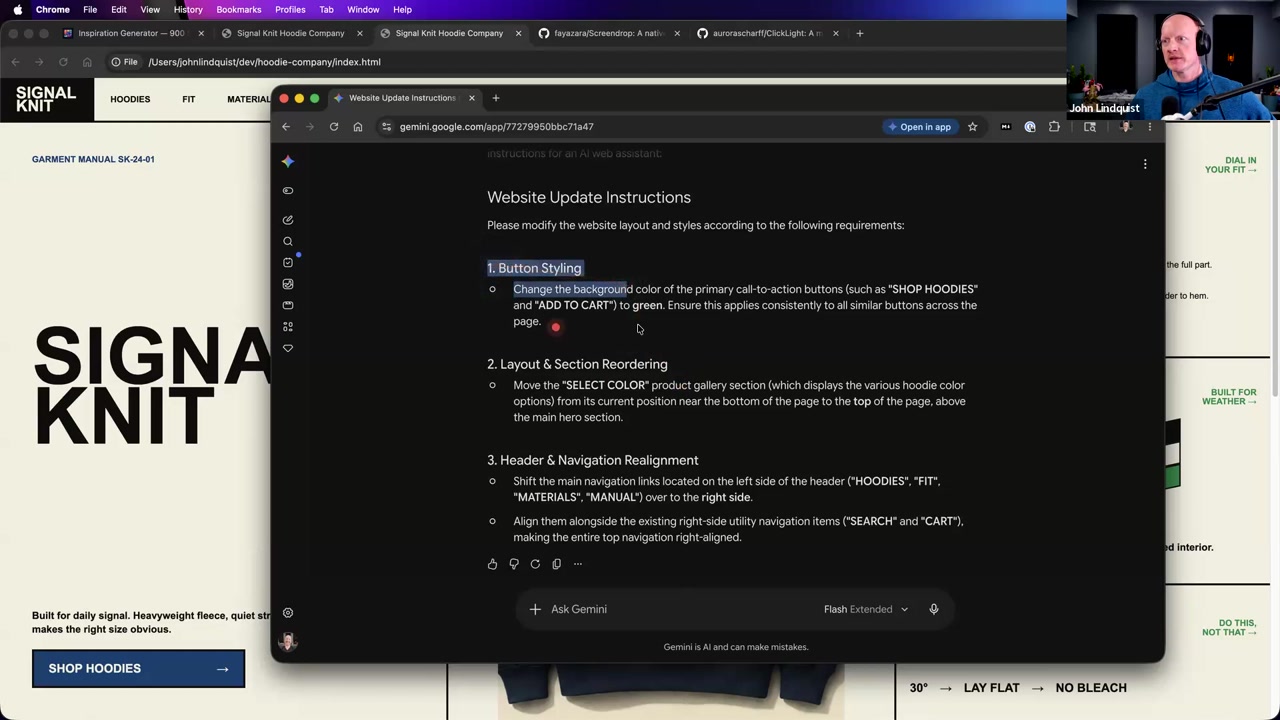
John records a rough screen interaction, narrates UI changes aloud, and drops the video into Gemini to turn it into AI instructions for implementation.
Why it matters It lowers the cost of explaining visual changes when pointing, circling, and talking are faster than writing a polished written spec.
Curated references
Agent Browser
github.com/vercel-labs/agent-browserAn experimental Vercel Labs browser-agent project John named as his go-to tool for controlling sites, clicking through pages, inspecting DOM state, and using Chrome DevTools-style information.
Reach for it when Reach for it when you want an agent to verify UI behavior in an actual browser. In this section, John described the tool but said he would dig into it more later.
ClickLight
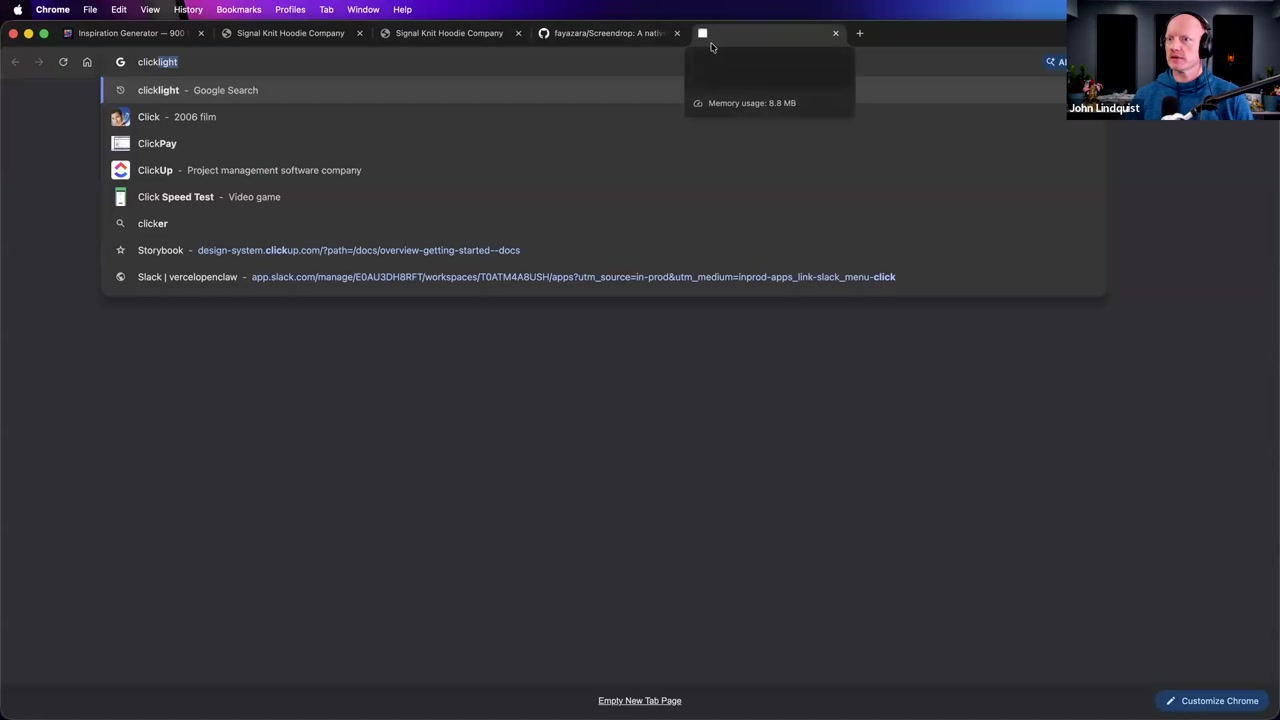
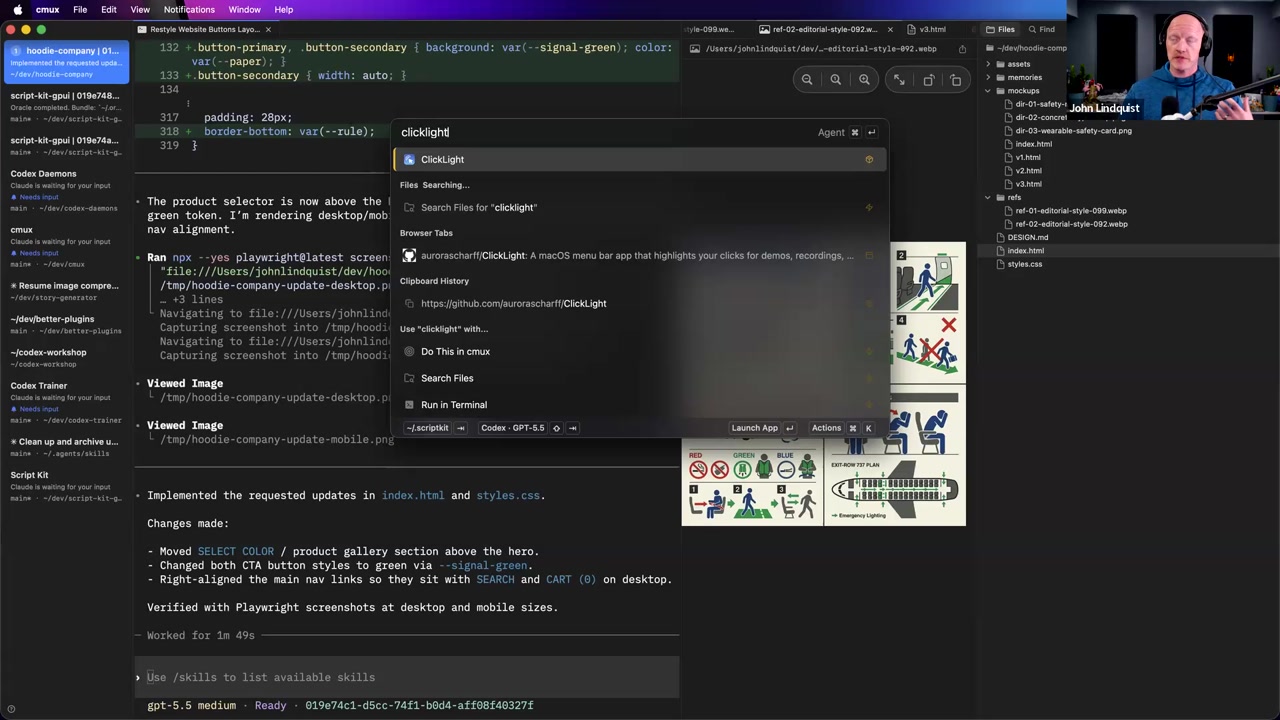
github.com/aurorascharff/ClickLightA desktop overlay tool John briefly demonstrated for showing clicks, cursor actions, drawings, and keyboard shortcuts during screen shares.
Reach for it when Use it when recording or presenting a workflow where viewers need to see what you clicked or typed. It was a supporting presentation tool in this section, not the core QA technique.
CleanShot
🔍 CleanShot screen recording appA screenshot and screen recording tool John used to capture a quick narrated UI-change video.
Reach for it when Reach for it, or any similar screen recorder, when a visual change is easier to show and narrate than to describe in text.
Gemini video prompting
🔍 Gemini video understanding prompt screen recording instructionsJohn used Gemini for video understanding by dropping in a screen recording and asking it to convert the interaction into AI instructions.
Reach for it when Use it when your intended change is easier to communicate through a narrated screen recording, especially for visual layout work.
Tailscale
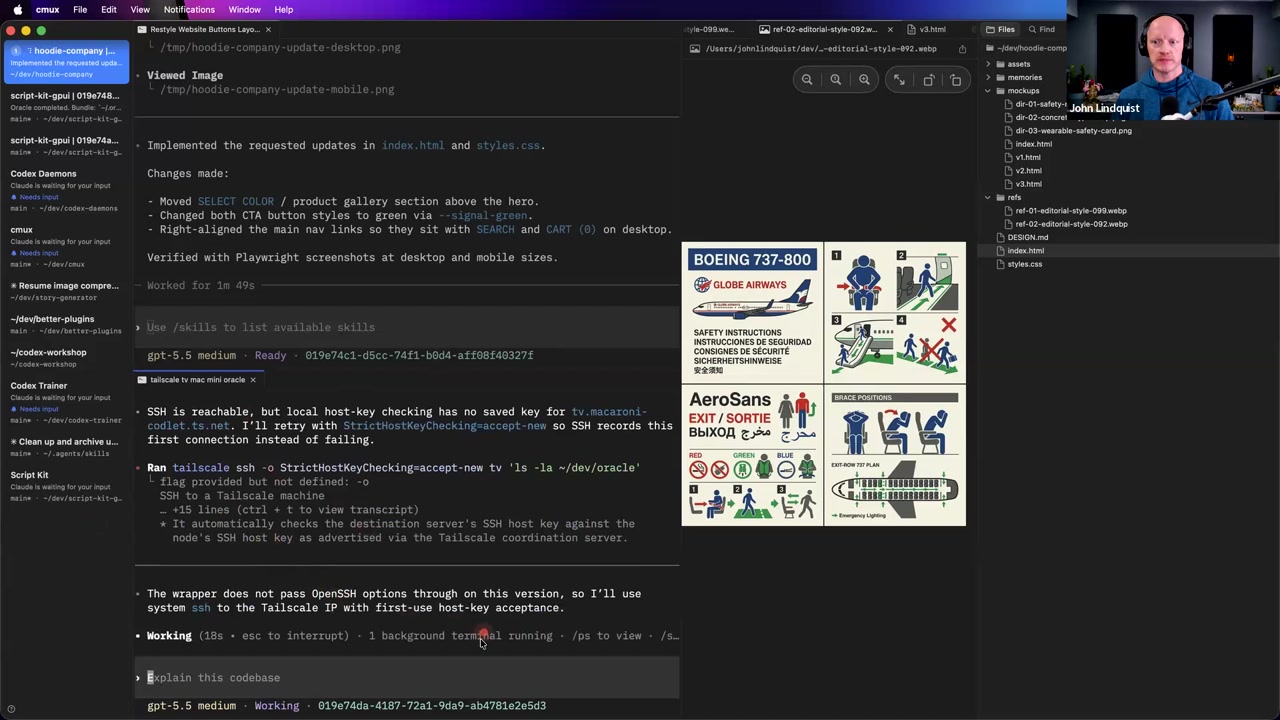
tailscale.comA mesh networking tool John used to connect to another Mac and SSH into it from his local workflow.
Reach for it when Use it when you need private remote machine access from your local agent or terminal workflow without exposing services broadly.
Karabiner-Elements
🔍 Karabiner-Elements macOS keyboard customizerA macOS keyboard customization tool John used as part of a global shortcut workflow that opened an editor/search overlay in the context of the active terminal.
Reach for it when Reach for it when you want app-global shortcuts that can trigger workspace-aware scripts or tools from wherever you are focused.
CMUX inspect
🔍 CMUX inspect focused pane current working directoryA CMUX inspection pattern John described as returning an object for the multiplexer state, including the focused pane and current working directory.
Reach for it when Reach for this pattern when you want shortcuts or agents to act on the exact terminal pane and project you are currently focused on.
Recommendations & best practices
- Create separate research or QA prompts for expert, new-user, power-user, and inexperienced-user perspectives instead of asking one generic agent to cover everything.
- Write QA files as disposable numbered assignments, not permanent monuments; keep them cheap enough that you are willing to delete and regenerate them.
- Tell agents to explore non-obvious paths explicitly: find buttons, try shortcuts, press back after navigation, change modes, and look for state that stays open unexpectedly.
- Keep rigorous tests for stable business logic and locked-down parts of the system; avoid over-testing UI areas you still expect to reshape frequently.
- Use browser-driving tools when the task needs real clicking, DOM inspection, or performance/devtools signals rather than code inspection alone.
- When a UI change is easier to show than write, record a short narrated screen video and ask a multimodal model to turn it into implementation instructions.
- Watch disk usage when running many agents or worktrees on compiled projects; build artifacts such as Rust target directories can balloon fast.
- For performance-sensitive apps, have QA agents capture memory, performance, API-call, refresh, and latency signals while they walk through the app if your tooling supports it.
Make it stick
Practice using agents as cheap, perspective-driven explorers so you can find UI blind spots without turning every fast-changing experiment into permanent test infrastructure.
🧩 Quick quiz
1. Why does perspective-based prompting usually produce better QA findings than asking one generic agent to test the app?
2. What makes a discardable QA file useful in this lesson's workflow?
3. Which instruction best matches the 100 Monkeys technique?
4. Why is exposing CMUX state as an object powerful for a Codex-style workflow?
5. What is the safest way to apply the video-to-instructions workflow from the lesson?
✅ Try it yourself
🚀 Challenges
Four-Lens QA Pass
EasyChoose one UI flow and create discardable QA prompts for expert, new-user, inexperienced-user, and power-user perspectives. Run an agent pass for each perspective and compare what each one notices.
Done when: You have at least one finding or observation that appears in only one perspective's output, showing that the lens changed the exploration.
Mini 100 Monkeys Run
MediumWrite a numbered QA assignment that tells agents to explore non-obvious behavior: find buttons, try shortcuts, use back navigation, move through partial flows, change modes, and look for state that stays open unexpectedly.
Done when: You end with notes about any surprising paths, stuck states, mode issues, or confirmation that the non-happy-path pass did not reveal a useful issue.
Video Intent to Instructions
MediumRecord a short screen video of a UI you want changed while narrating what should change visually, such as button styling, section order, or header placement. Feed it to a multimodal model and ask for implementation instructions, then review the useful parts before turning them into an agent prompt.
Done when: The resulting prompt contains concrete visual changes and references to the relevant UI elements without requiring another person to watch the video.
Single-Branch Agent Coordination With Safeguards
HardPrototype a single-branch multi-agent workflow for one feature: ask a manager agent to assign bounded parallel tasks, keep the agents in the same project instead of adding worktrees by default, and add a simple disk-usage check for large generated build artifacts.
Done when: You can run exploratory agent work without unnecessary worktree overhead, with clear task boundaries and a visible safeguard against runaway build artifacts.
💭 Reflect
- Where are you currently over-testing a fast-changing UI when a discardable QA file would give you faster learning?
- Which user perspective is most underrepresented in your current development process, and what would that person probably try that you would not?
- What parts of your local workflow could become automation surfaces if your focused pane and working directory were available as structured state?
Go deeper
- Build a four-perspective prompt matrix for one feature and compare what each persona notices that the others miss.
- Create a throwaway QA file with numbered non-obvious path tasks and run agent passes against the same UI.
- Prototype a video-to-instructions loop: record 30 seconds of pointing and narration, then ask a multimodal model for junior-developer implementation steps.
- Add lightweight performance logging to QA runs so agents capture memory, API calls, refreshes, and latency while they explore.
- Experiment with a single-branch multi-agent workflow before adding worktrees, and only add worktrees when isolation clearly beats the coordination overhead.
Moments worth pausing on
Screens captured from this part of the workshop — click any to open full size.