Command Your Terminal Like an Orchestra
Run a manager agent that spins up worker panes from plain English.
What you'll learn
- Adopt an agent-first mindset and the manager-worker topology
- Drive CMUX terminal layouts with natural language
- Set up AFK automation loops that keep working while you don't
In a nutshell
This lesson is about shifting from manually babysitting one terminal to using CMUX as an agent-first terminal workspace. John shows that agents can read CMUX's command surface, open and arrange panes from natural language, name tabs, resume old conversations from the Vault, jump to panes with unread activity, and inspect what other panes have said or done. He also describes his preferred manager-worker pattern: he talks mostly to one Manager pane, and that pane can open or check worker panes.
Key concepts, explained
Agent-first tooling
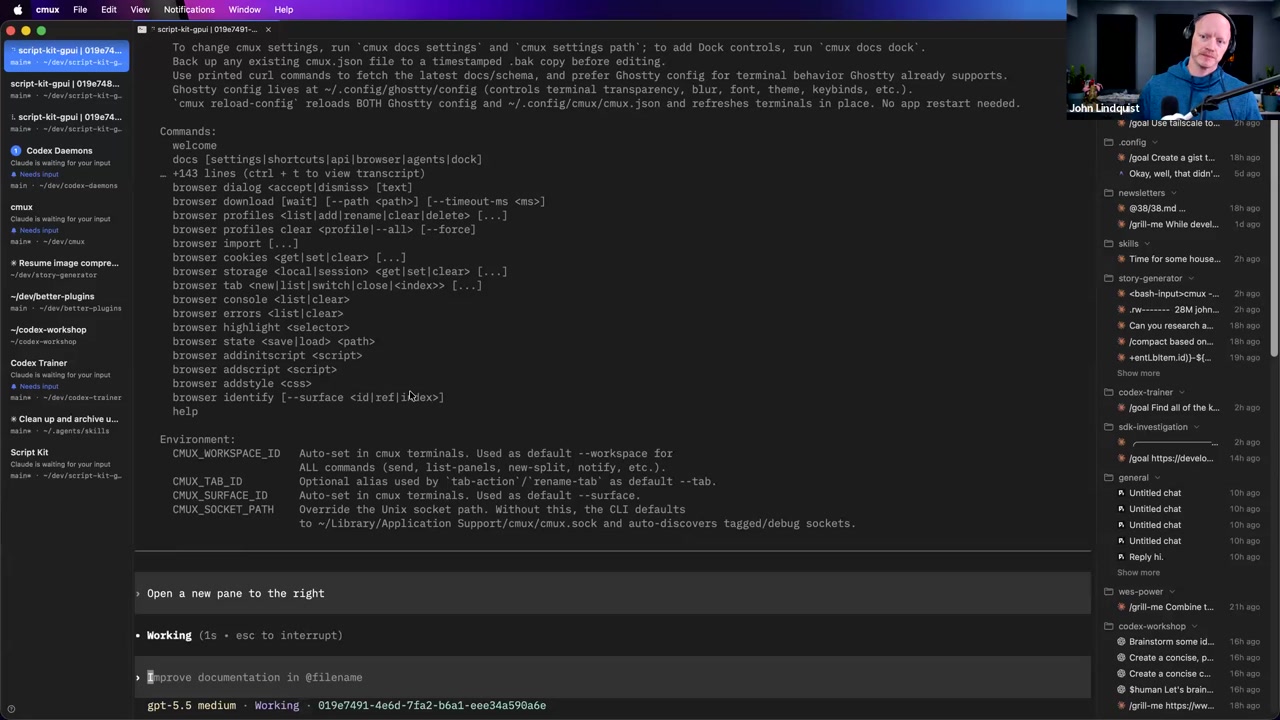
John frames modern dev tools around whether they are open source and agent-first: tools with CLIs, APIs, or other surfaces agents can interact with and control. His point is that you no longer need to personally memorize every flag or shortcut when the agent can inspect the interface and use it.
Why it matters Agent-first tools let your instructions turn into real tool actions: opening panes, running commands, checking status, or operating a CLI. Tools without programmable surfaces put more mechanical work back on the human.
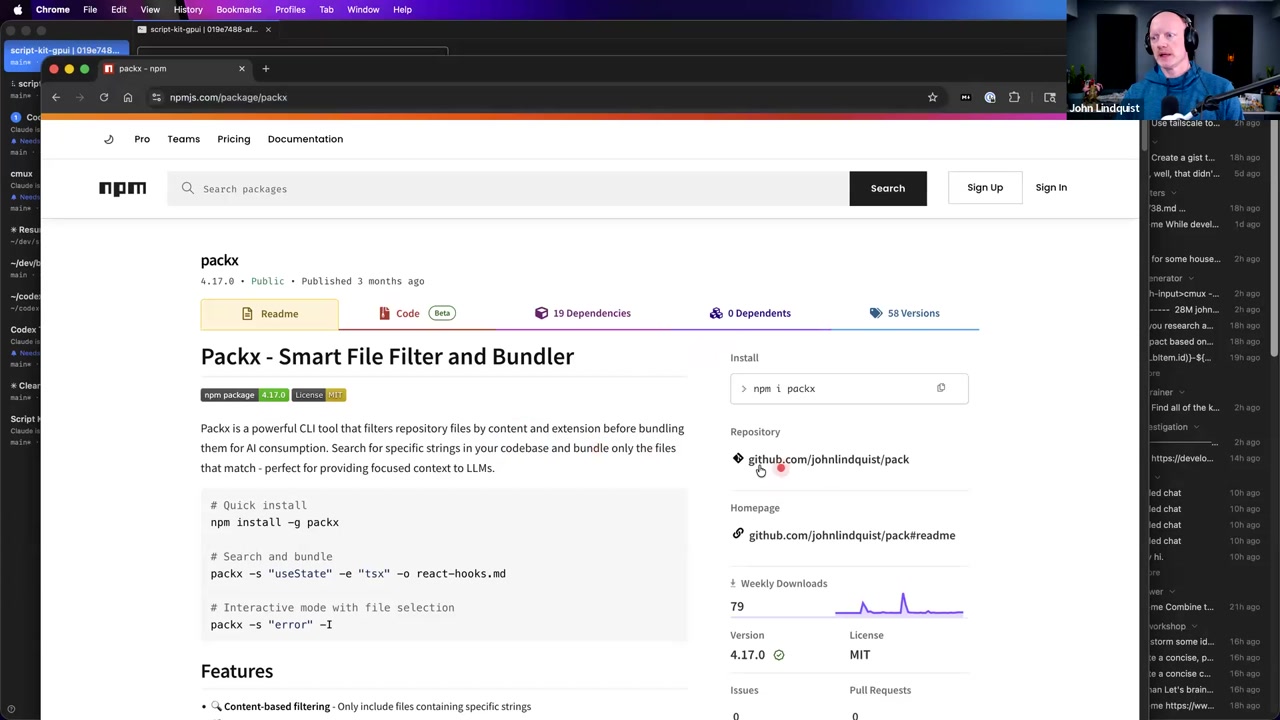
PackX for file collation
John shows PackX, a tool he built to collate a bunch of files into a single file. He explains that it supports file globs, patterns, and options, and that he typically lets the agent learn and use the CLI flags instead of using the tool manually.
Why it matters It is an example of agent-first thinking: give the agent a useful CLI tool and let it handle the exact flags and patterns needed for the current context.
Natural language terminal orchestration
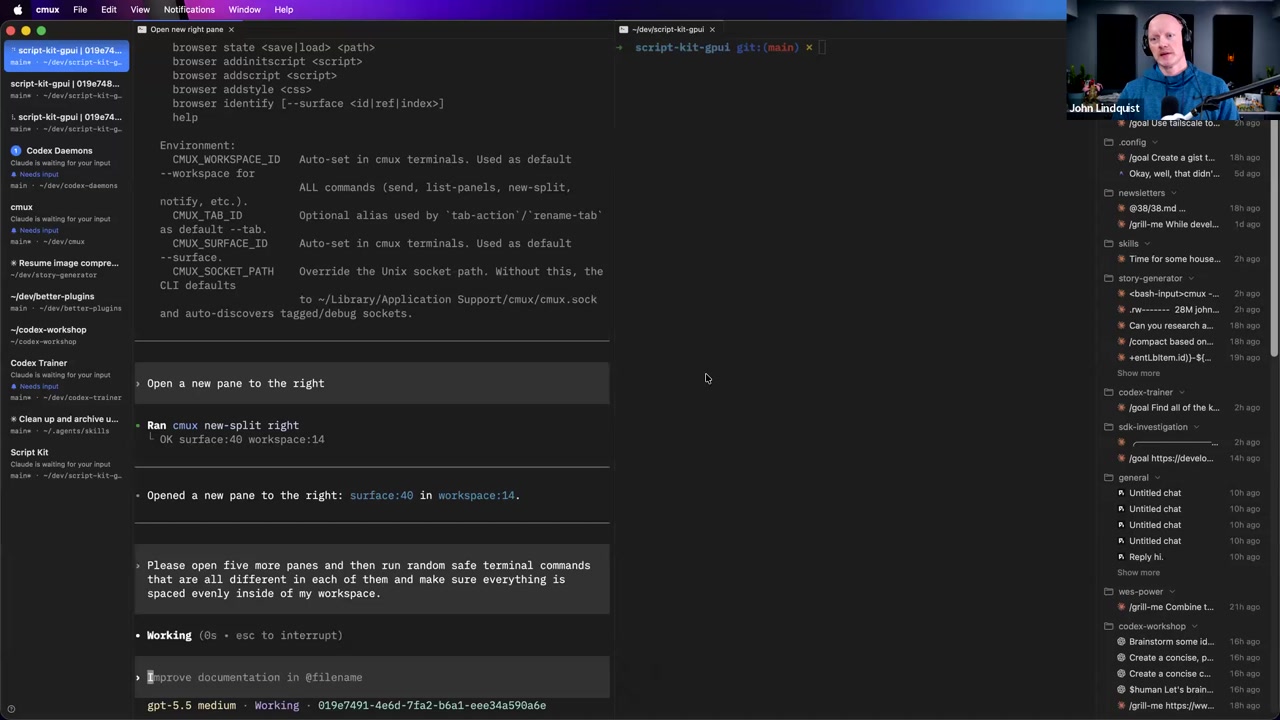
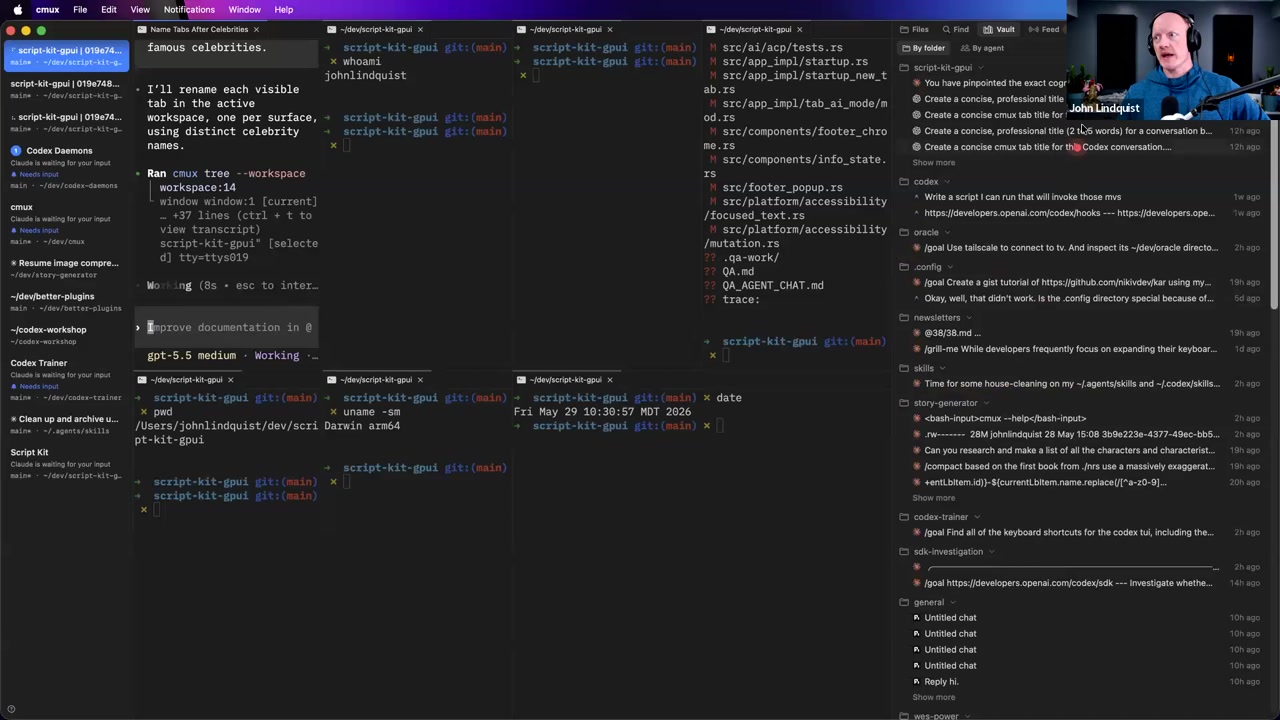
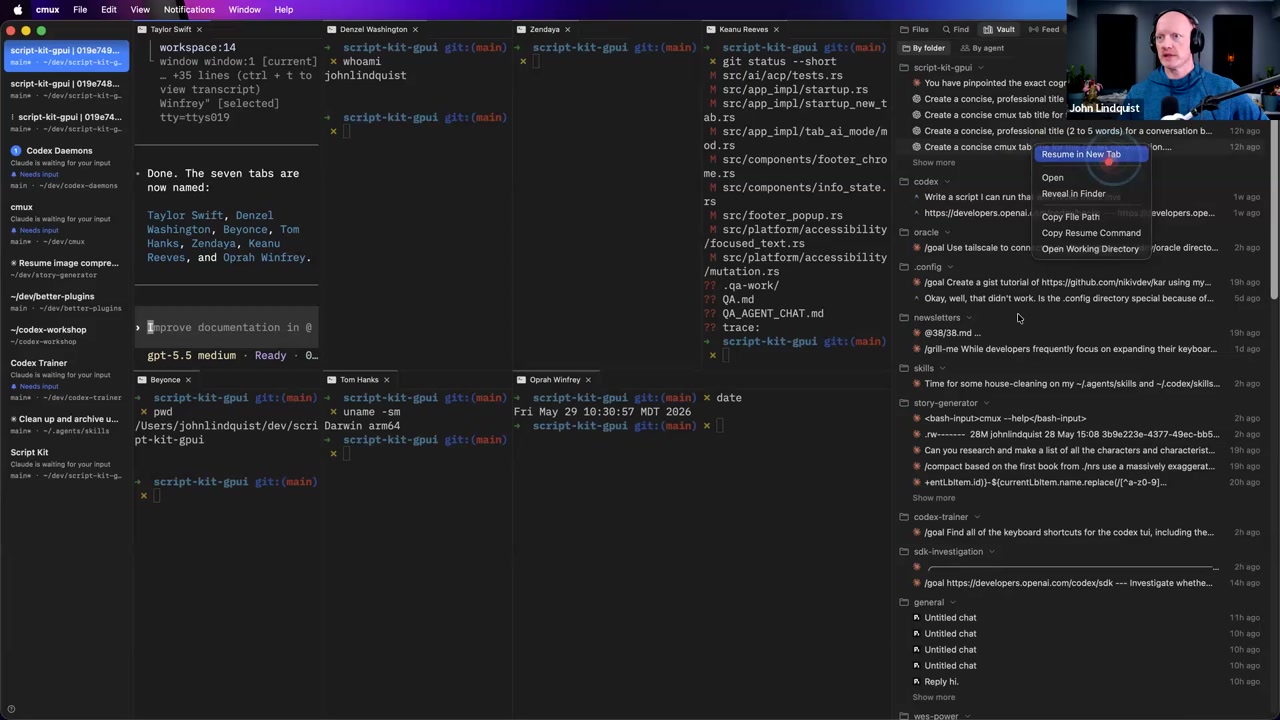
John demonstrates asking CMUX to open a new pane to the right, then asking it to open five more panes, run different safe commands in them, and space everything evenly. The agent uses the CMUX CLI surface to translate natural language into layout and terminal actions.
Why it matters This makes the terminal workspace programmable. You can describe the workspace you need instead of manually arranging panes and remembering multiplexer commands.
Vault and resumed conversations
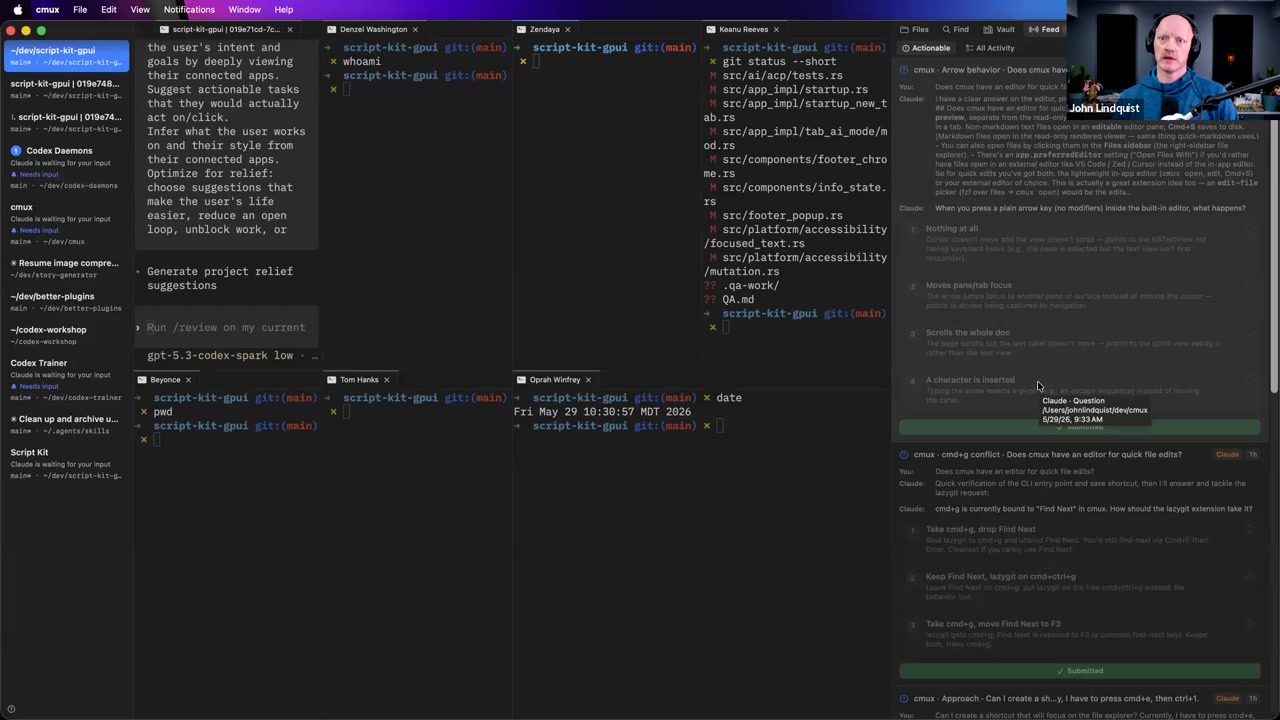
John demonstrates the CMUX right sidebar with Files, Find, and Vault. In the Vault, he can look through past conversations and resume one in a new tab, though he notes the feature is still in development and search is not great yet.
Why it matters Resuming old context is useful when you lose or want to continue a previous conversation without manually reconstructing what happened.
Unread notification jumping
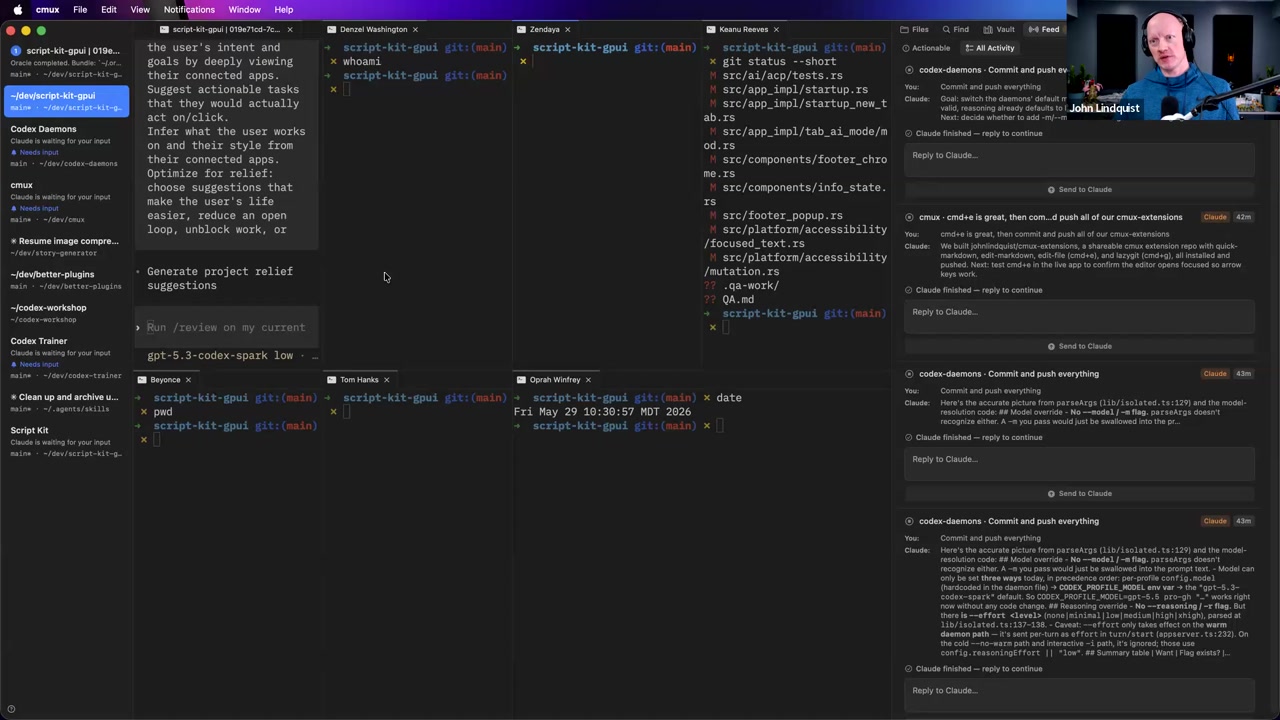
John shows that CMUX can surface notifications from sessions and that Cmd+Shift+U jumps to unread activity. He uses it to jump to a pane where a session had stopped.
Why it matters When many sessions are running, jumping to the pane that needs attention is faster than manually scanning every pane.
Cross-pane context reading
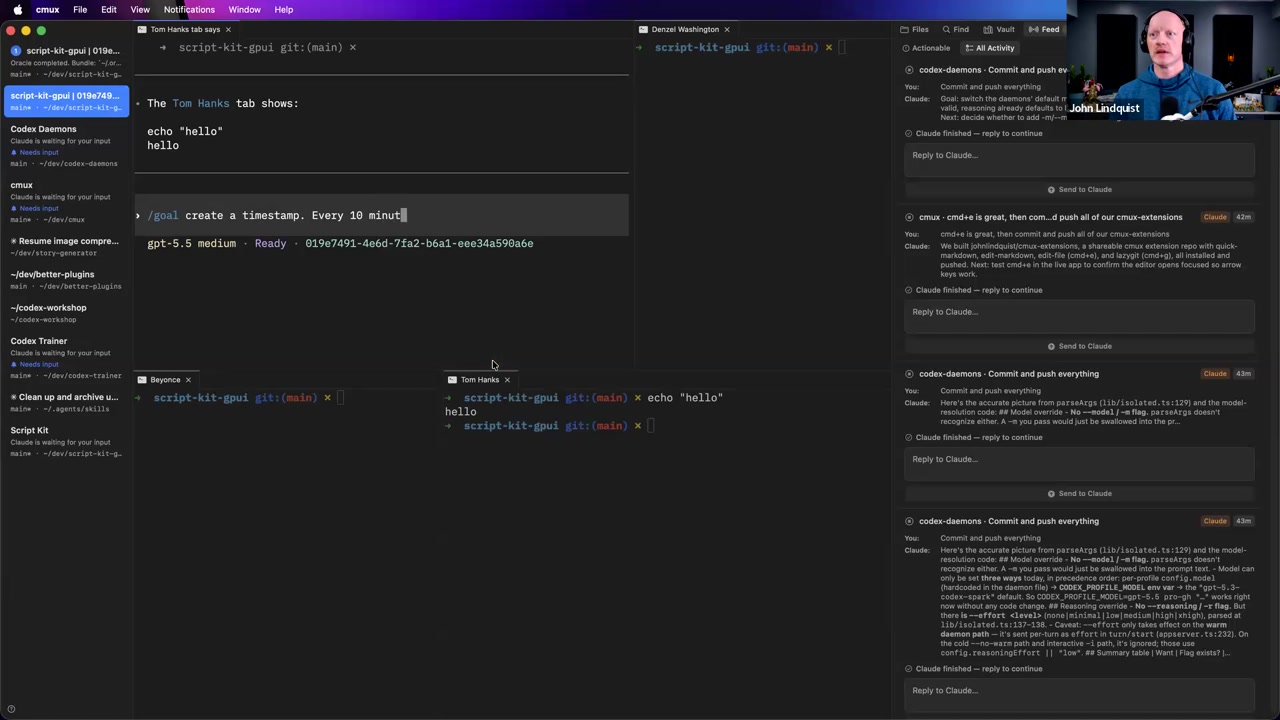
John demonstrates that CMUX can read the contents of other tabs or panes by echoing text in one tab and asking another what that tab said. He explains that agents can check other panes, workspaces, recent commands, Git actions, and signs that something needs attention.
Why it matters This is what makes multiple panes more than just visual clutter. A main or sibling agent can inspect what is happening elsewhere and summarize it for you.
Manager-worker topology
John describes treating himself as the CEO, one pane as the Manager, and other panes as workers. He tries to talk mainly to the Manager, which can open panes and send workers to investigate, research, or do other tasks.
Why it matters A manager pane keeps the human interaction surface smaller while still letting several agents or terminal sessions do work in parallel.
AFK goal loops
John gives an example goal where an agent creates a timestamp, checks other panes every 10 minutes to make sure they are completing their goals, picks the best answer if a pane is blocked by a question, and continues until four hours after the original timestamp. He describes this as an AFK approach where he can set it and walk away.
Why it matters Periodic check-ins can keep multiple running sessions moving, but John also says the upfront planning for parallel work is still something to be actively involved in.
Curated references
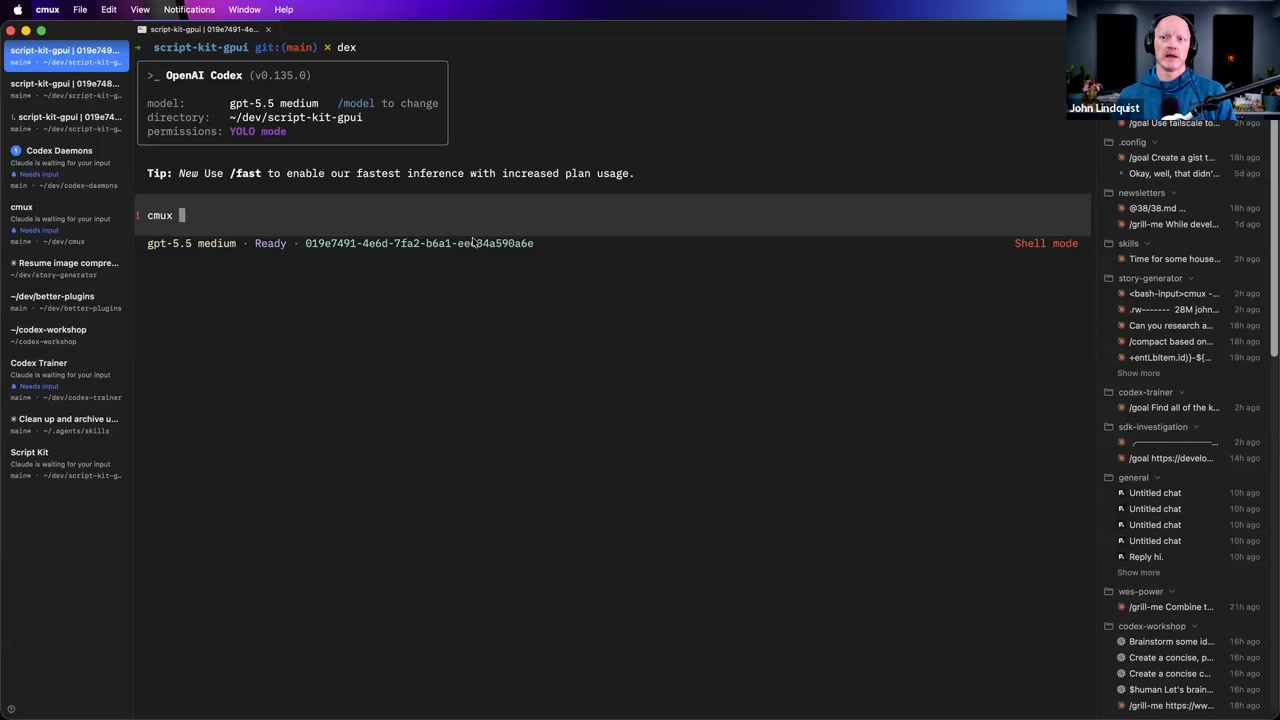
CMUX
cmux.com/An open-source, agent-first terminal workspace John uses to let agents control panes, tabs, workspaces, notifications, and terminal activity through a CLI-driven surface.
Reach for it when Use it when you want local agent-driven terminal orchestration: opening panes, arranging layouts, naming tabs, resuming old conversations, jumping to unread sessions, and checking what other panes are doing.
John's file collation utility for packing selected files, globs, and patterns into a single file.
Reach for it when Use it when an agent needs to gather a set of files into one context bundle and you would rather have the agent handle the CLI flags and patterns.
tmux
🔍 tmux terminal multiplexer remote sessionsThe classic terminal multiplexer that came up when a participant asked whether CMUX is worth trying for someone heavily invested in tmux.
Reach for it when Keep tmux in mind if remote session behavior is central to your workflow; John said CMUX does not have all the remote session features he associates with tmux, while his own work is mostly local.
Claude Code scheduling
🔍 Claude Code scheduled tasksJohn mentioned that Claude Code has a scheduling or cron-like feature he wishes Codex had more directly.
Reach for it when Think of this as context for the AFK check-in idea, not as a taught setup path in this lesson.
Codex Mobile
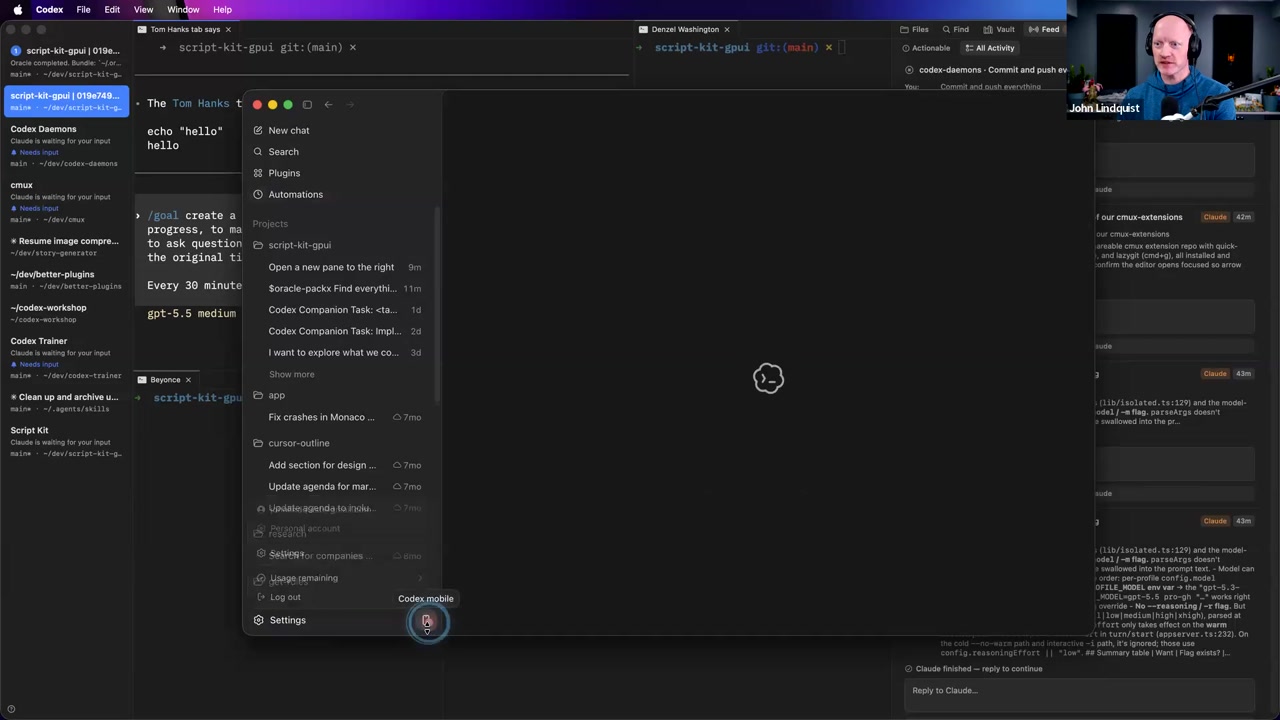
🔍 Codex Mobile appJohn briefly shows the Codex app setting for Codex Mobile and says recent changes let phone control work with sessions started in CMUX as long as the app is open.
Reach for it when Use it for lightweight control or check-ins from a phone, while recognizing this section only briefly demonstrates where the feature lives and what it enables.
Recommendations & best practices
- Choose tools that are open source and agent-first, meaning agents can control them through CLIs, APIs, or similar programmable surfaces.
- Let agents handle CLI flags and command details when the tool surface is discoverable, as John does with PackX and CMUX.
- Use natural language CMUX commands to create panes, arrange the workspace, name tabs, and run safe commands.
- Prefer panes over tab groups when you want visible parallel work, because John says tab groups are easy to lose track of.
- Use the CMUX Vault to resume old conversations, but remember John called the feature still in development and said its search is not great yet.
- Use Cmd+Shift+U to jump to unread activity when a running session stops or needs attention.
- For multi-agent work, try a Manager pane that you talk to directly, while worker panes handle investigations, research, or other delegated tasks.
- For AFK-style work, use a clear interval and stop condition, and stay actively involved in the upfront planning before parallelizing work.
Make it stick
Practice using CMUX as an agent-controlled terminal workspace: natural language pane control, visible parallel sessions, a manager pane, and periodic check-ins.
🧩 Quick quiz
1. What does John mean by agent-first tooling in this lesson?
2. What did John demonstrate with CMUX natural language commands?
3. What is the role of the Vault feature John showed?
4. In John's manager-worker pattern, what does he try to do?
5. Why is cross-pane reading useful in CMUX?
6. What was John's AFK-style example?
✅ Try it yourself
🚀 Challenges
Natural Language Pane Warmup
EasyIn CMUX, ask the agent to open a new pane to the right. Then ask it to open several more panes, run different safe terminal commands in them, and space the layout evenly.
Done when: The workspace contains multiple visible panes, each running a harmless command, without you manually arranging every split.
Vault and Unread Navigation Drill
EasyOpen the right sidebar, find the Vault, and resume a previous conversation in a new tab if one is available. Then use the unread-jump workflow to move to a pane that has activity needing attention.
Done when: You can explain how to open the sidebar, where the Vault lives, and how Cmd+Shift+U helps you jump to unread activity.
Manager Checks the Room
MediumCreate one Manager pane and at least one Worker pane. Have the Worker run a safe command such as echo, pwd, or git status. Then ask the Manager to inspect the Worker pane and summarize what it sees.
Done when: The Manager correctly identifies what happened in the Worker pane and does not invent output that is not visible.
Small AFK Check-In Goal
HardWrite a bounded goal for a Manager pane that creates a timestamp, checks other panes at a fixed interval, reports progress, and stops after a defined time window.
Done when: The goal includes an interval, a clear stop condition, and a reporting instruction, matching the AFK-style pattern John described.
💭 Reflect
- Which tools in your workflow are agent-first because they expose useful CLIs or APIs?
- Where would visible panes help you keep track of parallel work better than hidden tab groups?
- What work would you route through a Manager pane, and what work would you still handle directly?
- What kind of AFK check-in loop would be useful without replacing the upfront planning you still need to do yourself?
Go deeper
- Practice opening and arranging CMUX panes with natural language commands such as opening a pane to the right or creating several evenly spaced panes.
- Try naming tabs with a natural language request, then search for or close specific named tabs.
- Use the Vault sidebar to find a past conversation and resume it in a new tab.
- Create a simple manager-worker setup: one Manager pane and one or two worker panes, then ask the Manager to check what the workers have done.
- Draft a small AFK-style goal that checks other panes at a fixed interval, reports progress, and stops after a defined amount of time.
Moments worth pausing on
Screens captured from this part of the workshop — click any to open full size.